8 | P a g e
CONNECTIONS
a) Input
Ensure that voltage, phase, frequency and capacity of the input power meet the calibrated values
marked on the machine nameplate.
Input wiring box should be over-current protected.
The enclosure must be earthed with the grounding bolt at the lower left corner of the rear panel of
the welding machine and market with symbol.
b) Output
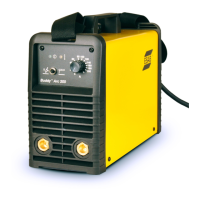
The positive and negative terminals of output circuit are at the bottom of the front panel, marked
with “+” and “-”.
Connect and rotate to tightened output cable from the “+” terminal to the positive OKC quick
connector at one end and the electrode holder at the other.
Connect and rotate to tightened output cable from the “-” terminal to the negative OKC quick
connector at one end and the work piece at the other.
WELDING OPERATIONS
Switch on the power switch at the rear panel of the machine. After switching on the machine, the
power indicator on the front panel will be lighted, the fan starts running and voltage is available at
the output terminal.
The welding current can be set continuously from minimum to maximum value by turning the
welding current knob on the front panel.
When the power switch at the rear panel is turned off, machine is shut off and power indicator light
is off, Fan stops rotating.
The droplet transfer property of the welding could be improved through adjusting the ARC FORCE
knob.




 To Next Page