EasyManua.ls Logo

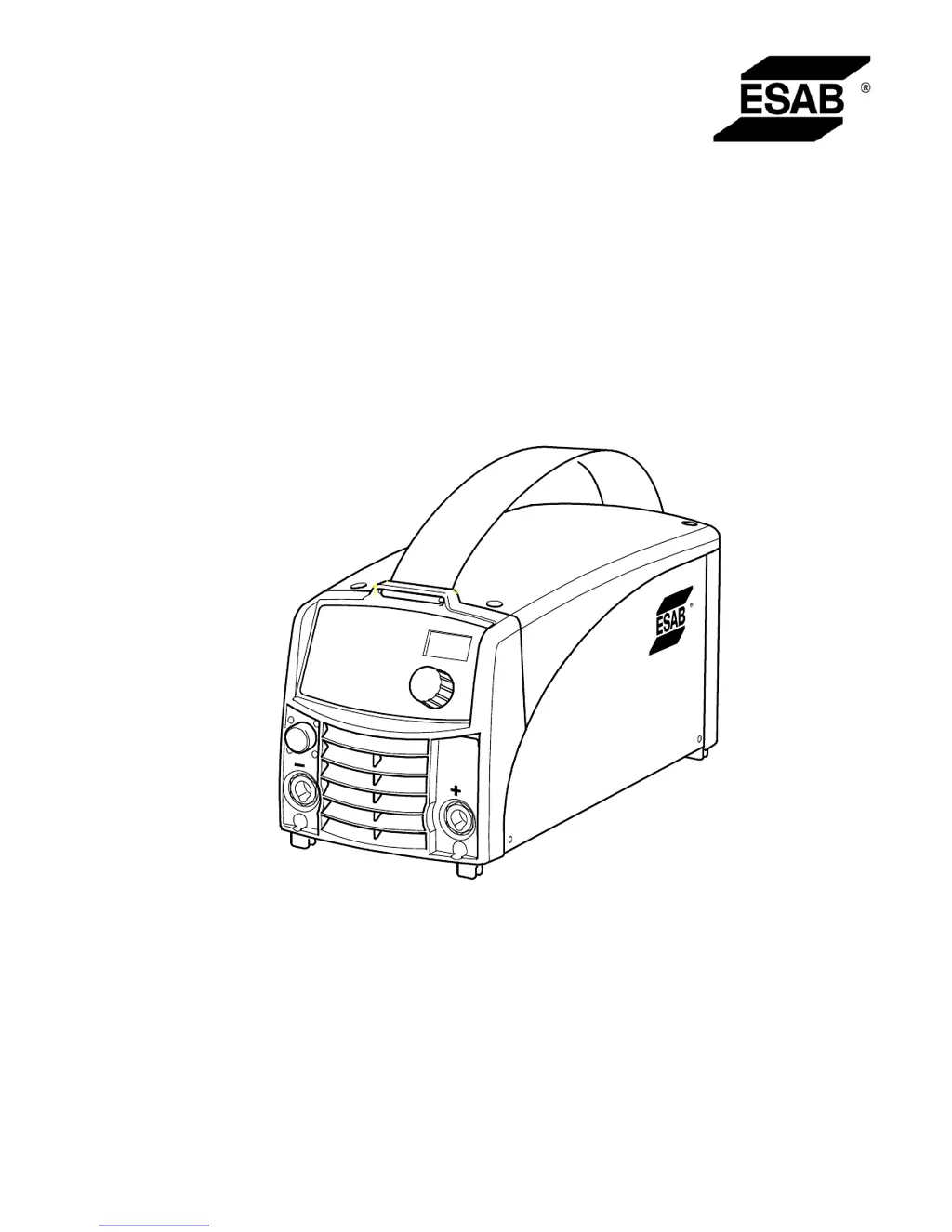
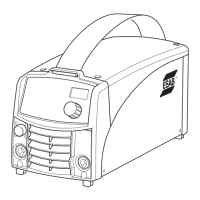
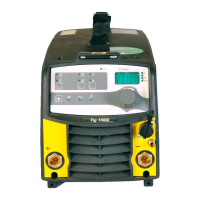
ESAB Caddy Arc 251i - User Manual

ESAB Caddy Arc 251i
28 pages
Print Icon
To Next Page IconTo Next Page
Loading...
Valid for serial no. 810--xxx--xxxx0460 324 001 081008
Caddyt
Arc 251i
Instruction manual Èíñòðóêöèÿ ïî ýêñïëóàòàöèè

Questions and Answers

  • I
    ituckerAug 1, 2025
    How to troubleshoot no arc on ESAB Caddy Arc 251i?
    • M
      munozduaneAug 1, 2025
      To troubleshoot a 'no arc' situation with your ESAB Welding System, first, ensure the mains power supply switch is turned on. Next, verify that the welding current supply and return cables are correctly connected. Also, confirm that the correct current value is set. Finally, check the mains power supply fuses.
  • P
    Peter MorganAug 9, 2025
    What to do if ESAB Caddy Arc 251i has poor welding performance?
    • A
      April MillerAug 9, 2025
      If you're experiencing poor welding performance with your ESAB Welding System, check the following: * Ensure the welding current supply and return cables are correctly connected. * Verify that the correct current value is set. * Confirm that the correct electrodes are being used.
  • E
    Erin SmithAug 16, 2025
    Why welding current is interrupted during welding with ESAB Caddy Arc 251i?
    • A
      acalhounAug 16, 2025
      If the welding current is interrupted during welding with your ESAB Welding System, check if the thermal overload protections have tripped (look for a fault code on the control panel). Also, inspect the mains power supply fuses.
  • H
    Heather SmithAug 25, 2025
    What causes thermal overload protection to trip frequently on ESAB Welding System?
    • B
      Brian FarleyAug 25, 2025
      If the thermal overload protection trips frequently on your ESAB Welding System, it may be due to overloading the unit. Ensure that you are not exceeding the rated data for the welding power source. Also, check that the welding power source is not clogged with dirt.

Summary

Directive

Safety

Introduction

Equipment

List of items included with the welding power source.

Control Panel A32, A34

Description of the A32 and A34 control panel functions.

Technical Data

Installation

Location

Placement guidelines for the power source to ensure proper cooling.

Mains Supply

Requirements for connecting the power source to the mains supply.

Mains Power Supply

Details on voltage, fuses, and protective earth connection.

Operation

Connections and Control Devices

Overview of power switch, output terminals, and remote control interface.

Connection of Welding and Return Cable

Procedure for connecting welding and return cables based on electrode polarity.

TIG Welding

Essential accessories needed for TIG welding operations.

Overheating Protection

Mechanism of the overheating protection and fault code display.

Maintenance

Power Source

Guidelines for regular inspection and cleaning of the power source.

Welding Torch

Procedure for maintaining the welding torch's wear parts.

Fault-Tracing

Ordering Spare Parts

Diagram

Ordering Number

Accessories

ESAB Caddy Arc 251i Specifications

General IconGeneral
Input Voltage230 V
Output Current Range10 - 250 A
Mains Voltage230 V
Frequency50/60 Hz
Setting Range (MMA)10 - 250 A
Setting Range (TIG)10 - 250 A
Enclosure ClassIP23
Welding ProcessesMMA, TIG
Input Phase1-phase

Related product manuals