5
B BASIC OPERATION
B1
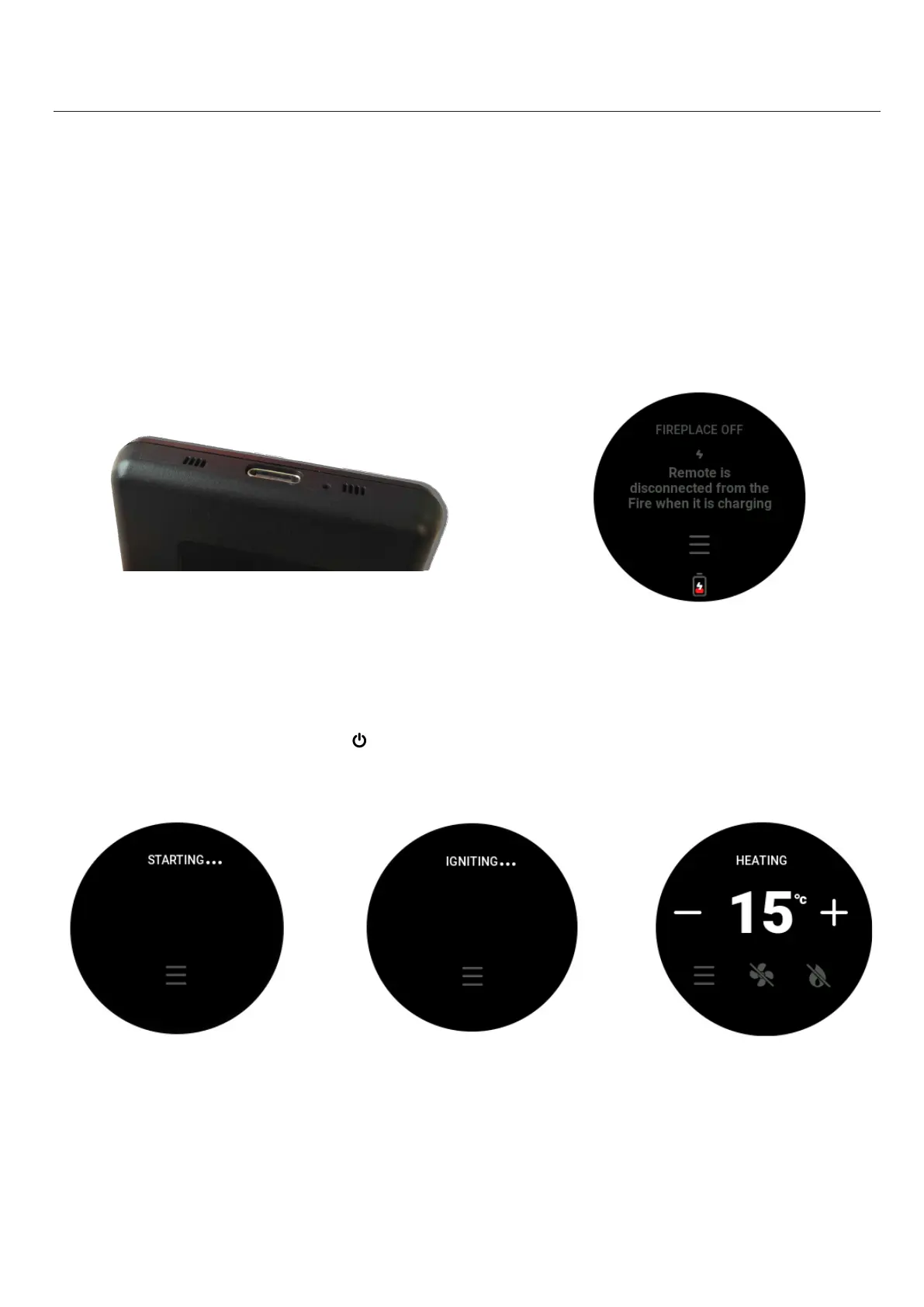
The remote arrives in a locked shipping state. To unlock it, please plug it into power via the USB-C port for 1
second.
Note: The remote does not come with a charging cable.
B2 Charging the Remote
Charge the remote through the USB-C port in the boom of the remote using a USB-C cable. The remote can’t
be used while it is charging. The baery icon will “ll up” and turn green once it is fully charged.
B3
To turn the re on, press the “POWER” ( ) buon once, and within a few seconds the appliance will begin its
startup sequence.
Note: Before starng up, the appliance has a 15 to 30-second pre-ignion purge. During this me, a fan runs
by itself before aempng to ignite. A visual indicator on the top of the remote screen shows which part of the
startup process the appliance is in (see above).



 To Next Page