6
B4
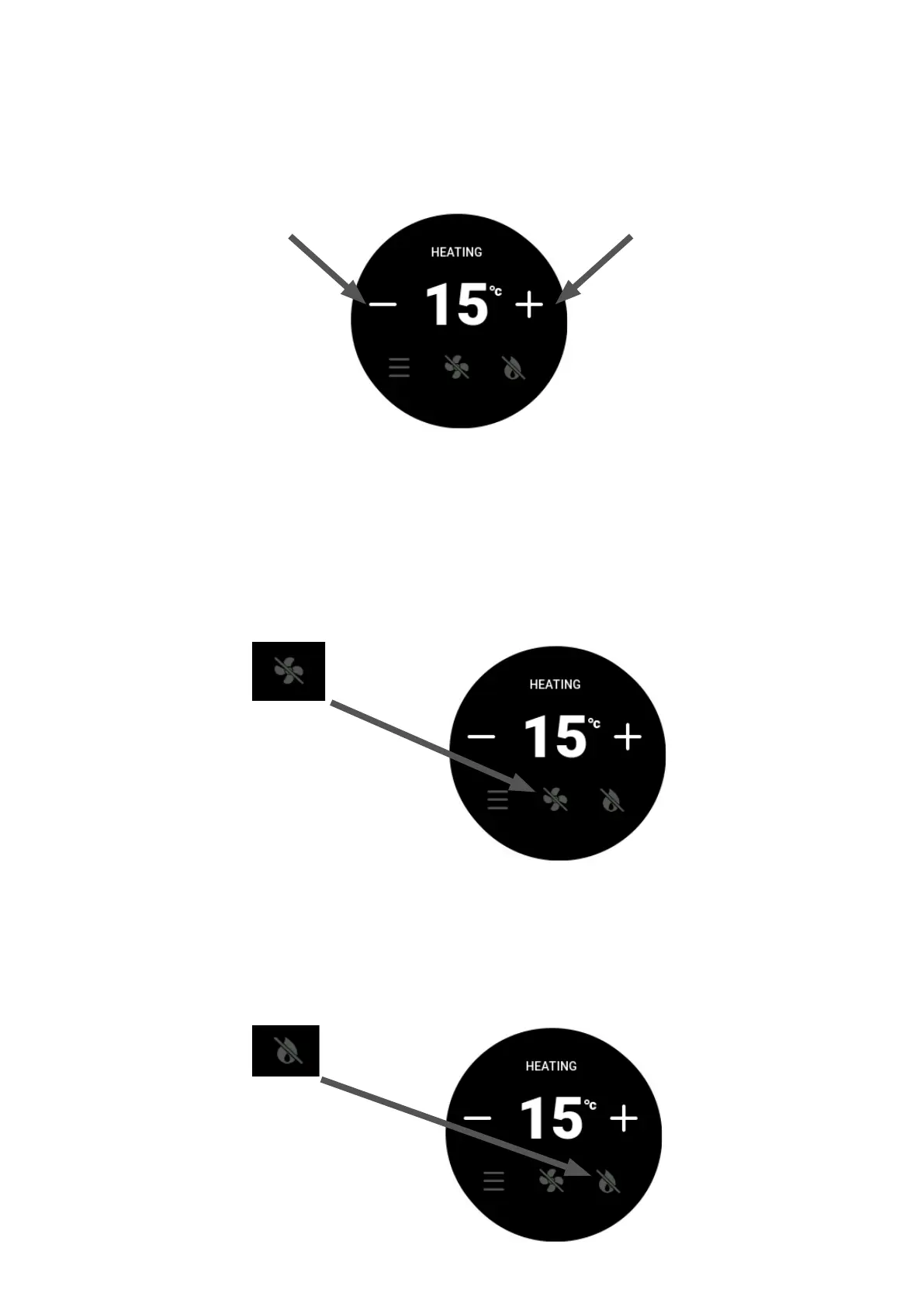
To set the room temperature, press the plus (+) or minus (-) symbols repeatedly unl the display is showing the
desired temperature.
B5 Fan Boost
The re has four FAN SPEED sengs. The rst low fan speed will run automacally on start-up. The second and
third fan speed will automacally switch on or o with the increase or decrease of the set temperature, and the
forth fan speed is an oponal FAN BOOST speed, which can be accessed on your remote menu screen. Pressing
the FAN BOOST toggle buon will increase the fan speed to its maximum and help transfer the maximum
amount hot air form the re into the room. When this mode is not on, the re will sll use fan speeds one, two,
and three.
B6
Pressing the FLAME EFFECT symbol will run the replace on its lowest seng. The replace will sll produce
some amount of heat in this seng and the room fan will connue to operate.





 To Next Page