www.escene.cn/en/
Escene Communication
Advanced
ITEM DESCRIPTION
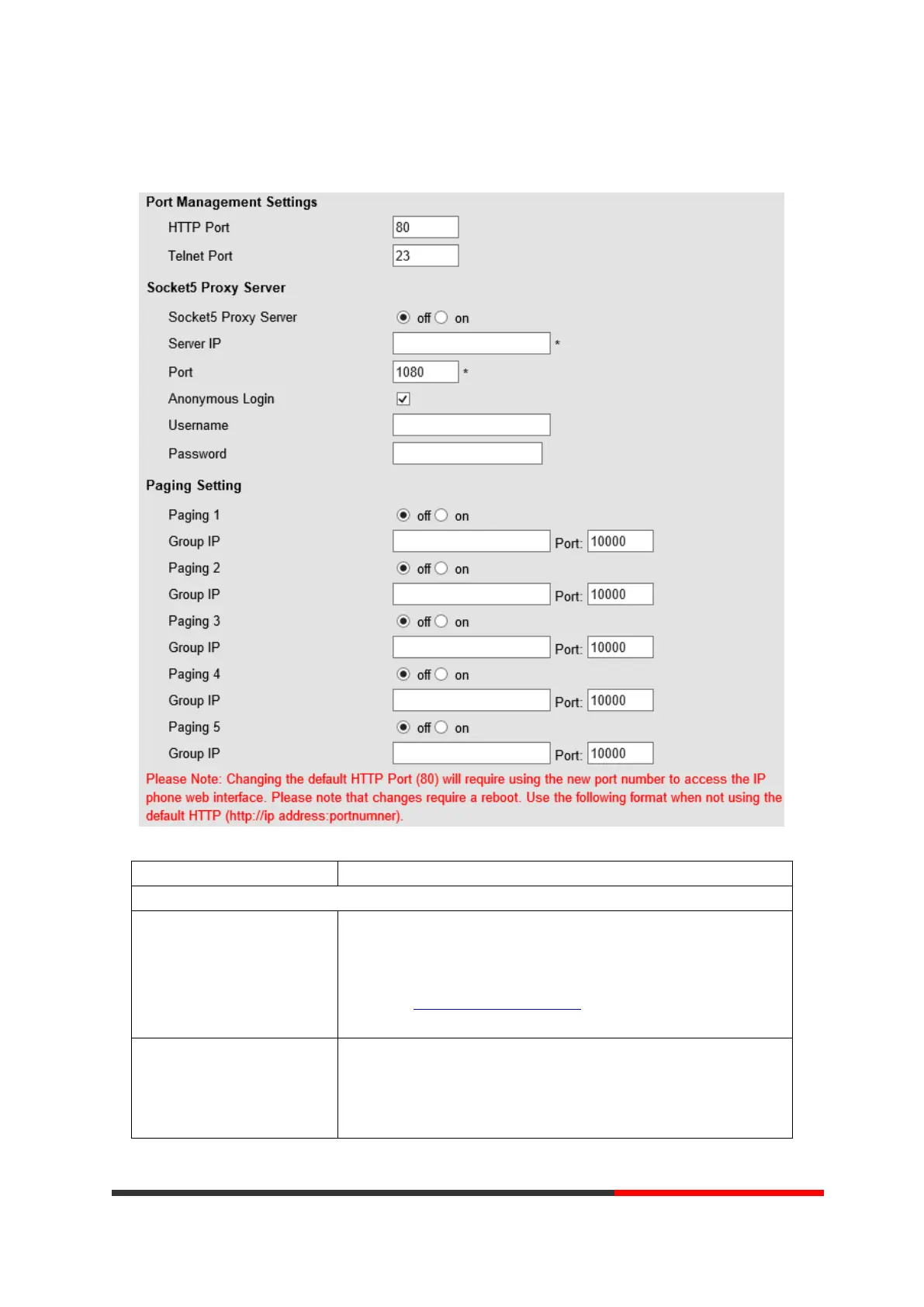
Port Management Settings
HTTP Port The default web port is 80,if you want to change it(for example
change it to88),
You must input IP and Web port to login the web page(for
example HTTP://192.168.0.200:88
). It will take effect on next
reboot.
Telnet Port The default Telnet port is 23,if you want to change it(for example
change it to 2003). You must input IP and Telnet port to login the
manage page (for example telnet 192.168.0.200:2003).It will take
effect on next reboot.



 To Next Page