www.escene.cn/en/
Escene Communication
6.6 Dial Plan
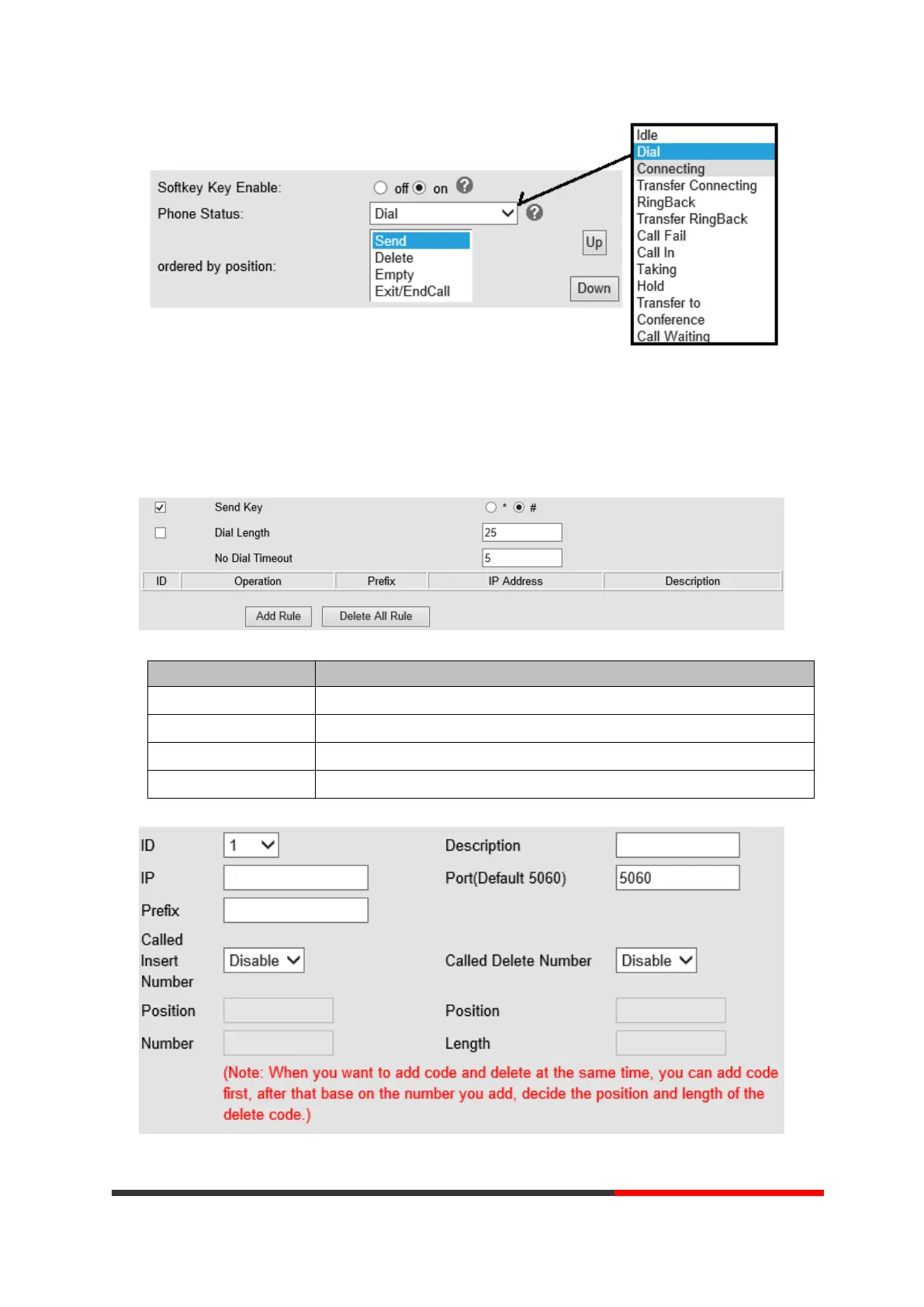
If you want to setup a dial plan, you can click "Dial Plan"
Send Key Select the default send key mode you want to use.
Dial Length Enable this feature will limit the dial length. Default is 25.
No Dial Timeout Setting the range with no dial timeout, default is 5.
Dial Rule Select the Add Rule button to add dial rule, pls see as below detail.



 To Next Page