www.escene.cn/en/
Escene Communication
4.1.3 Advanced
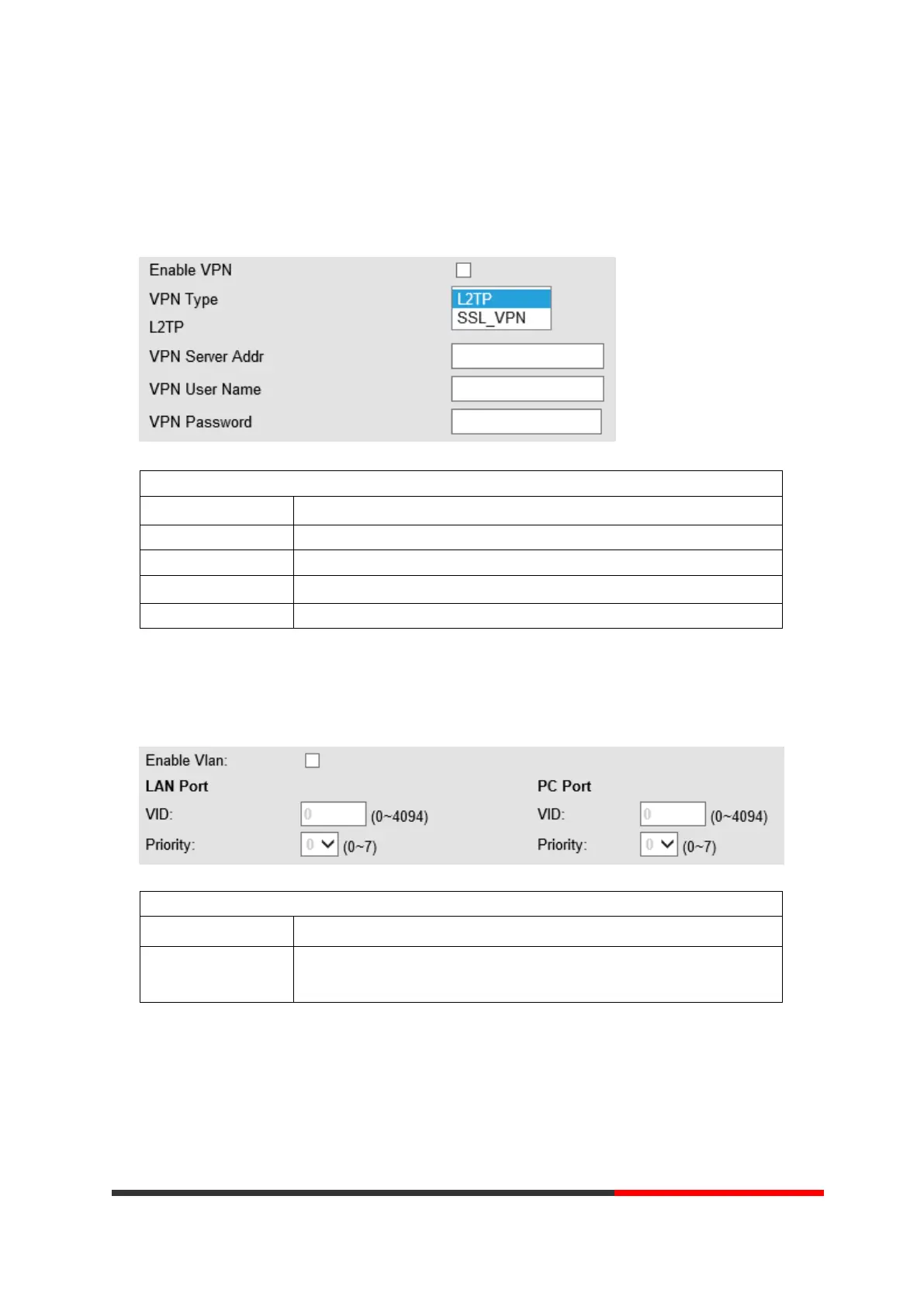
VPN Setting
When using VPN Setting option, you can set several parameters as follow:
VLAN Setting
Enable VPN You can enable/disable VPN for phone and pc.
VPN Type: Choose the appropriate type of VPN.
VPN Server Addr VPN server's IP.
VPN User Name VPN user's name
VPN Password A password be used for authentication
VLAN Setting
When using VLAN Setting option, you can set several parameters as follow:
VLAN Setting
Enable VLAN You can enable/disable vlan for phone and pc
VID
[LAN/PC Port]
The vlan ID you want the phone or pc to join



 To Next Page