EasyManua.ls Logo

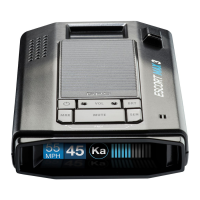
Escort MAX 3 - Basic Operation Overview; Overspeed Alert Setting

Escort MAX 3
21 pages
Print Icon
To Next Page IconTo Next Page
To Previous Page IconTo Previous Page
Loading...
8 | Page
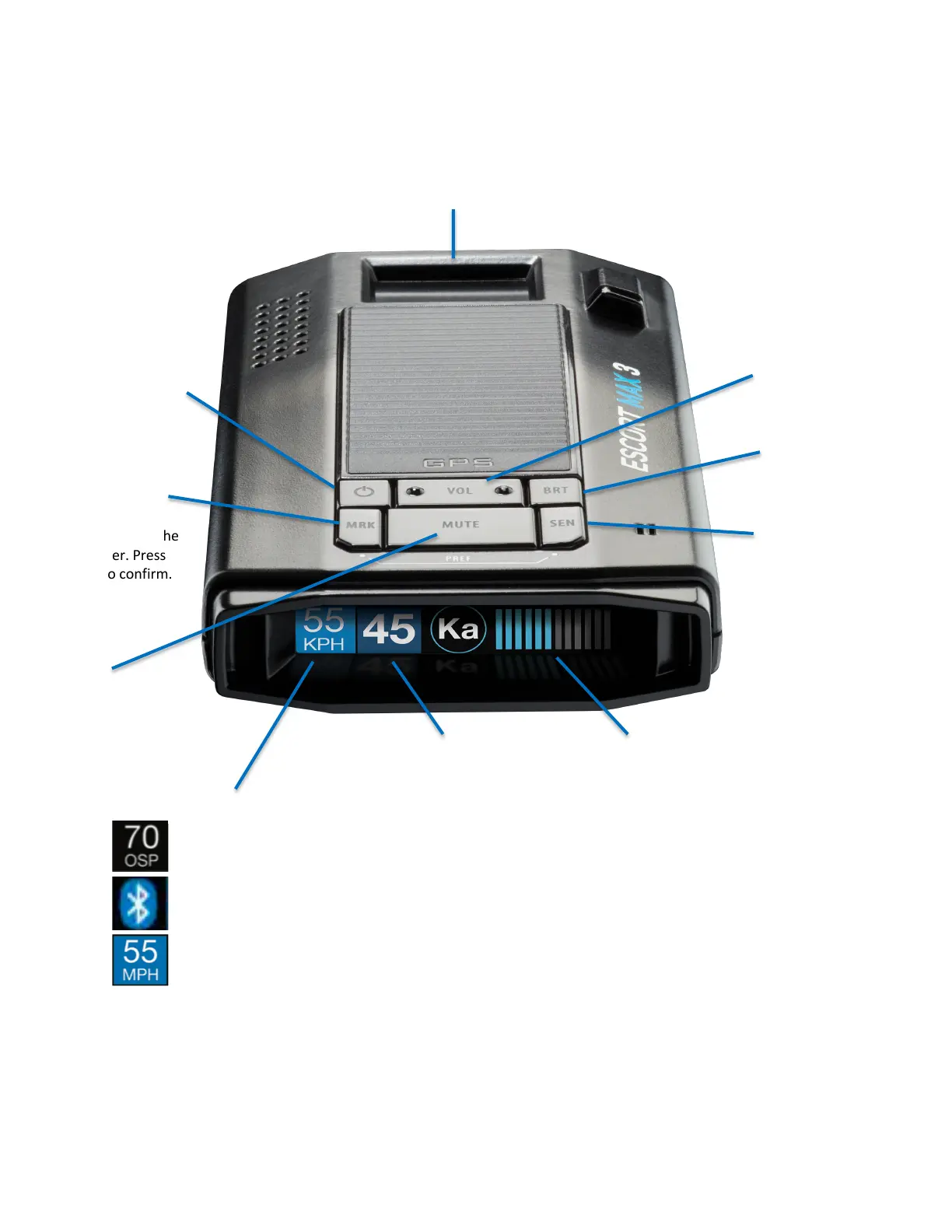
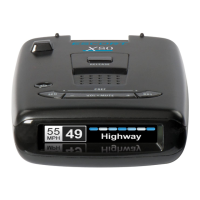
BASIC OPERATION
Over Speed Alert Setting
Bluetooth is connected to smartphone
Speed Limit data from Escort Live, “--“ means no data is available
Mount Area
The EZ Mag Mount
attaches to device here
Power
Press to turn on and off
Brightness (BRT)
Press to adjust display
brightness
Mark Location (MRK)
To mark a location,
press MRK twice then
VOL + or to select the
type of marker. Press
MRK again to confirm.
Sensitivity (SEN)
Press to adjust
detector sensitivity
Volume
Press and hold + or
to adjust volume
Mute
Press to mute an alert.
Press 3x to lock out a
false alert
Press twice while a
locked out alert is
displayed to unlock.
Current Speed/Vehicle Voltage
Alert Area

Other manuals for Escort MAX 3

Related product manuals