Page 10 CONNECTING THE INDICATOR LIGHTS
CONNECTING THE INDICATOR
LIGHTS
The GIVEN ALARM INDICATOR LIGHT (yellow) switches on after pressing
the emergency button to indicate the beginning of the alarm procedure. The
RECEIVED ALARM INDICATOR LIGHT (green) switches on when
communication is established.
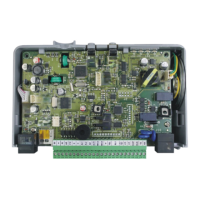
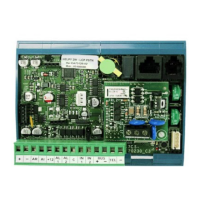
Some Helpy Compact models come with built-in indicator lights. It is also
possible to connect external indicator lights.
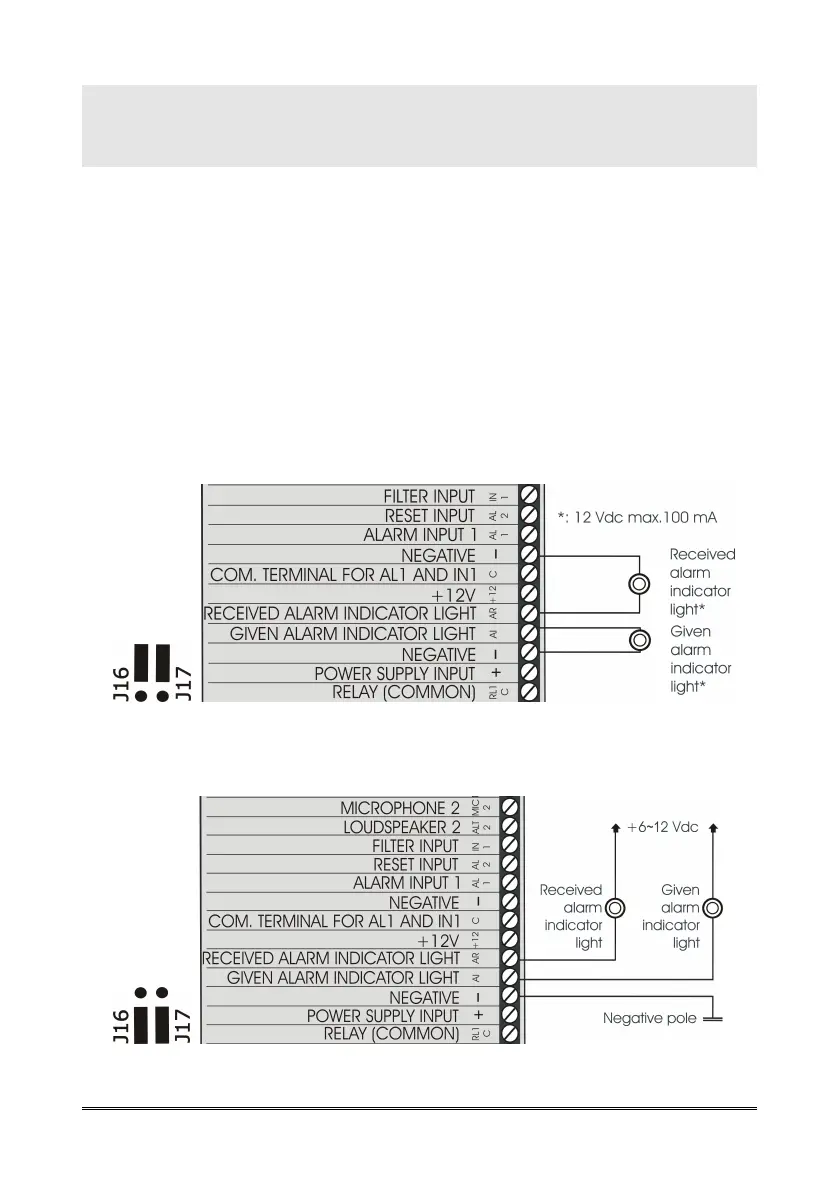
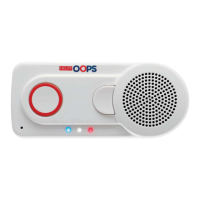
Connect, following one of the diagrams shown below, the external
indicator lights to the Helpy Compact.
Output 12 Vdc (factory setting)
Output 0 Vdc



 To Next Page