60 INSTALLATION
INSTALLATION
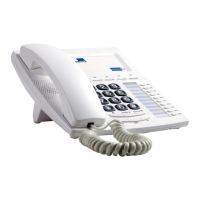
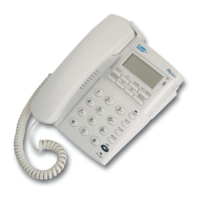
ST 501 can be placed on a level surface, such as a desk or table top, or mounted
on a wall.
Desk mount
Align the protrusions of the supplied stand with the corresponding holes
on the underside of the phone and snap them together to lock the stand
to the phone.
There are two positions, marked with HIGH or LOW, for the stand; each
position supports a different angle.
Wall mount
Align the protrusions of the supplied stand with the corresponding holes,
marked with WALL, on the underside of the phone and snap them
together to lock the stand to the phone.
CONNECTIONS
Handset connection
Insert the short end of the coiled handset cord in the socket provided in
the handset.
Insert the long end of the coiled handset cord in the socket, marked
with a handset symbol, on the underside of the telephone.
Telephone line connection
Insert the telephone cable (telephone line or PABX cable) in the LINE
socket on the backside of the telephone.


 To Next Page