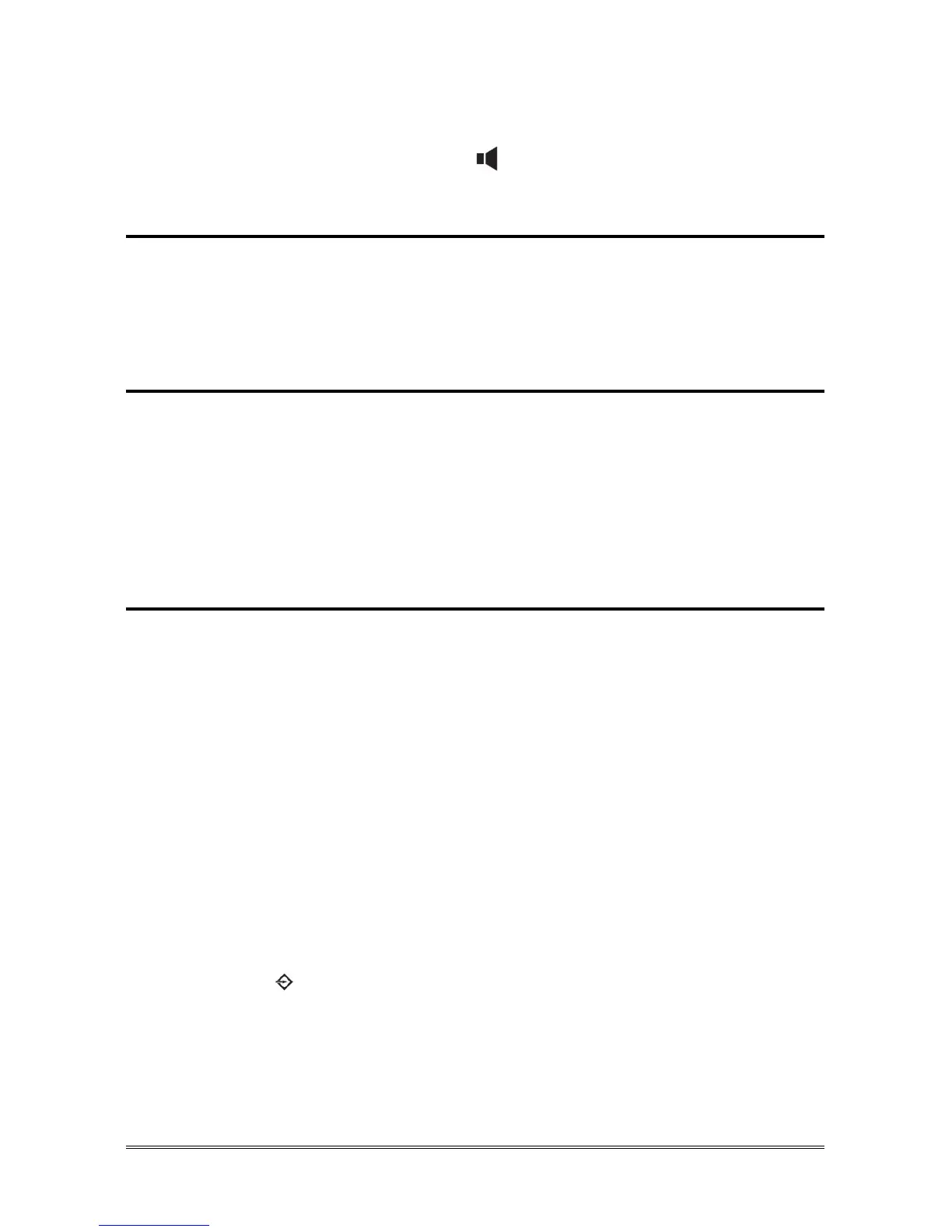
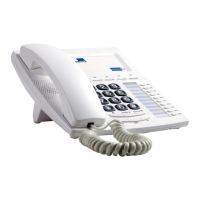
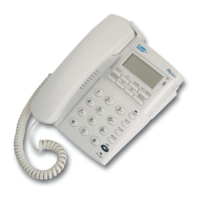
72 TELEPHONE OPERATION
The last number called is displayed.
Pick up the handset or press the key to call the number.
Pause key
A pause (3,6 s) can be inserted into the sequence of digits (or dial string) by
using the Pause key.
Press the Pause key.
Mute key
It is possible to deactivate the microphone of the handset or of the hands free
during a conversation.
Press the Mute key.
“Mute” is displayed.
Press the Mute key to reactivate the microphone.
One touch memories
The telephone has 9 direct selection memory keys in order to save telephone
numbers or codes to access to the Esse-ti PABXs services. Some of these codes
are inserted by factory settings and the corresponding service is indicated in the
tag present on the telephone. The use of specific functions depends on the
PABX the telephone is working with (see in the PABX manual). The inserted
numerical sequences can be easily modified.
Review telephone numbers or codes stored
In standby mode:
Press the memory key (M1 ~ M9).
The telephone number or code stored is displayed.
Store telephone numbers or codes into memory key
In standby mode:
Press the M+ key.
“Store number” is displayed.
Dial the phone number/code you want to store (max. 16 digits).


 To Next Page