Page 64
Fire Alarm Computer 8000C / M
8.1 Wallmounting
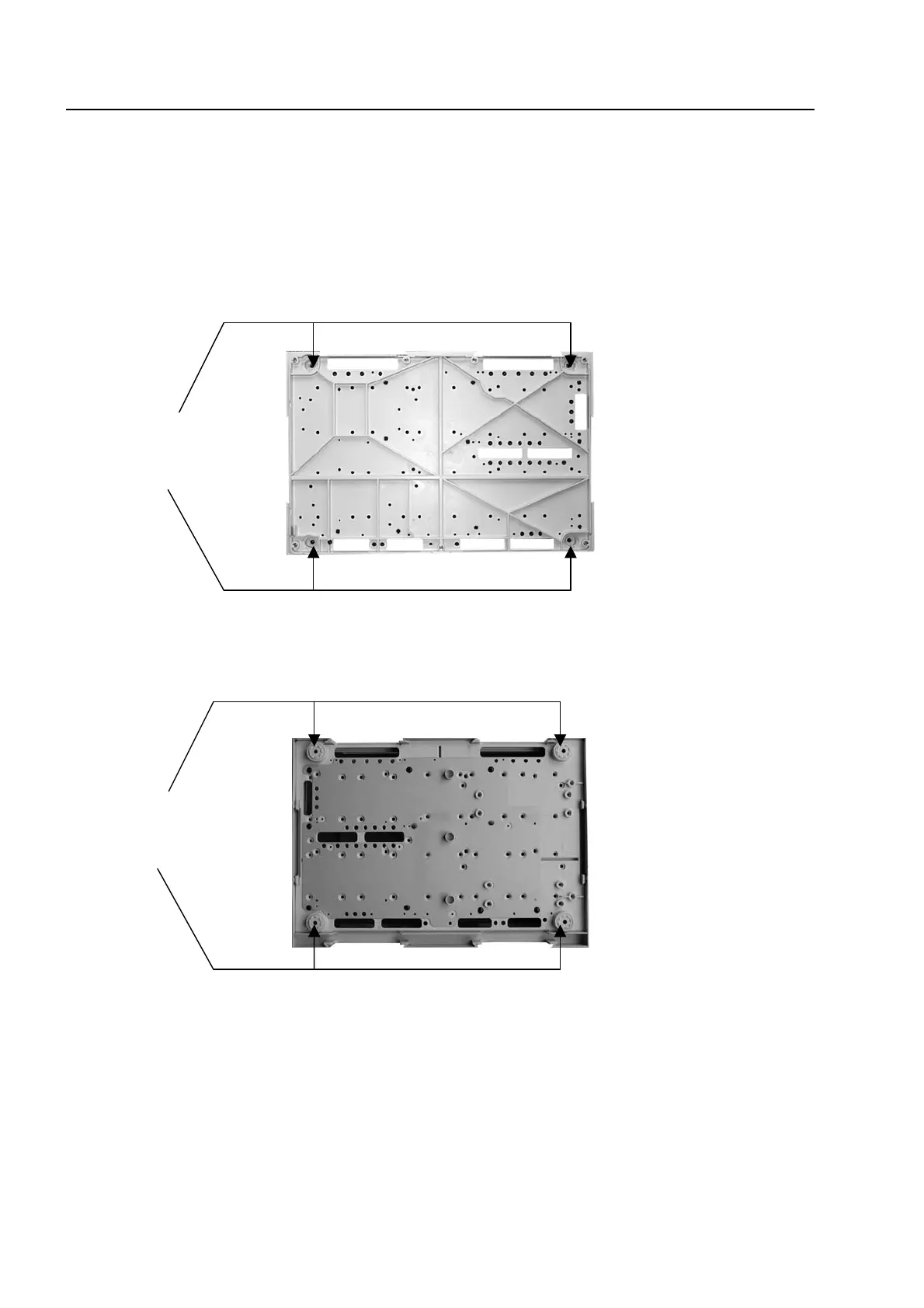
Mark the fastening points for the base plate on the assembly surface.
Each of the two housing variants with the standard rear panel or the battery rear panel has its own
drilling template. The drilling template is enclosed with the additional pack for the central unit.
Fig. 8: Base plate without components
Fig. 9: Standard rear panel
ssembly
ear panel fastening points
nly use flat-head screws fo
he wall compensation piece
all compensation pieces



 To Next Page