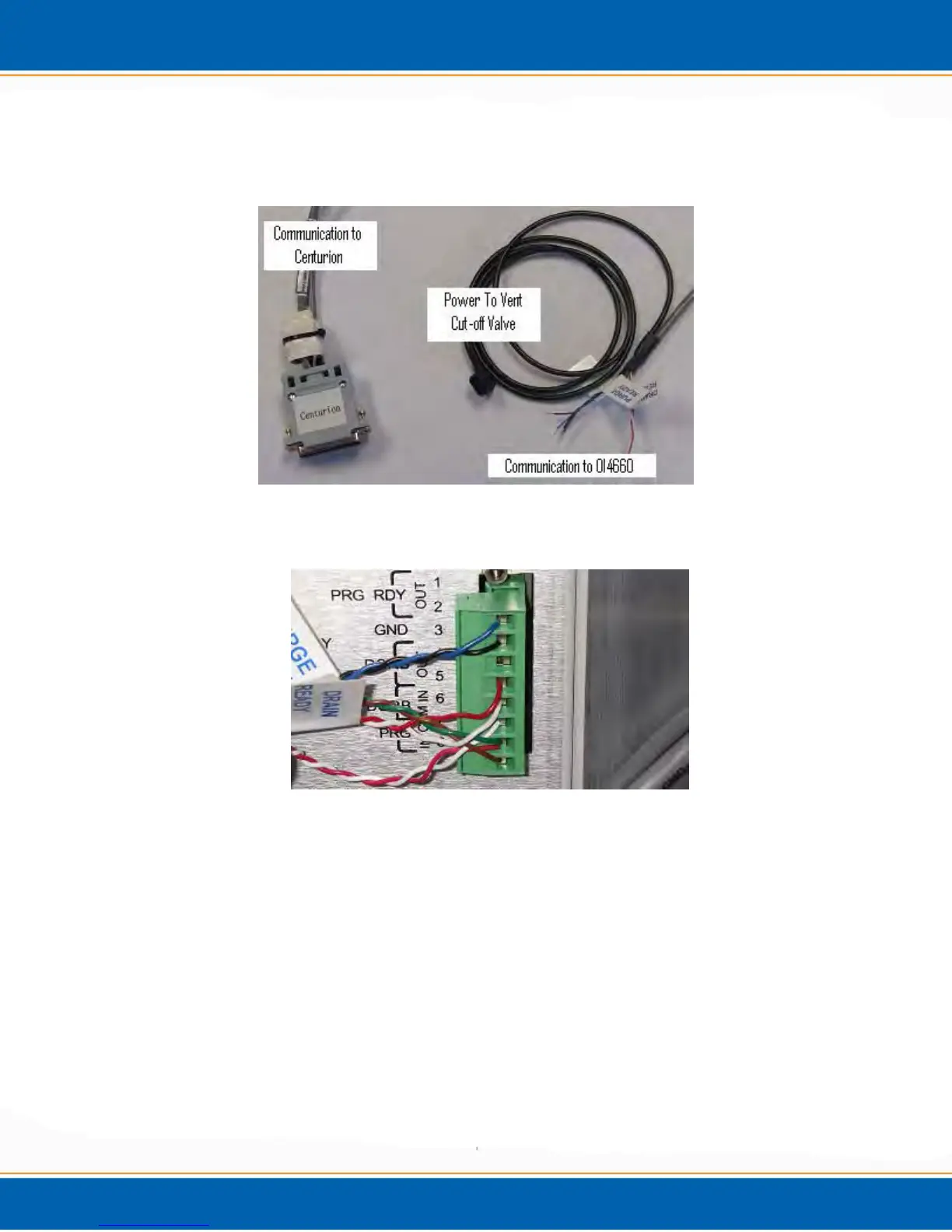
6. Plug the Centurion Communication cable into the back of the Centurion, see Chapter 2 of
manual. Picture of Communication Cable below.
7. Wire the Centurion Communication cable to the OI4660. From Top to bottom, pins 1
through 8. See Picture below.
1) Blue (Purge Ready)
2) Black (Purge Ready)
3) Open (No Wire)
4) Red (Drain Ready)
5) White (Drain Ready)
6) White (GC Ready)
7) Green (Purge Start) and Red (GC Ready)
8) Brown (Purge Start)



 To Next Page