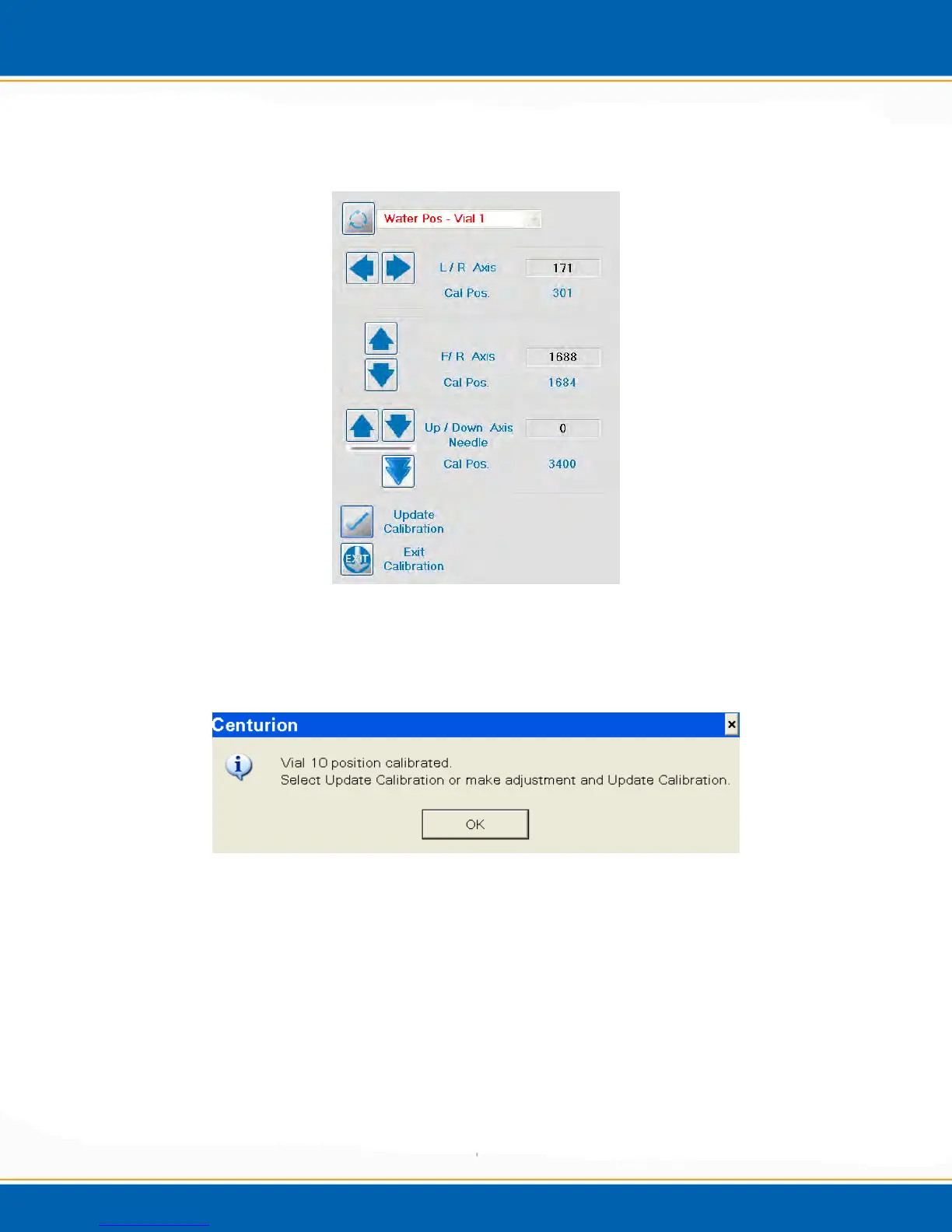
were in step 10. See Figure 4kk. When the needle is calibrated to the Vial 1 position,
<click> Update Calibration.
Figure 4kk: Vial 1 Calibration Screen
16. After the Vial 1 position is updated, the calibration routine will take you to vial
position 10 for calibration. See Figure 4ll.
Figure 4ll: Vial 10 Calibration Pop-up
17. <click> OK and the needle position over Vial 10 can be calibrated, see Figure 4mm.



 To Next Page