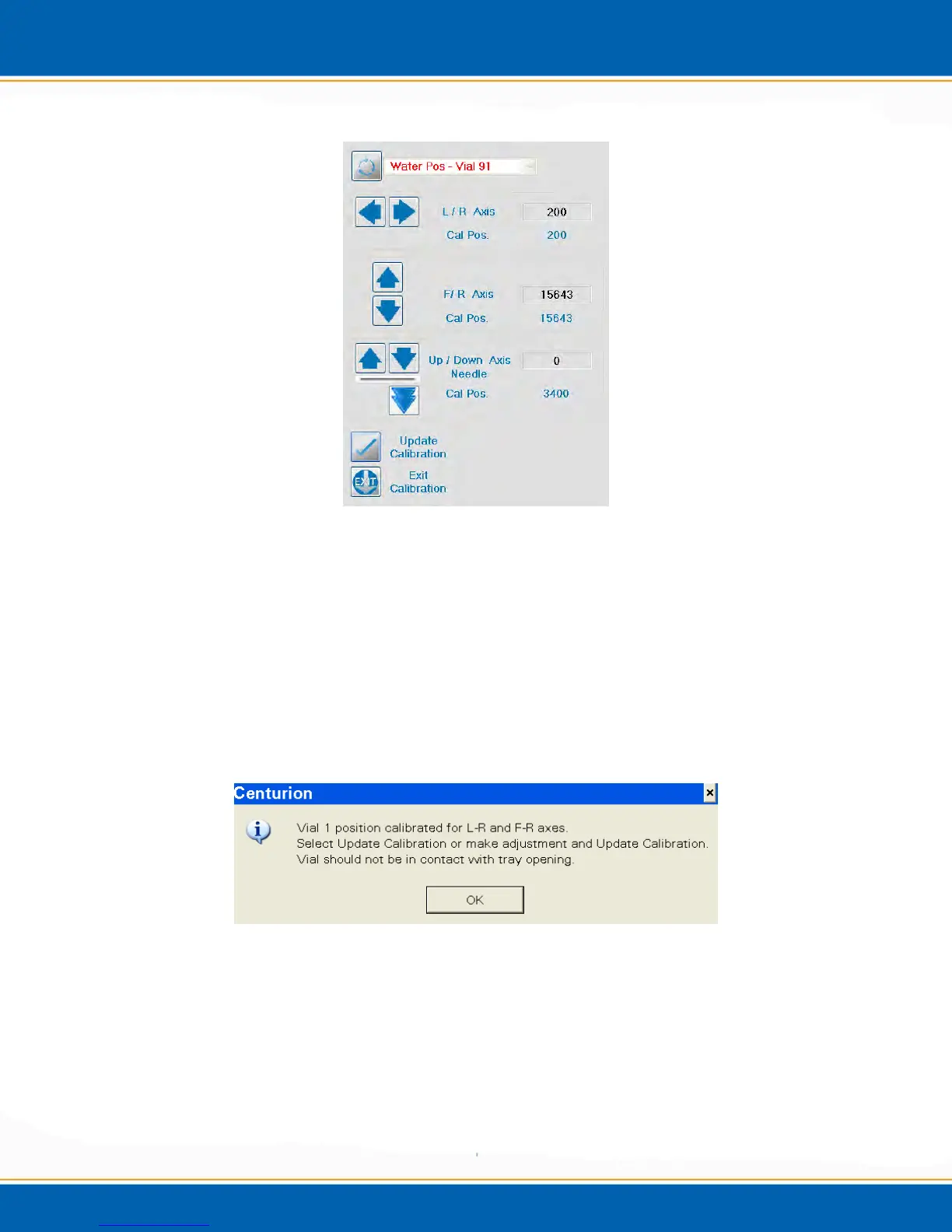
Figure 4oo: Vial 91 Calibration Screen
21. The L/R axis is the only axis that needs adjustment for the Vial 91 position. (Note:
If there are adjustments made to the F/R axis, they will not be saved.) If this axis
needs adjustment, refer again to step 10. When the position is calibrated, <click>
Update Calibration.
22. This concludes the water axis calibration. If you have a Centurion W, the calibration
routine will conclude at this point. If you have a Centurion WS, the soil axis also
needs to be calibrated, proceed to 23.
23. This step begins with the vial gripped in tray position 1.
Figure 4pp: Vial 1/Tray Position Pop-up
24. <click> OK and the Vial 1/Tray position can be calibrated, see Figure 4qq.



 To Next Page