4
/ 7
4.
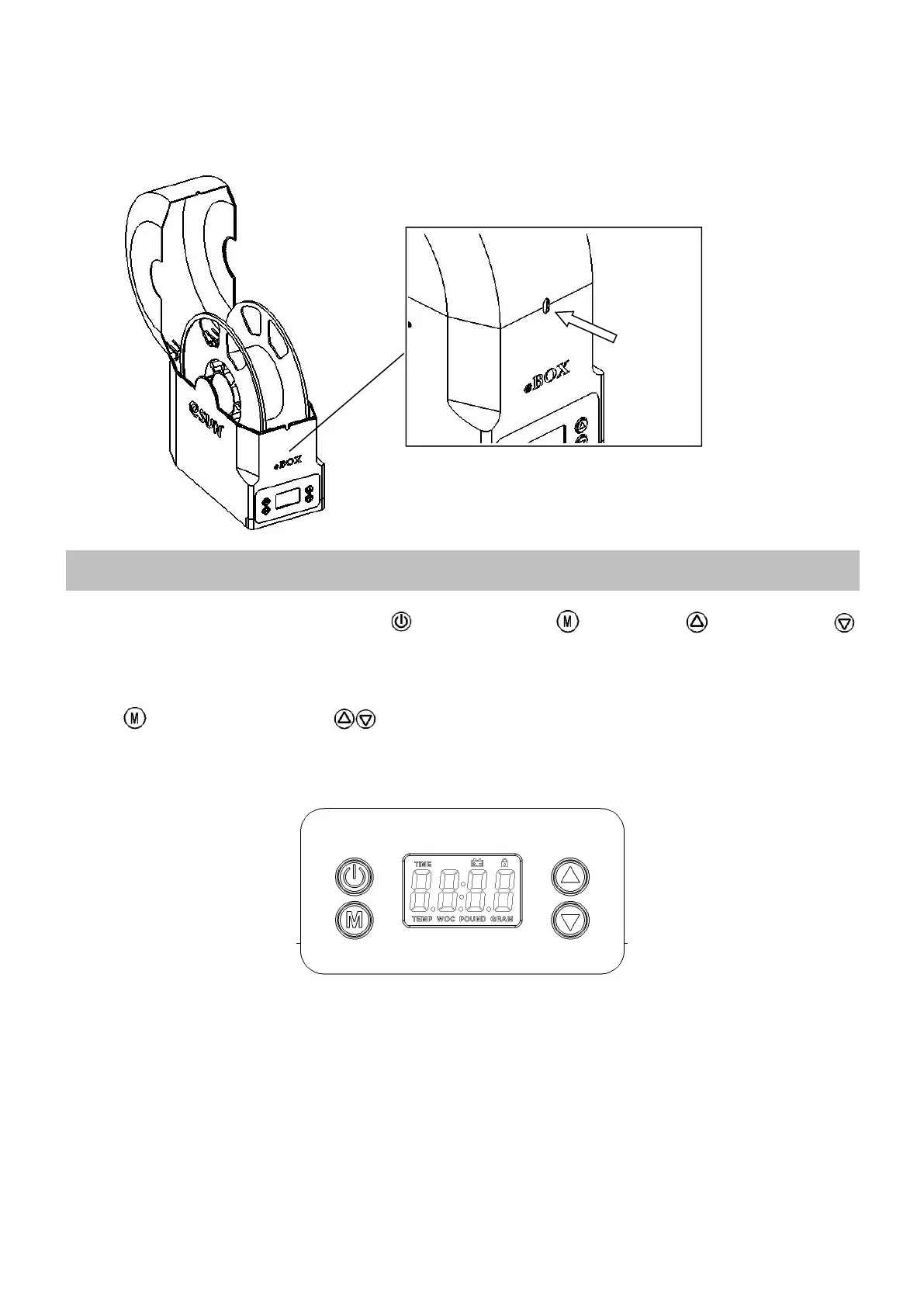
Put the spool in and pull the filament out through the outlet, close the cover. (The direction to pull filament can be
bottom-up, or from top to bottom, depending on the position of printer)
Parameter Setting
■ The product has four buttons, the open button 、the function button 、the up button 、the down button .
■ The product has five modes: Gram Mode GRAM, Pound Mode POUND, Weight Setting Mode WOC, Temperature
Setting Mode TEMP, Heating Time Setting Mode TIME.
■ Press to switch modes and the to change the parameters.
■ The system will be in dormancy after no-operation for 5 seconds, the backlight disappears in dormant state, press
any button to wake up, and then press button to set parameters or shut down.


 To Next Page