EasyManua.ls Logo

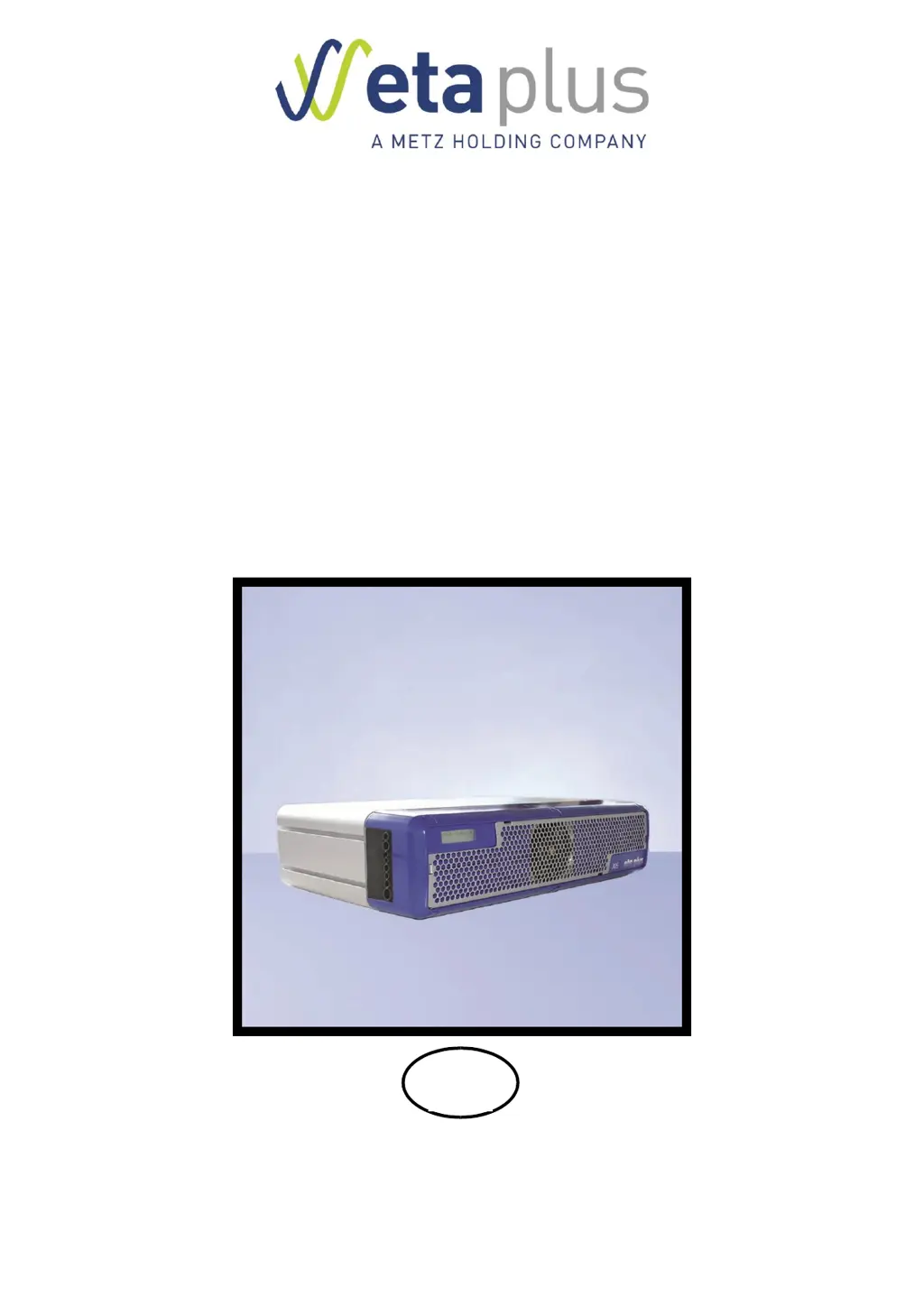
eta plus ELC X12-110 - User Manual

Default Icon
80 pages
Print Icon
To Next Page IconTo Next Page
Loading...
UV-
TECHNOLOGY
Technical Documentation
ELC
®
X-Series
GB
eta plus electronic gmbh
Lauterstraße 29, D-72622 Nürtingen, Telefon +49 (0) 70 22 - 60 02-80, Fax +49 (0) 70 22 6 58 54
Postfach 1411, D-72604 Nürtingen, e-mail: info@eta-uv.de
––––––––––––––––––––––––––––
Eingetragen unter HRB 724321 AG Stuttgart, USt.-Id.-Nr. DE 146267800
Geschäftsführer: Dr. Peter Schwarz-Kiene

Table of Contents

Questions and Answers

Summary

1 Safety

1.2 Safety advice

General safety rules for installation, repair, and operation, including voltage warnings.

3 Installation

3.2 Connection

Introduces electrical connections for various ballast types.

3.2.8 X100: Mains connection

Instructions for connecting mains power at the X100 connector.

3.2.9 X600: Connecting the lamp feeder cable

Instructions for connecting the lamp feeder cable at the X600 connector.

3.2.10 Overview of control and bus connections

Shows the location of control and bus connection ports on the ELC.

3.2.11 X1;X2: BUS connections

Details BUS connection pin assignments for PROFIBUS and MODBUS.

3.2.13 X805 and X806: Control cables

Provides pin assignment and description for control cables X805/X806.

3.3 Comments on the safety functions of the ELC

Discusses definite lamp shutdown, safety relays, and initialization signals.

3.4 Configuration

Introduces ELC configuration settings via BUS interface.

3.4.1 Setting up the BUS address

Explains how to set the BUS address using the SET button.

3.4.2 Checking the BUS connection and error indication

Verifying BUS connection status and reading out error messages.

3.4.3 Setting lamp power via BUS

Describes setting lamp power using BUS commands via registers.

4 Operation of the ELC

4.3 Activating the safety circuits

Steps to activate the safety relay and initialization signal.

4.4 Switching on the lamp

Steps and considerations for switching on the lamp, including error checks.

5 Monitoring, warning, error, repair

5.3 Error

Overview of error effects, messages, and troubleshooting.

5.3.1 Error messages

Describes error effects and their corresponding bit meanings in the Error Register.

5.3.2 Display messages and trouble shooting

Connects display messages to error bits and provides corrective actions.

5.3.4 Resetting the error register

Procedure to acknowledge and reset errors using the 'Clear Error' bit.

6 Technical Data

eta plus ELC X12-110 Specifications

General IconGeneral
Digital outputs4
Protection classIP20
Output Voltage24 VDC
Frequency50/60 Hz
ProtectionShort circuit, overload, overvoltage
Humidity5-95% RH, non-condensing
CertificationCE
CoolingNatural convection

Related product manuals