EasyManua.ls Logo

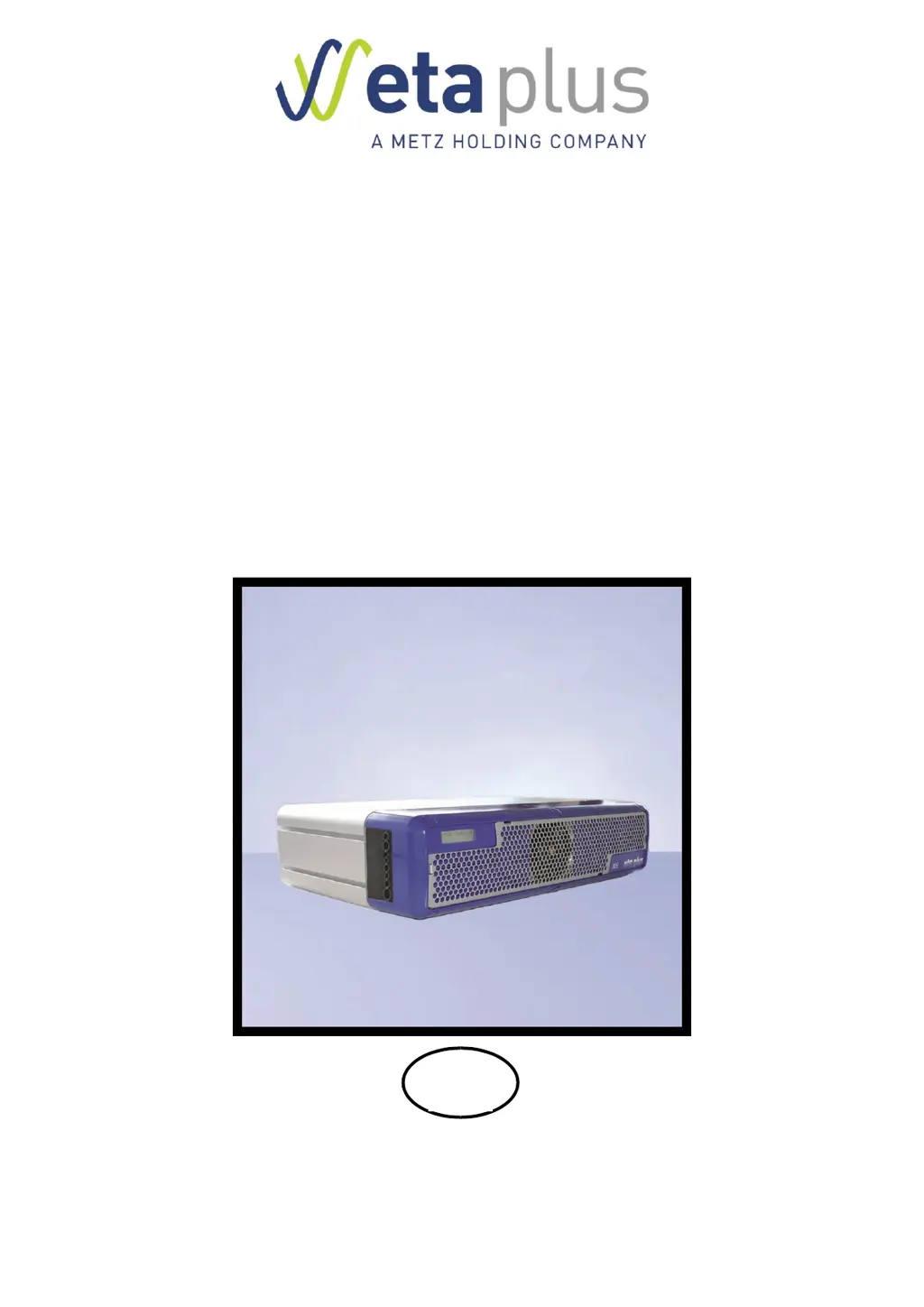
eta plus ELC X8i-80 - User Manual

Default Icon
80 pages
Print Icon
To Next Page IconTo Next Page
Loading...
UV-
TECHNOLOGY
Technical Documentation
ELC
®
X-Series
GB
eta plus electronic gmbh
Lauterstraße 29, D-72622 Nürtingen, Telefon +49 (0) 70 22 - 60 02-80, Fax +49 (0) 70 22 6 58 54
Postfach 1411, D-72604 Nürtingen, e-mail: info@eta-uv.de
––––––––––––––––––––––––––––
Eingetragen unter HRB 724321 AG Stuttgart, USt.-Id.-Nr. DE 146267800
Geschäftsführer: Dr. Peter Schwarz-Kiene

Table of Contents

Questions and Answers

Summary

1 Safety

1.2 Safety advice

Provides essential safety guidelines for installation, operation, and maintenance procedures.

1.3 Correct operation

Details the intended use of the ELC and the consequences of misuse.

3 Installation

3.2 Connection

Introduces electrical connection procedures for various ELC models.

3.2.11 X1;X2: BUS connections

Covers BUS connection pin assignments and termination requirements.

3.2.13 X805 and X806: Control cables

Details pin assignments and functions for control cable connectors X805/X806.

3.3.1 Safety relay

Explains the activation of the safety relay (K1) for ELC operation readiness.

3.3.2 Initialisation signal

Describes the role of the init signal input for safe operation.

3.4 Configuration

Guides on configuring ELC communication via PROFIBUS DPVO or MODBUS RTU.

3.4.1 Setting up the BUS address

Details how to set the BUS address using the display and SET button.

3.4.2 Checking the BUS connection and error indication

Explains how to check BUS connection status and read error messages.

3.4.3 Setting lamp power via BUS

Describes how to set the lamp power using the BUS output data register.

4 Operation of the ELC

4.3 Activating the safety circuits

Explains the need to activate the safety relay and init signal for operation.

4.4 Switching on the lamp

Guides on writing lamp power and setting the start lamp bit.

5 Monitoring, warning, error, repair

5.3 Error

Covers error effects, display messages, and error register bits.

5.3.1 Error messages

Details error effects and how errors are displayed and logged.

5.3.2 Display messages and trouble shooting

Connects display messages to error bits and lists causes/actions.

5.3.4 Resetting the error register

Describes the procedure for resetting error bits via the {Clear Error} bit.

eta plus ELC X8i-80 Specifications

General IconGeneral
Brandeta plus
ModelELC X8i-80
CategoryController
LanguageEnglish

Related product manuals