GB
Then, remove the kneading blades. Do not soak the baking pan in water for too long; rotation
of shafts would be impaired. The baking pan is coated by a non-adhesive coating. Do not use
metal tools with potential to scratch the surface. It is normal when the surface colour changes
over time. However, this change has no effect on the surface properties.
VIII. FREQUENTLY ASKED QUESTIONS RELATED TO THE BREAD BAKER
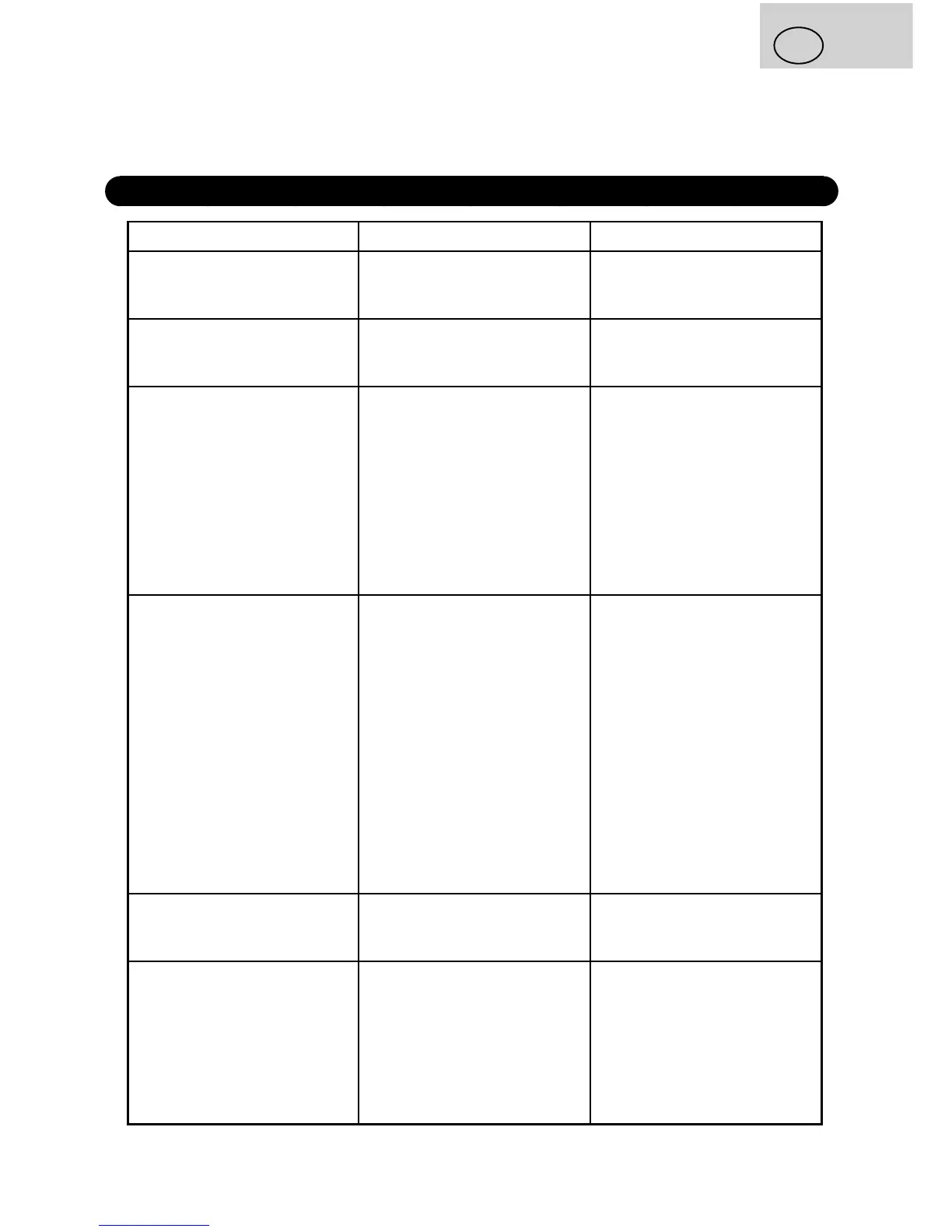
Problem Cause Solution
Smoke from baking space or
ventilation slots.
The ingredients stick to the
baking area or outer side of
the baking pan.
Disconnect power supply and
clean the baking pan or the
baking space.
Crumb collapses and bottom
of the loaf
The bread was left too long
in the pan after baking and
keeping warm.
Remove the bread from the
pan before end of the keeping
warm phase.
The bread is hard to remove
from the baking pan.
Bottom side of the loaf is
stuck on the kneading blades.
Move with the shaft
backwards and forwards until
the bread comes out. Clean
the kneading blades and
shafts after baking.
If necessary, ll the baking
pan with warm water for 30
minutes. Then, the kneading
blades can be easily removed
and cleaned.
The ingredients are not mixed
correctly and the bread is not
baked correctly.
Improper program setting.
During operation of the baker,
the lid was opened several
times.
Long-term power failure
during bread baker operation.
Rotating of kneading blades is
blocked.
Check the program selected
and other settings.
Do not open the lid after the
last rising.
Chapter IV - Functions of the
Sbread baker.
Check whether the kneading
blades are blocked by grains
etc. Remove the baking pan
and check whether the shafts
rotate freely. If not, please
contact the customer service.
The baking pan lifts up during
kneading.
Too thick dough. The
kneading blades are blocked
and the baking pan is lifted up
Open the lid and add some
liquids. Then, close the lid
again.
The bread baker can not be
turned on. Display shows H
HH.
The bread baker is still hot
from previous baking cycle.
Press the START/STOP/
PAUSE button to cancel audio
signal. Remove the baking
pan and let the baker cool
down. Then, return the baking
pan back to its place, set the
program again and turn the
baker on.


 To Next Page