EN - 46
EN
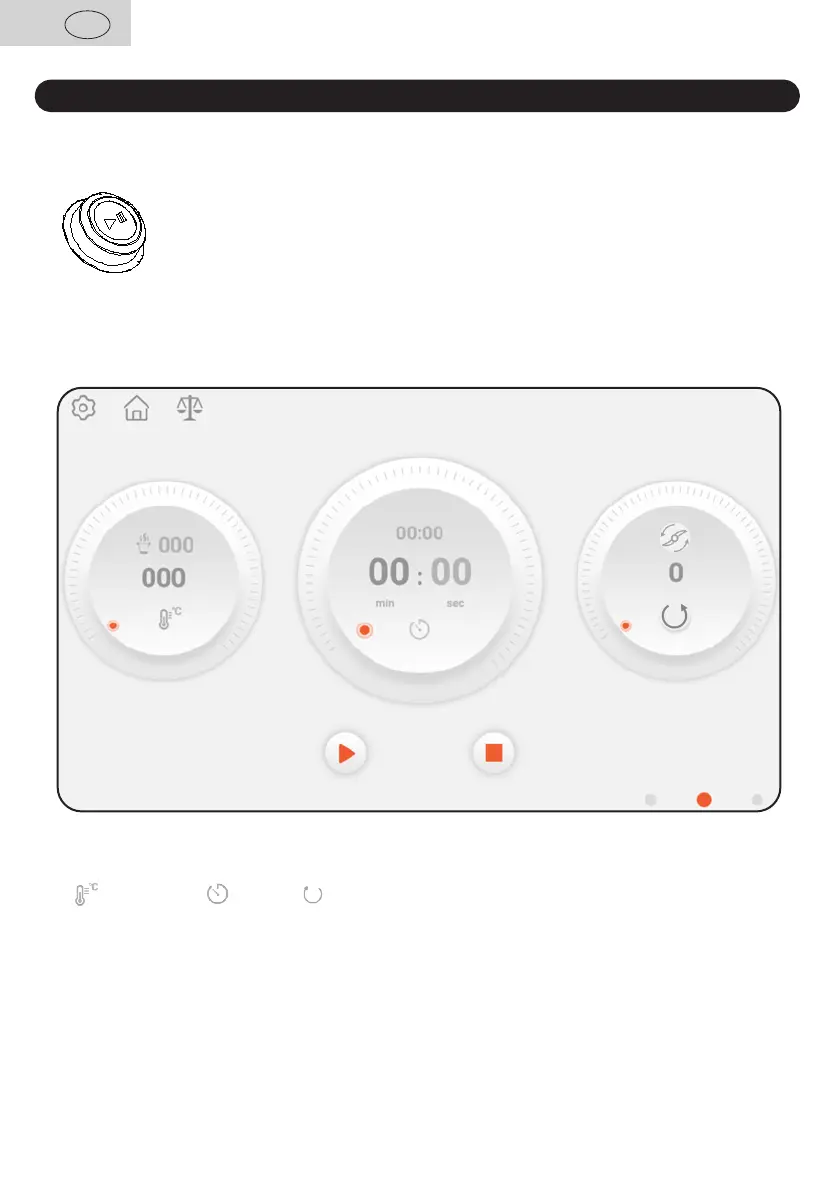
IV. DESCRIPTION OF THE CONTROL PANEL AND NAVIGATION
• The control panel consists of a and
• The knob is illuminated around and can have the following states
the appliance is , the dish is
the appliance is and to launching
a program
the appliance and temperature
in the dish is
the appliance and temperature
in the dish is
•
a corresponding ring on the display, select which of the parameters you want to set.
• , and
• The selected ring will be compared with the others.
• You may change values by on circumference of the ring or by means of
situated next to the display.
You can get to a necessary menu item by three methods:
• You may browse through the menu by a finger along the display left or right
• By selecting one of the fin the bottom part of the display (in some parts
of the menu)
• By means of and consequent selection as necessary


 To Next Page