VM-10 Installation Guide Rev 05.12 Page 8 of 19 Essential Trading Systems Corp.
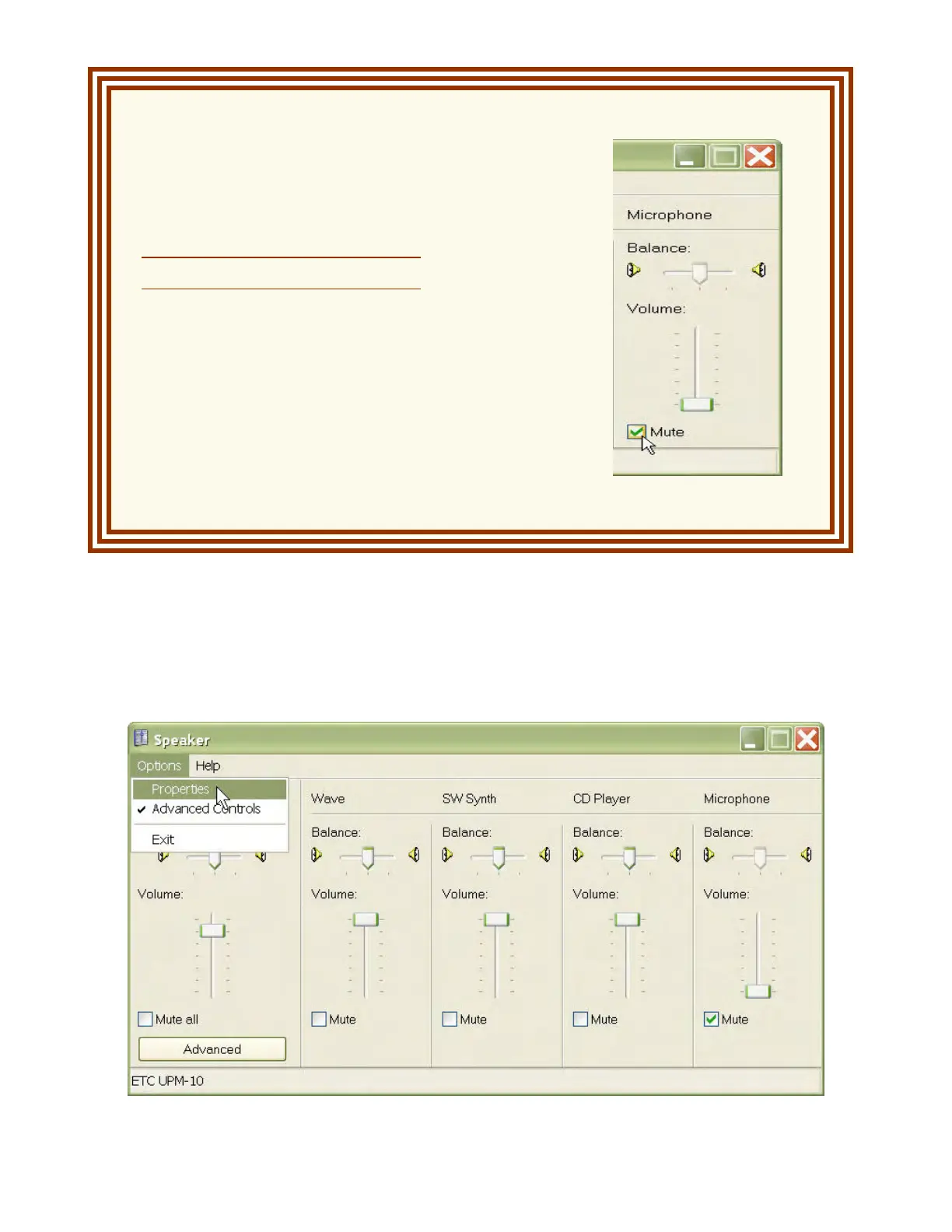
ATTENTION:
The Microphone Mute
box must be checked.
Failure to check the Microphone
Mute box will result in significant
echo, feedback, or signal
cancellation on the network.
The Recording volume for the VM-10 can now be adjusted. From the
O
O
p
p
t
t
i
i
o
o
n
n
s
s drop down menu
choose
P
P
r
r
o
o
p
p
e
e
r
r
t
t
i
i
e
e
s
s (Figure 12).
Figure 12



 To Next Page