EasyManua.ls Logo

Etec 40E800 - User Manual

Etec 40E800
35 pages
Print Icon
To Next Page IconTo Next Page
Loading...
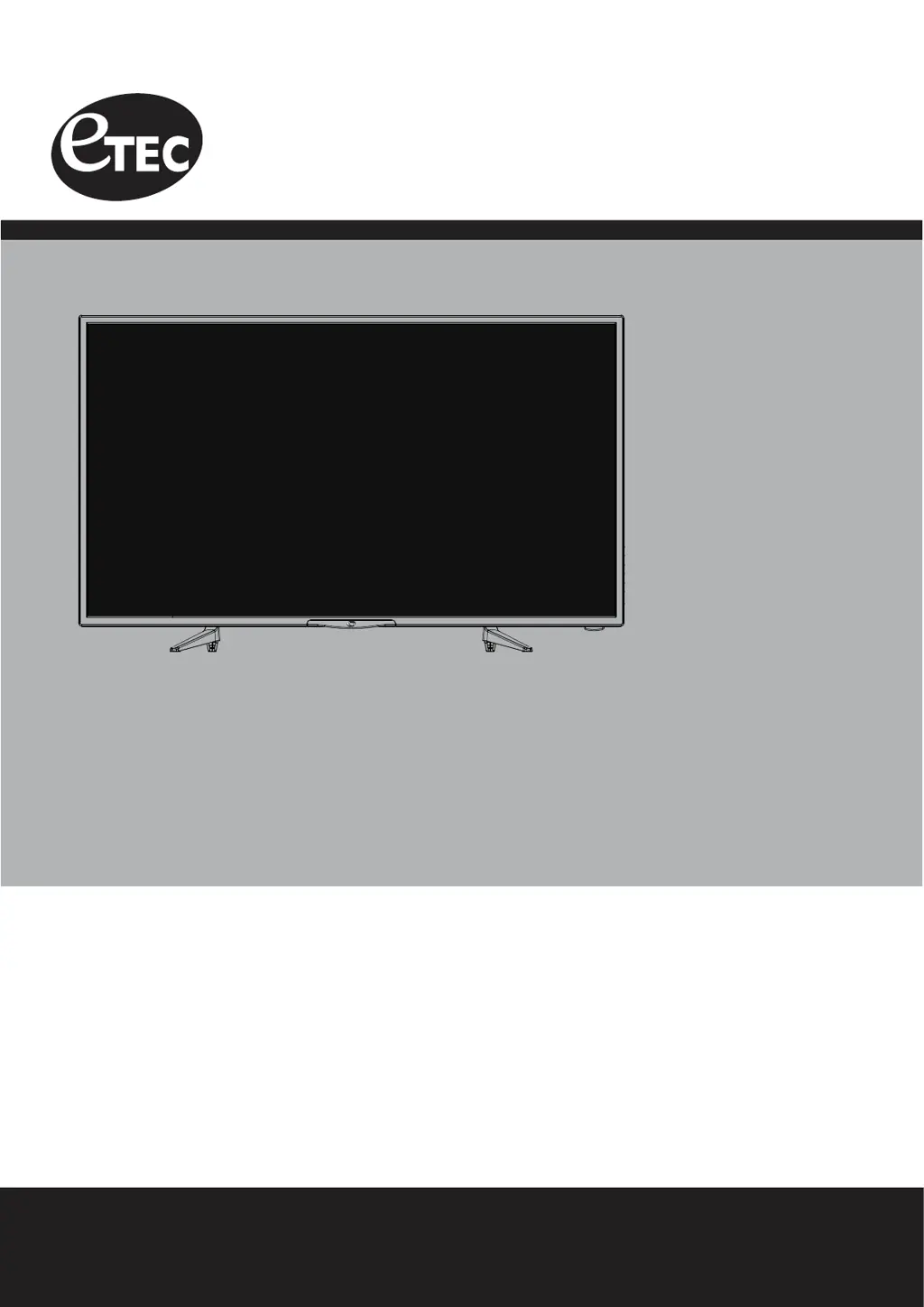
USER’S MANUAL
40” LED TELEVISION
40E800
Ver 1.0
For technical assistance or troubleshooting
please call 1-855-994-3832 or visit www.sibrandssupport.com

Questions and Answers

  • I
    Ian WebbAug 16, 2025
    Why is there no sound on my Etec LED TV?
    • S
      Susan AlexanderAug 16, 2025
      If there is no sound on your Etec LED TV, first check that the connected audio cables are fully inserted. Ensure you've selected the correct audio source from your amplifier. Also, the mute function might be enabled; press the mute button on the remote to disable it.
  • D
    Donald PerkinsAug 19, 2025
    Why is there no picture on my Etec LED TV?
    • B
      Brenda GarciaAug 19, 2025
      If your Etec LED TV has no picture, try these steps: * Since the digital TV channel signal might be weak, try switching to another channel. * Press the INPUT button to ensure the desired input is selected. * Re-connect the antenna or cable wiring.
  • K
    Kaitlyn JonesAug 22, 2025
    How to fix Etec LED TV remote control that is not working?
    • R
      richardhernandezAug 22, 2025
      If the remote control for your Etec LED TV isn't working, try replacing the batteries with new ones, ensuring that the battery polarity is correct. Also, make sure to point the remote directly at the TV’s IR receiver.
  • M
    Michael Thomas MDAug 26, 2025
    How to fix Etec LED TV when it cannot receive certain channels through the antenna?
    • D
      Dennis ScottAug 26, 2025
      If your Etec LED TV cannot receive certain channels through the antenna, try these steps: * Perform a Channel Scan to add channels into the TV tuner memory. * Readjust your antenna and retry Auto Channel Scan. * The signal from the TV station may be weak in your area.
  • W
    William WilliamsAug 28, 2025
    What to do if my Etec 40E800 LED TV has no power?
    • S
      sheila95Aug 28, 2025
      If your Etec LED TV has no power, the batteries in the remote control may need replacing. Alternatively, try re-attaching the AC plug to the wall outlet.
  • M
    Monica FletcherAug 31, 2025
    Why is my Etec 40E800 LED TV blocked on certain channels?
    • B
      Barbara PeckAug 31, 2025
      If your Etec LED TV is blocked on certain channels, try performing a Channel Scan to add channels into the TV tuner memory. Check whether the channel was deleted, and verify the parental control settings.
  • L
    Lee DeleonSep 3, 2025
    How to resolve video noise or choppy picture on Etec LED TV?
    • M
      michaelharrisSep 3, 2025
      If you're experiencing video noise or a choppy picture on your Etec LED TV, try readjusting the antenna. Also, keep the TV away from noise sources, such as neon lights and microwave appliances.
  • J
    Jeff ThomasSep 6, 2025
    How to remove black box on Etec 40E800 LED TV screen?
    • C
      Carol BennettSep 6, 2025
      If there's a black box on the screen of your Etec LED TV, the “Text” option might be enabled but no text is available. Try pressing the CCD button on the remote control to turn it off.
  • A
    Adam MirandaSep 9, 2025
    Why is there no color on my Etec LED TV?
    • J
      jeanleeSep 9, 2025
      If there is no color on your Etec LED TV, check the video installation of your external A / V equipment.
  • T
    Tommy GrahamSep 12, 2025
    Why I cannot use certain functions on my Etec 40E800?
    • J
      jessicacraigSep 12, 2025
      If you cannot use certain functions on your Etec LED TV, it might be because the item chosen in a menu is shown in gray text, indicating that it cannot be selected in the current input.

Etec 40E800 Specifications

General IconGeneral
BrandEtec
Model40E800
CategoryLED TV
LanguageEnglish

Related product manuals