ETC Service Note
Congo™ jr Hard Drive Replacement
Congo™ jr Hard Drive Replacement Page 27 Electronic Theatre Controls, Inc.
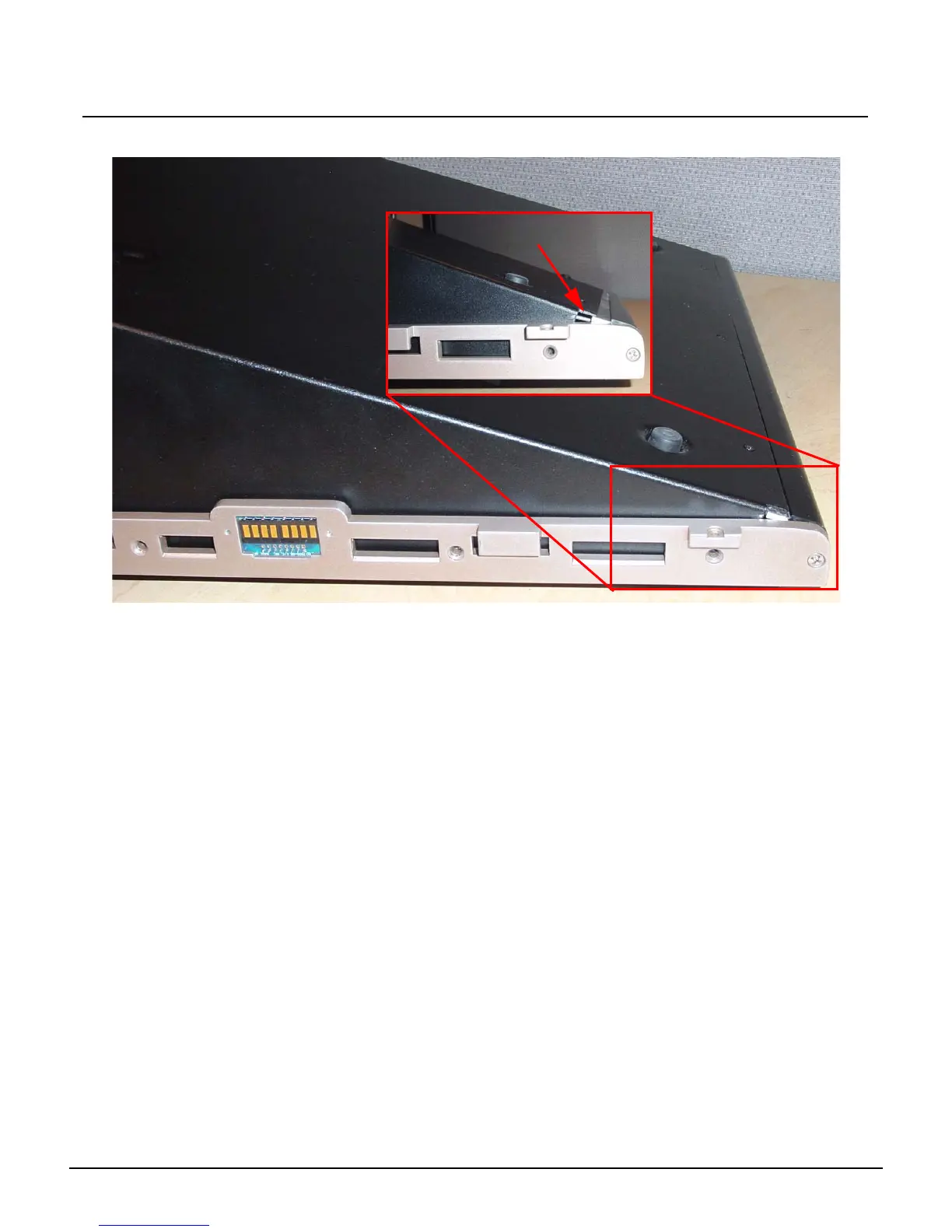
Step 18: Slide the face panel back under the pressure plate..
Step 19: Re-attach all 7 screws from each side of the console face panel.
Step 20: Flip the face panel over and tighten the 3 screws on the base of the console.
Step 21: Power the console up and verify correct face panel operation and LCD screen
operation.
Step 22: Update console software as necessary.
Base Pressure Plate



 To Next Page