ETC Service Note
Congo™ jr Main Board Replacement
Congo™ jr Main Board Replacement Page 46 Electronic Theatre Controls, Inc.
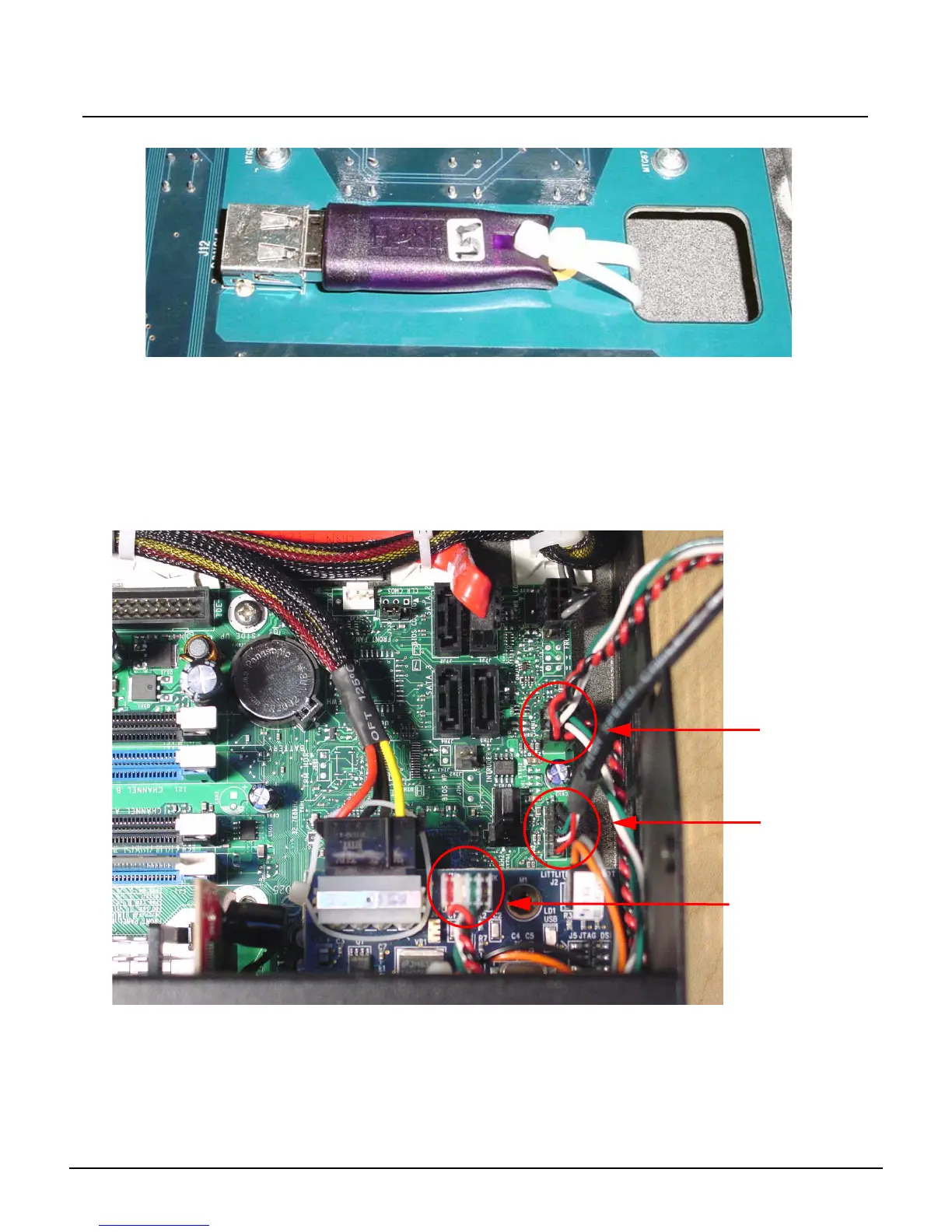
Step 30: Move the USB key to the new face panel and replace the zip tie.
Step 31: Replace all 32 screws that hold the face panel motherboard in place.
Step 32: Re-connect the encoder board and encoders.
Step 33: Re-connect the LCD screen, screws, and pressure plate.
Step 34: Re-connect the level wheel ribbon cable.
Step 35: Connect the J4, J5, J8, J11 connectors back on the main board.
Step 36: Place 2 zip ties around the face panel wire harness through the sticky backs. Trim off
the excess zip tie tails.
Step 37: Re-attach the USB connectors to the motherboard.
FP USB 1
FP USB2
J1 USB Uplink



 To Next Page