EasyManua.ls Logo

ETEKCITY BH9938U-5-2 - User Manual

ETEKCITY BH9938U-5-2
20 pages
Print Icon
To Next Page IconTo Next Page
Loading...
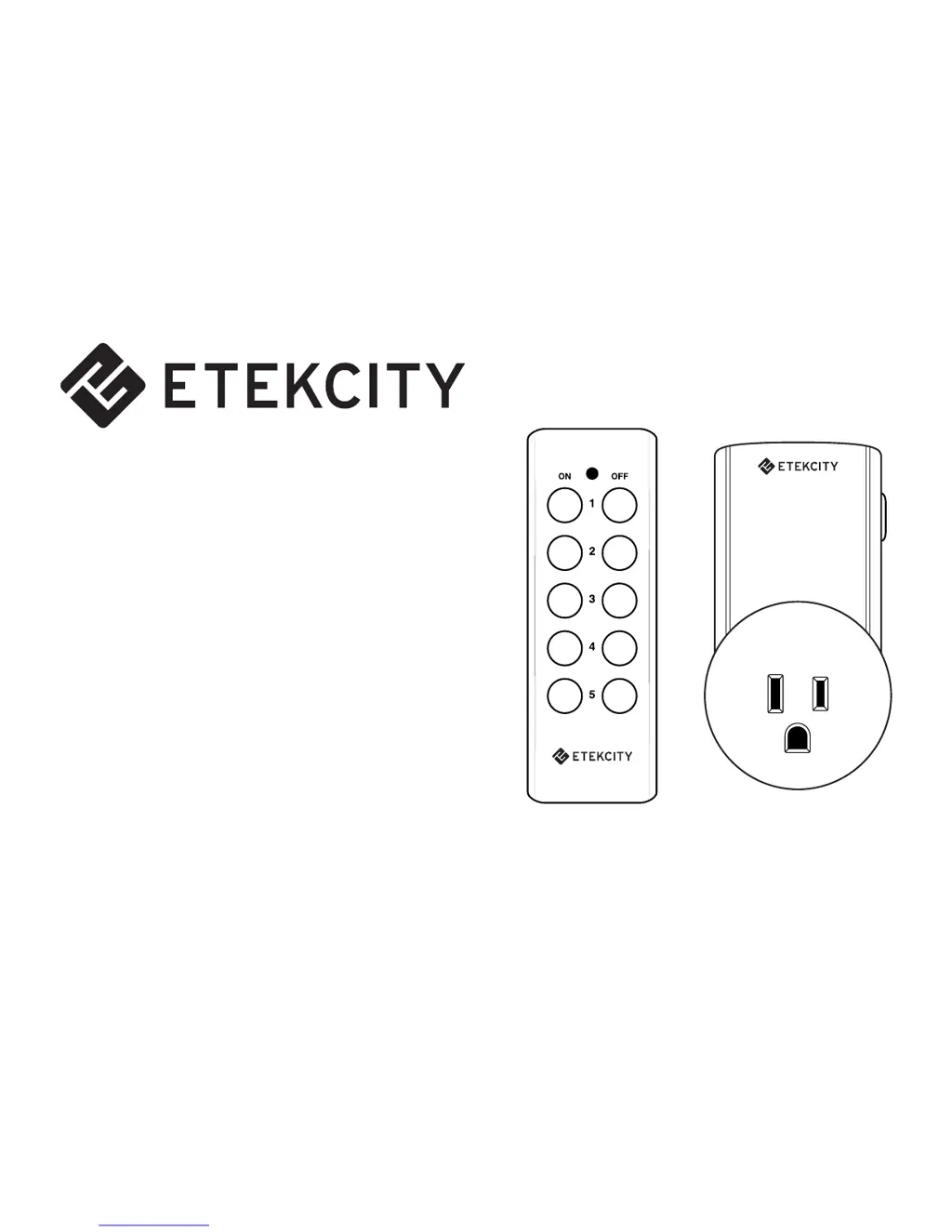
Zap 5LX-S
Model No.: BH9938U-5-2
Questions or Concerns?
(855) 686-3835
support@etekcity.com

Questions and Answers

  • D
    Donald LynchJul 31, 2025
    What to do if my ETEKCITY BH9938U-5-2 Home Automation outlet is unresponsive to remote commands?
    • R
      Rachel HallJul 31, 2025
      If your ETEKCITY Home Automation outlet isn't responding to the remote, first replace the remote's batteries with new 12V 23A batteries, as low battery power can reduce the remote's range. Also, ensure the outlet and the connected device are properly connected and powered on. Check that the outlet has adequate air circulation to prevent overheating and confirm that you aren't exceeding the maximum load current of 10A (approximately 1200W); if you are, immediately unplug the device.

Summary

Safety Information

Important Safety Information

Key safety precautions for device usage and environment.

Function Diagram

Operation

Install Battery and Plug In Outlet

Steps for battery installation and plugging the outlet into a socket.

Connect Appliance and Control

Connecting the appliance and using the remote for ON/OFF control.

Re-programming an Outlet

Unplug and Initiate Programming

Steps to unplug the outlet and start the programming mode.

Pairing Remote to Outlet

Finalizing the pairing process by pressing remote buttons and confirming successful connection.

Resetting an Outlet

Unplug and Prepare for Reset

Initial steps for resetting by unplugging the outlet from the power socket.

Complete Outlet Reset Procedure

Holding the program button, plugging back in, and waiting for the indicator light.

Specifications

Technical Details and Package Contents

Lists electrical specifications, operating conditions, and items included in the package.

Troubleshooting

Outlet Unresponsive to Commands

Solutions for unresponsive outlets, including battery checks and reset procedures.

Warranty Policy

General Warranty Terms and Conditions

Details Etekcity's warranty for product quality, duration, and limitations.

Liability, Exclusions, and User Rights

Information on product liability, warranty exclusions, and user rights.

Customer Support

Contact Information and Support Hours

Details for contacting customer support, including address, phone numbers, email, and operating hours.

ETEKCITY BH9938U-5-2 Specifications

General IconGeneral
BrandETEKCITY
ModelBH9938U-5-2
CategoryHome Automation
LanguageEnglish

Related product manuals