To Next Page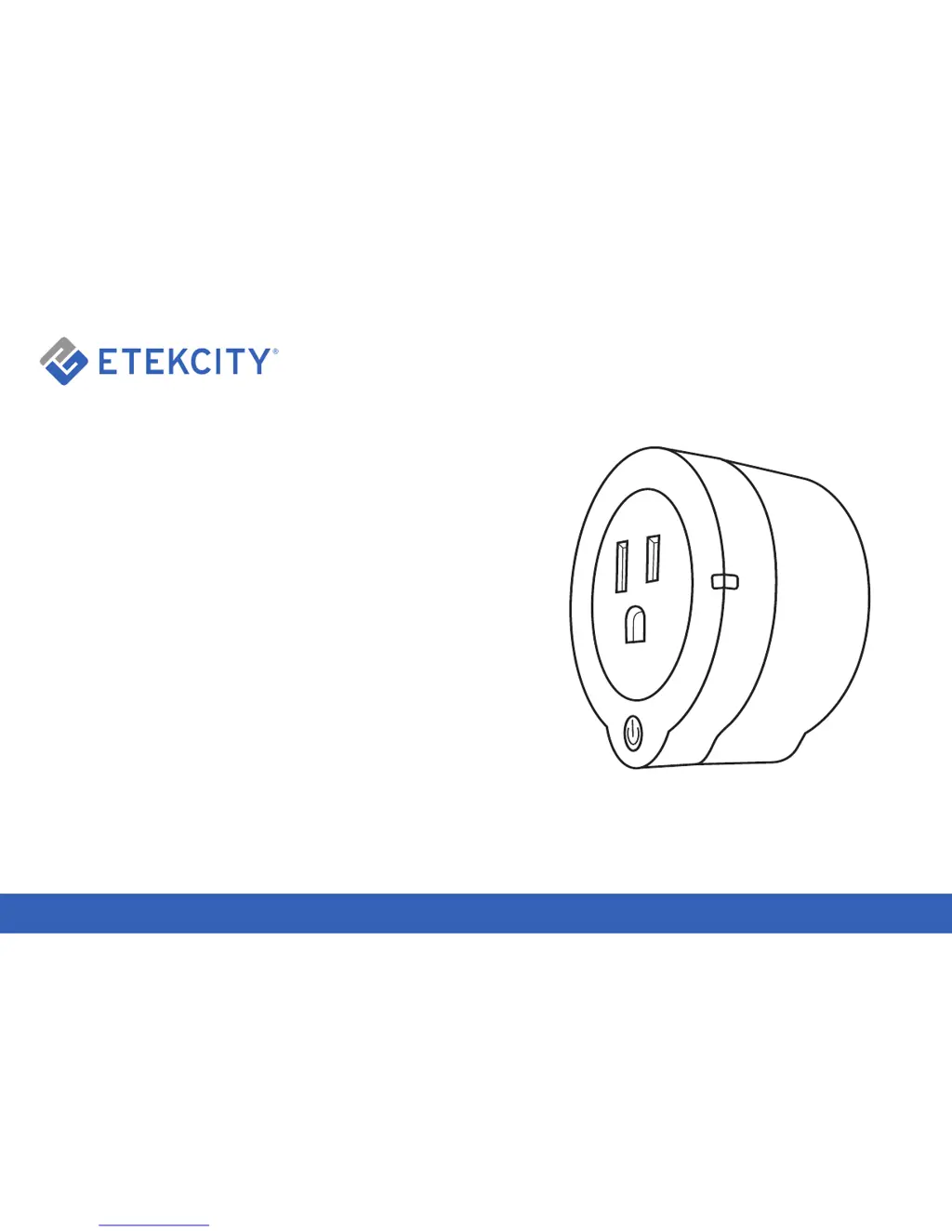
B
Barry WilliamsAug 4, 2025
Why won't the VeSync app allow me to add an ETEKCITY Control Unit device?
- MMegan HillAug 4, 2025
If you're having trouble adding your device to the VeSync app, there are several things you can try: * Ensure your device's firmware is updated to the latest version. * Verify that the password and account ID you’re entering are correct. * Try configuring the device using APN mode. * Unplug the Control Unit from its power supply, wait a few seconds, plug it back in, and try the configuration again. * If another user initially set up the device network, ask them to "Share" the device with you, allowing you to configure it on your smart device. * You can also follow the re-configuration steps on page 27.
 General