Operation & Software Manual
62
Direct Drives & Systems
Chapter B: System setup & tuning ETEL Doc. - Operation & Software Manual # DSC2P 903 / Ver. F / 3/6/05
8.4.8 System identification
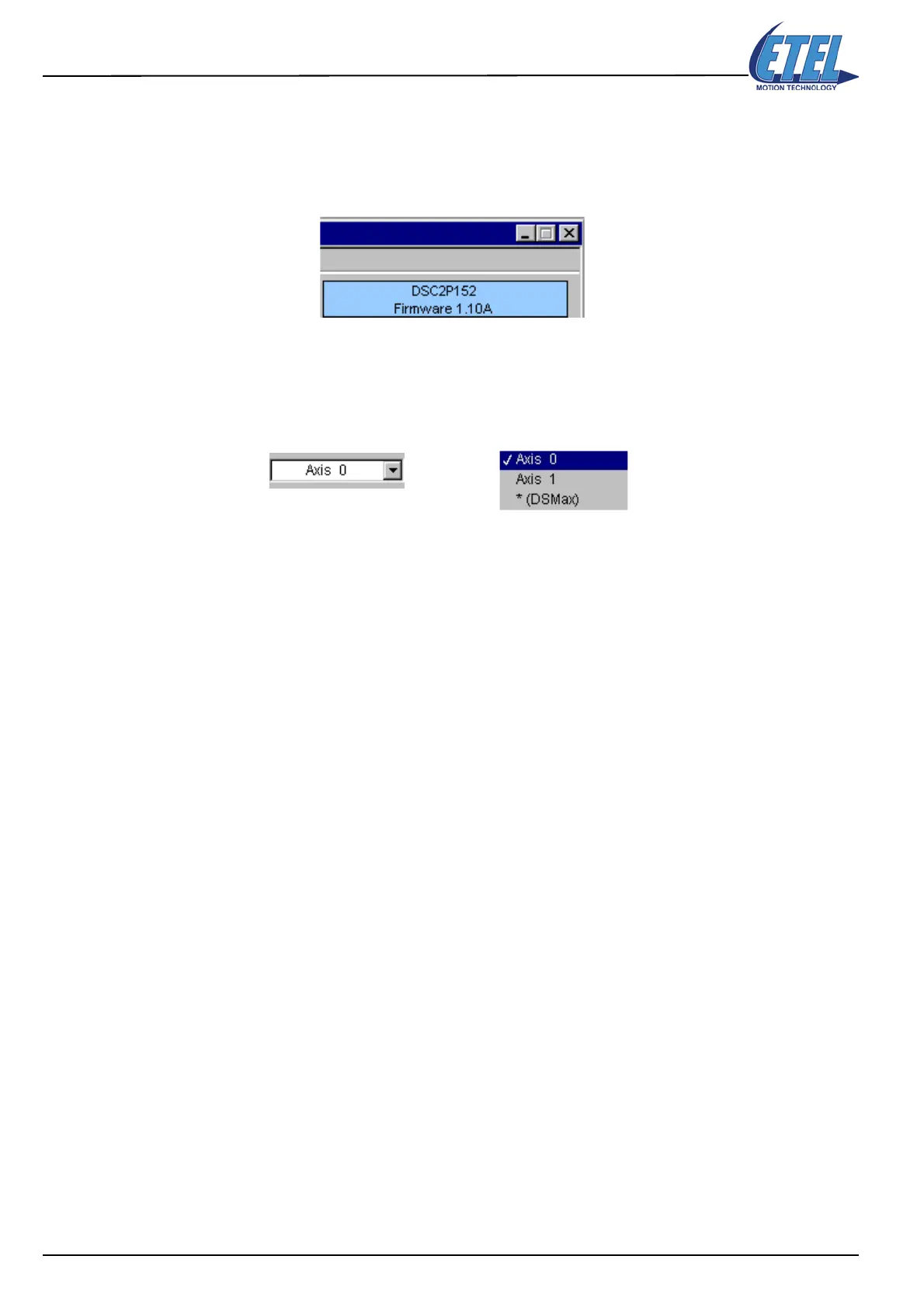
In the upper right corner of the Scope window, several details are displayed:
• Controller type. Here: DSC2P152.
• Firmware version installed in the controller. Here: Firmware 1.10A.
In the upper left corner of the Scope window, the following details are displayed:
• Controller axis number. Here: Axis 0.
• Daisy chain (TEB): the Axis present scroll menu shows Axis 0, Axis 1 and *(DSMAX) (Axis 31).
Axis 31 is reserved for the DSMAX; the axes number may be from 0 to 30.



 To Next Page