5
Navigation
Navigation
Icons
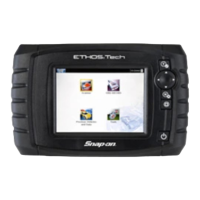
Use the touch screen or the control buttons to navigate the
ETHOS Tech functions and menus.
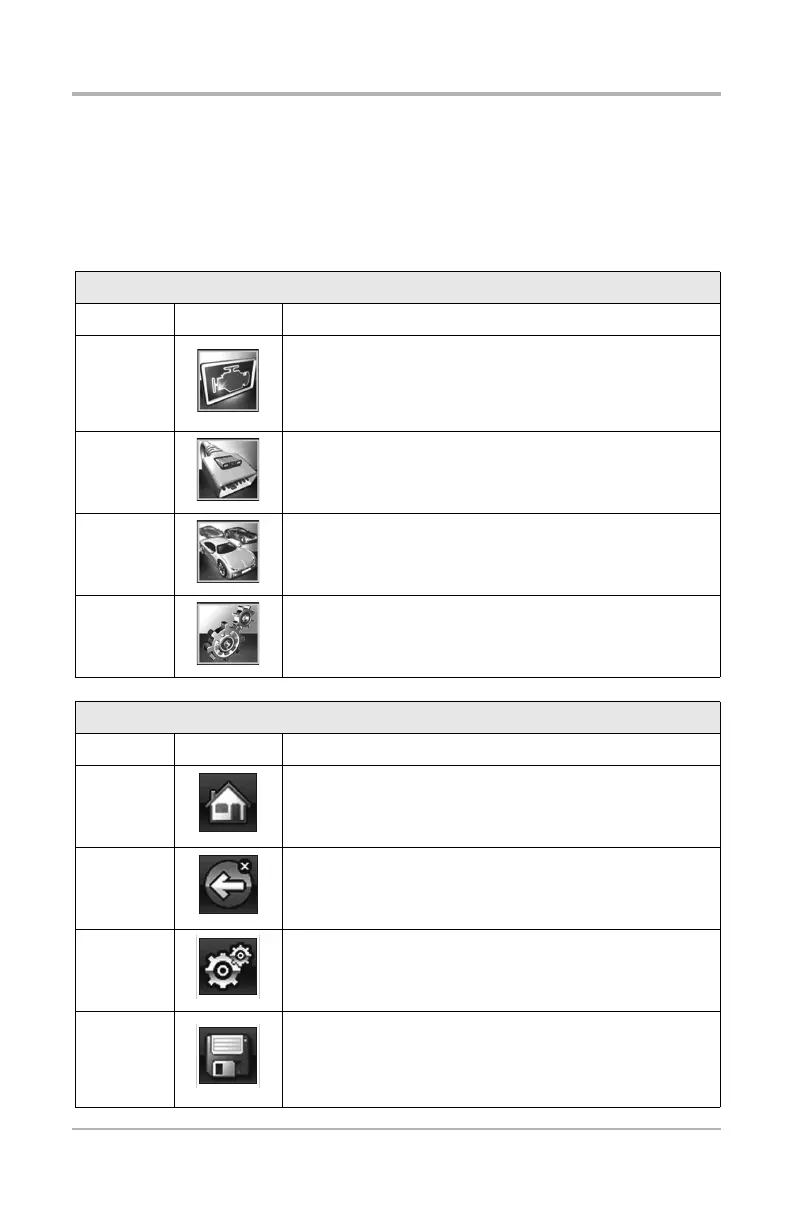
Home Screen Icons
Name Icon Description
Scanner
Used to communicate with the electronic control
systems of a vehicle. Retrieve diagnostic trouble
codes (DTCs), view PID data and perform diagnostic
tests. See “Scanner” on page 5.
OBD-II/
EOBD
Access generic OBD-II/EOBD data and tests without
identifying the vehicle being tested. See “OBD-II/
EOBD” on page 8.
Previous
Vehicles
& Data
Quickly reconfigure the ETHOS Tech to a recently
tested vehicle and access saved data files. See
“Previous Vehicles and Data” on page 8.
Tools
Adjust the ETHOS Tech settings to your personal
preferences and perform other special functions. See
“Tools” on page 8.
Common Toolbar Icons
Name Icon Description
Home Returns to the Home screen.
Back Returns to the previous screen.
Tools Opens the Tools menu.
Save
Writes data from buffer memory to a file. The saved
“movie” file can be accessed for future reference by
selecting Previous Vehicles and Data > View Saved
Data.


 To Next Page