2
Box content
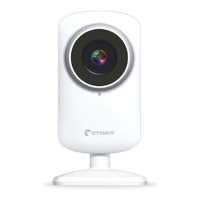
- ES-CAM2A x1
- Mounting bracket x1
- AC Adaptor x1
- User Manual x1
Android and iOS apps
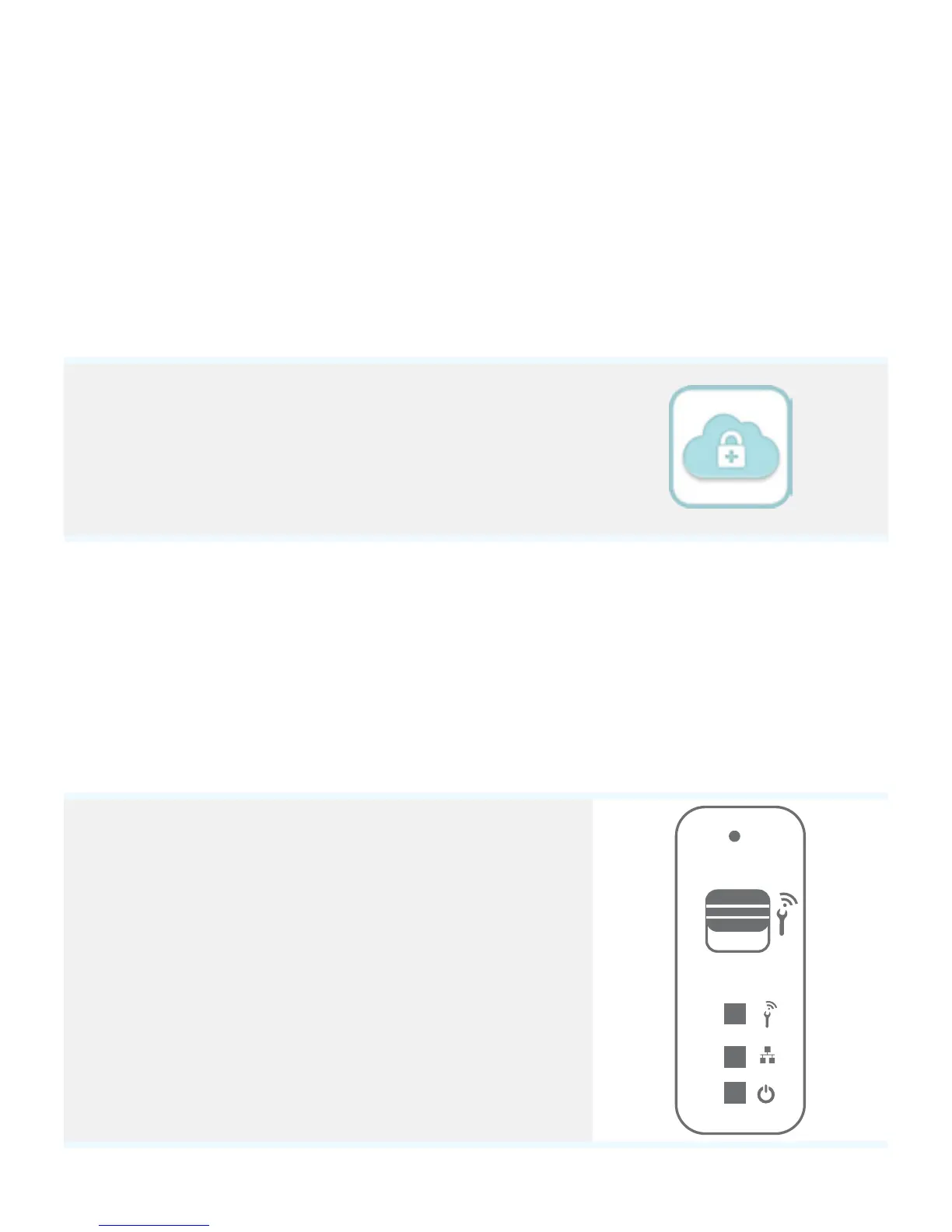
Before using the ES-CAM2A, download the
app iSecurity+ on the App Store or Google
Play.
Plug the camera
Plug the AC adaptor to your ES-CAM2A, and plug the former into the mains.
Switch the Wi-Fi of your camera on
Make sure the Wi-Fi switch at the back of your
camera is on “ON”.
When the LED turns green, your camera is ready
to be set up. This step can take up to 2 minutes
when started for the rst time.
OFF
ON


 To Next Page