63
GB
Auto
Roast
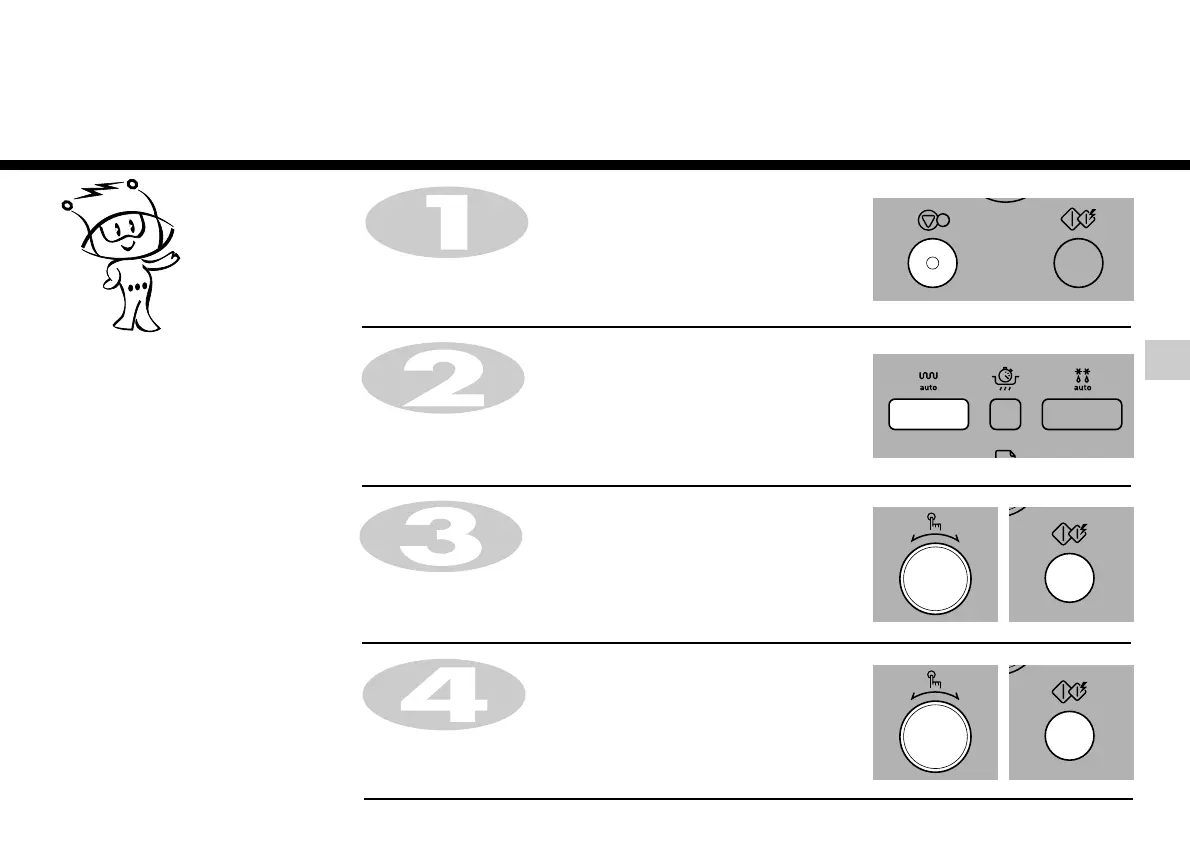
Press STOP/CLEAR.
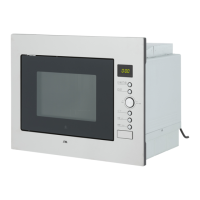
Press AUTO ROAST.
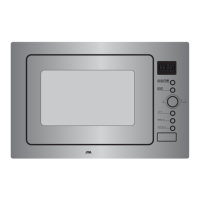
Turn DIAL until display shows “Ar-1”.
Press START for category confirmation.
AUTO ROAST cook allows you to cook
most of your favorite food easily by
selecting the food type and entering the
weight of the food.
In the following example I will show you how to cook 1.4kg of Roast Beef.
Turn DIAL until display shows “1.4kg”.
Press START.


 To Next Page