OPERATIONGB 10
Setting the clock
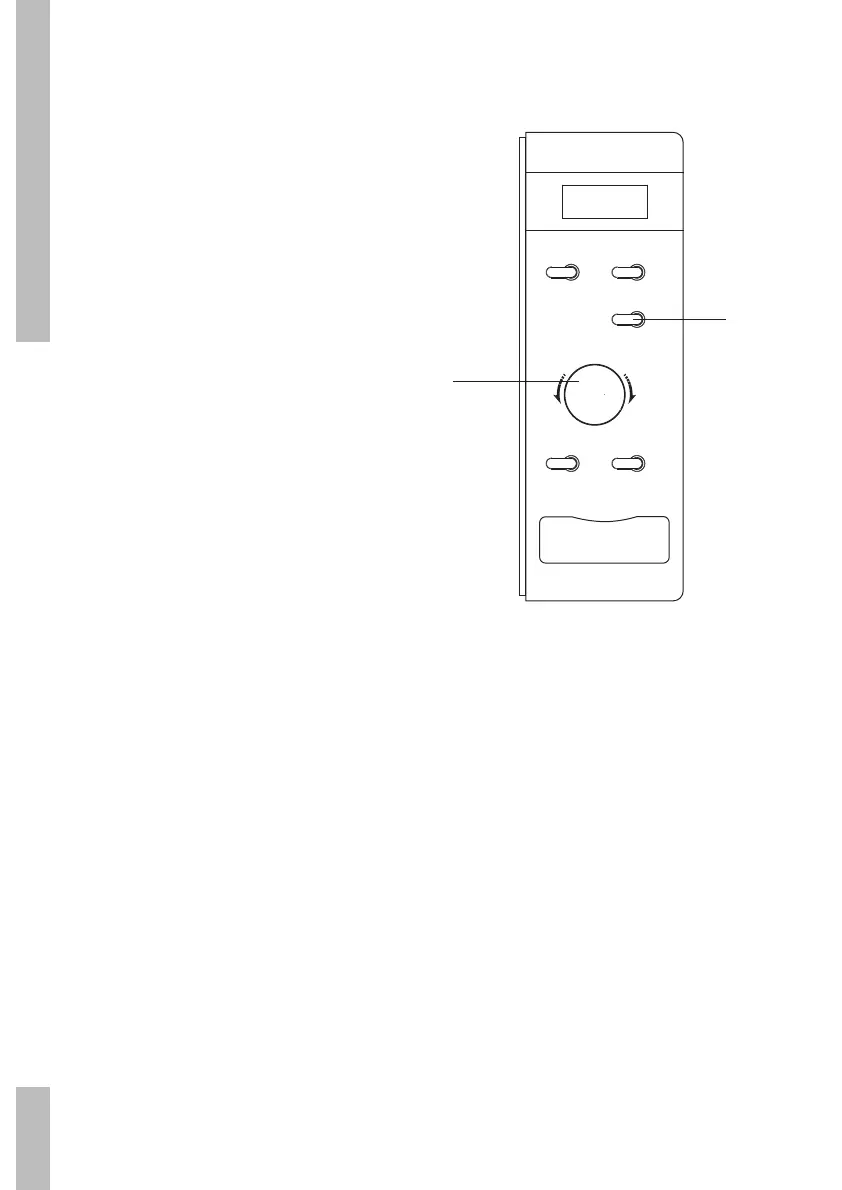
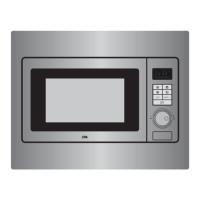
1 Press the ‘Klok’ button.
The hours-display starts to flash.
2 Turn the ‘Tijd/Gewicht/Auto Menu’ control
knob. Set the hours (between 0 and
23 hour).
3 Press the ‘Klok’ button. The minutes-
display starts to flash.
4 Turn the ‘Tijd/Gewicht/Auto Menu’ control
knob. Set the minutes (from 0-59).
5 Press the ‘Klok’ button. The time that you
have set is displayed
(“:” flashes). If you press ‘Stop’ while
setting the clock the previous clock setting
will be displayed.
remarks
When the microwave is connected to the
electricity supply the display will show “0:00”.
Stop
Magnetron
Ontdooien
Klok
Start/OK
T
i
j
d
●
G
e
w
i
c
h
t
●
A
u
t
o
M
e
n
u
2/4
1/3


 To Next Page