OPERATIONGB 13
Multistage cooking
You can set a maximum of 2 cooking stages.
Set the defrost function (if applicable) as the
first stage. A beep sounds after the end of
each stage and the next stage will start.
The Auto-menu cannot be used with this
mode.
example
You want to cook for 10 minutes at a
microwave power level of 100% and 5 minutes
at a microwave power level of 80%.
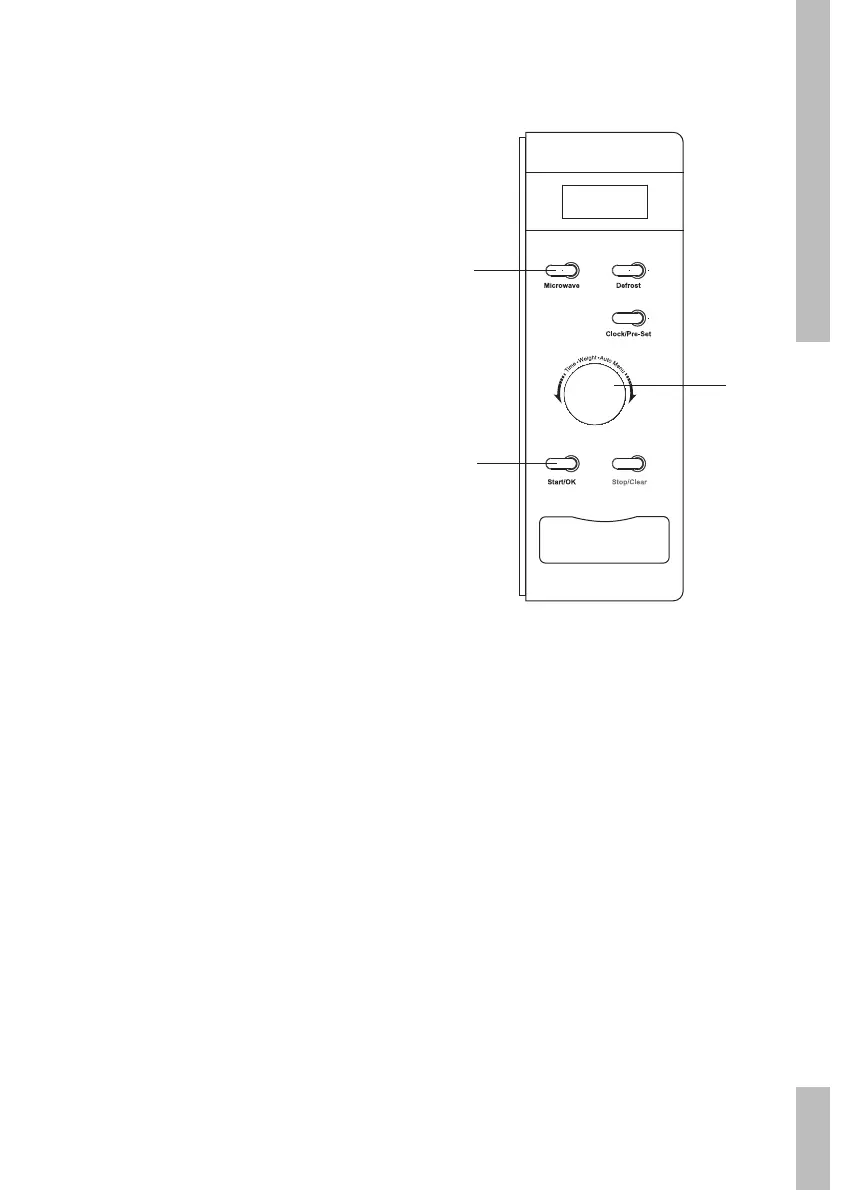
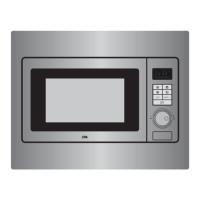
1 Press the ‘Magnetron’ button once for a
microwave power level of 100%.
The display shows “P100”.
2 Press the ‘Start/OK’ button to confirm the
microwave power.
3 Turn the ‘Tijd/Gewicht/Auto Menu’ control
knob. Set the cooking time to 10 minutes.
4 Press the ‘Magnetron’ button twice for a
microwave power level of 80%.
5 Press the ‘Start/OK’ button to confirm the
microwave power.
6 Turn the ‘Tijd/Gewicht/Auto Menu’ control
knob. Set the cooking time to 5 minutes.
7 Press the ‘Start/OK’ button to start the set
programme.
3/6
1/4
2/5/7


 To Next Page