OPERATIONGB 14
Pre-set function
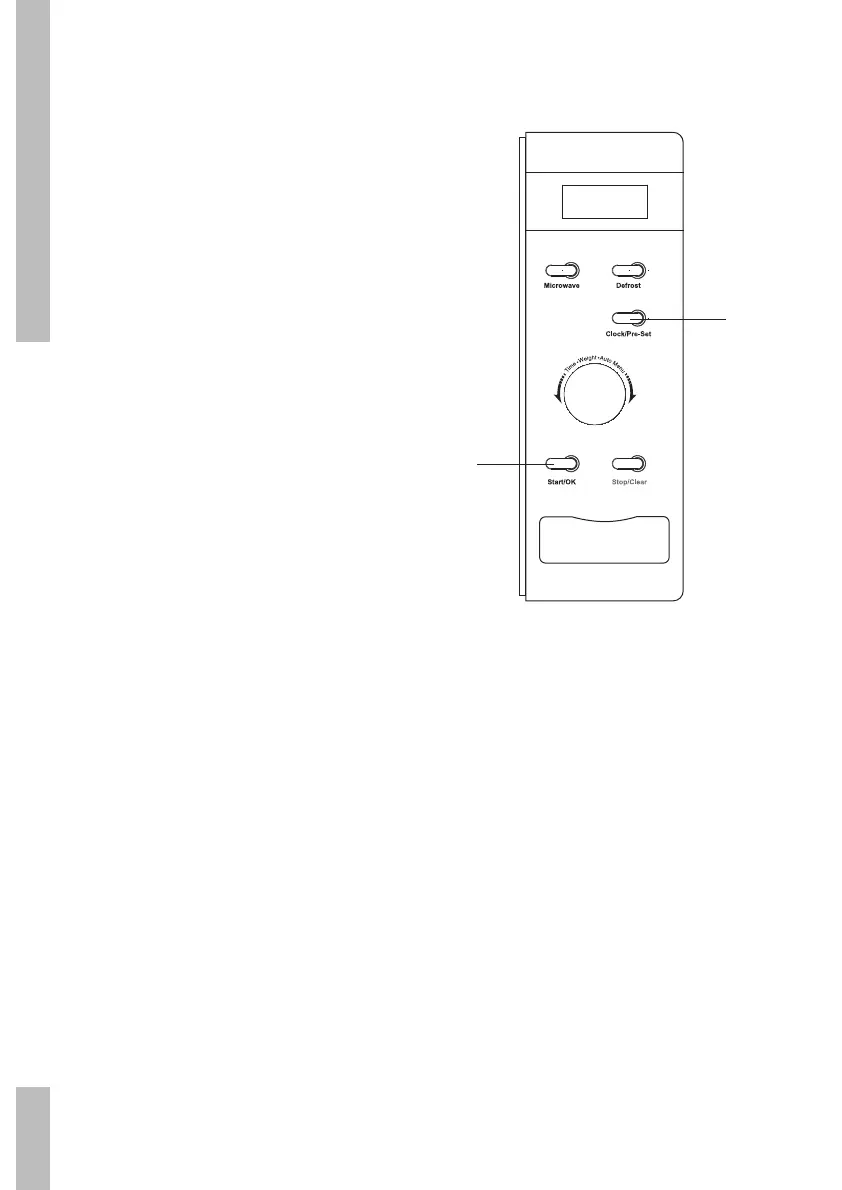
first set the clock (see the chapter entitled
“Setting the clock”)
1 Set a cooking function. A maximum of
2 functions can be set (apart from the
defrost function). When using the “Auto
menu”, only one function can be set.
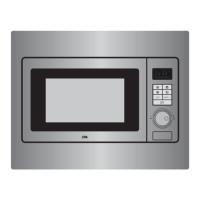
2 Press the ‘Klok’ button. The current time is
shown in the display. The hours flash.
3 Turn the ‘Tijd/Gewicht/Auto Menu’ control
knob. Set the desired hours.
4 Press the ‘Klok’ button.
The minutes flash.
5 Turn the ‘Tijd/Gewicht/Auto Menu’ control
knob. Set the desired minutes.
6 Press the ‘Start/OK’ button to confirm the
set programme. When the set time arrives
two beeps will sound and the cooking
programme will start.
2/4
6


 To Next Page