GB 5
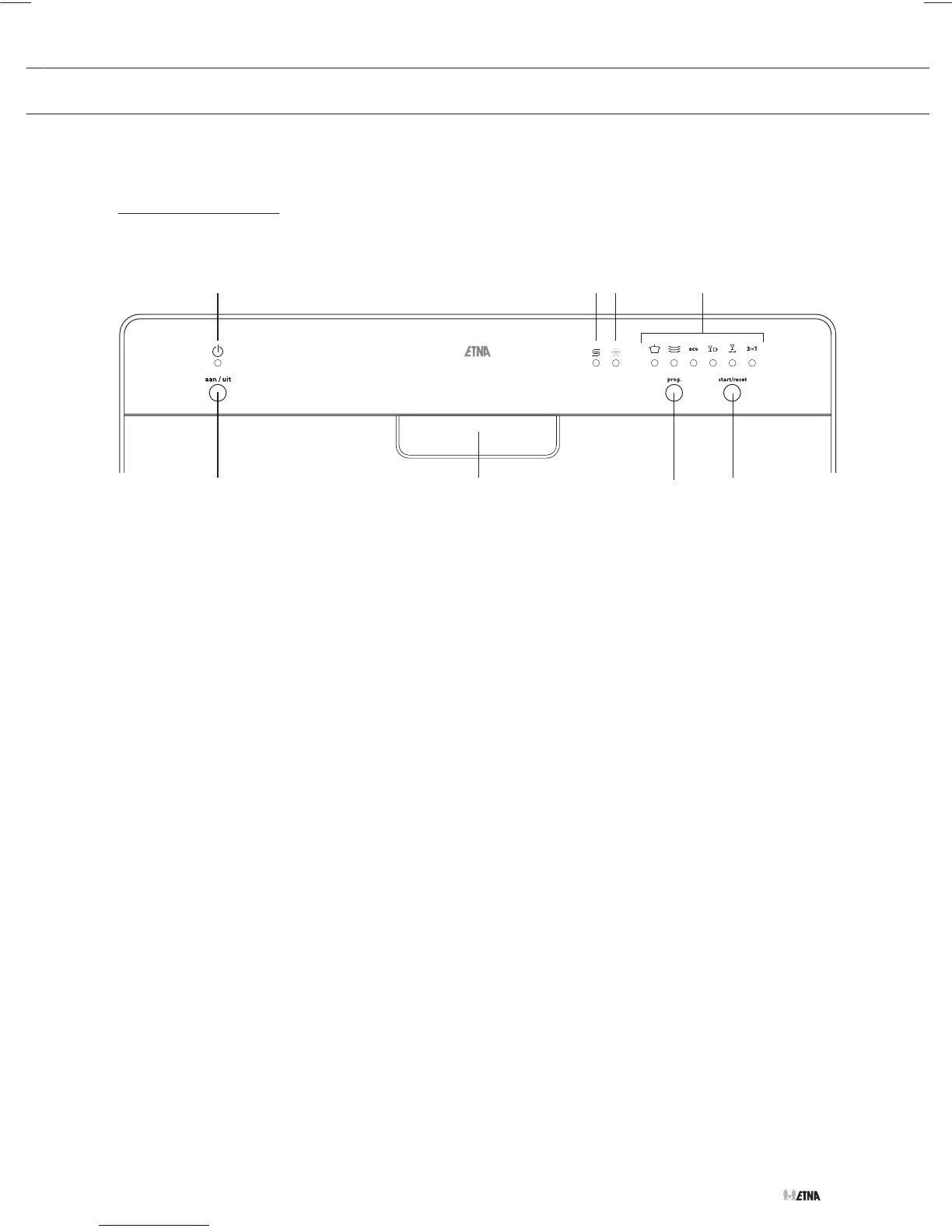
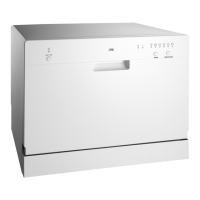
Control panel
YOUR DISHWASHER
1. On/Off button: to turn on/off the power supply.
2. On/Off indicator light. The indicator will light up when the machine is switched on.
3. Warning light for salt. The indicator will light up when the salt reservoir needs to be refilled.
4. Warning light for rinse agent. The indicator will light up when the rinse agent reservoir needs to
be refilled.
5. Program indicator lights; they show the program that has been selected.
6. Door handle: pull it to open the door.
7. Washing program selector. Press the button repeatedly to select the desired washing
program.
8. Start/reset button. Press this button to start, pause or reset the washing program.
EVW7862
16
7
8
2534
60°70° 50° 45° 40° 60°


 To Next Page