EasyManua.ls Logo

Eton FRX3 - Product Identification; Top Panel Buttons; Front Panel Layout

Eton FRX3
13 pages
Print Icon
To Next Page IconTo Next Page
To Previous Page IconTo Previous Page
Loading...
FRX3 OWNER’S MANUAL
4
FRX3
Thank you for purchasing the Eton FRX3. We want you
to thoroughly enjoy the use of this product. To take
advantage of its many excellent and unique features,
we urge you to carefully read the user’s manual.
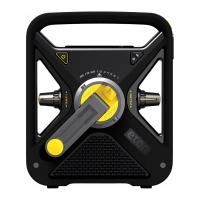
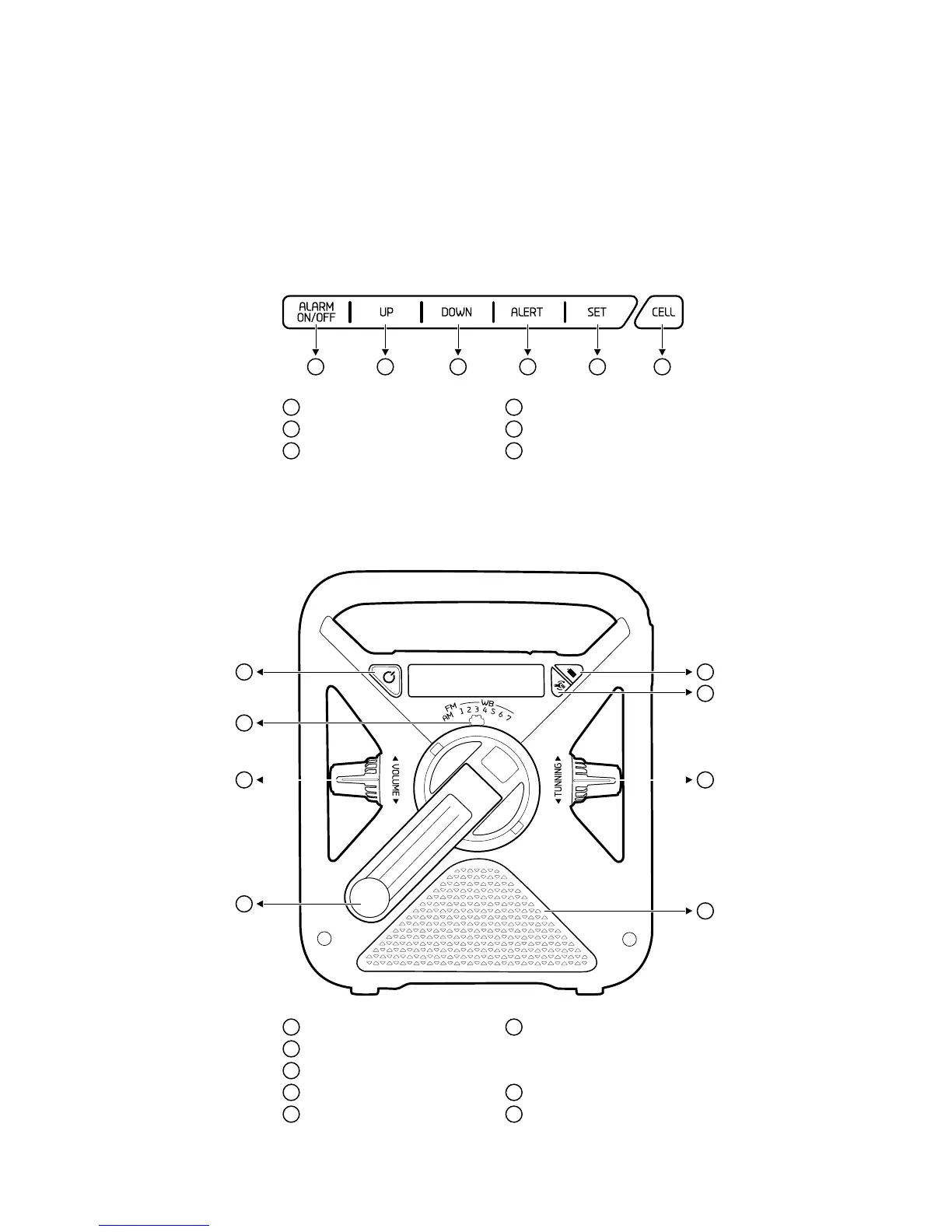
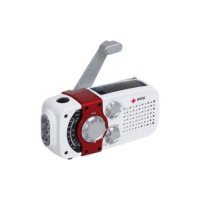
FRX3 Front
Top Buttons
1
Alarm ON/OFF Button
2
Tune Up Button
3
Tune Down Button
4
Alert Button
5
Set Button
6
Cell Button
7
Power/Standby Button
8
AM/FM/WB Selector Dial
9
Volume Knob
10
Hand Turbine/Dynamo
11
Battery (BATT) Button
(AAA batteries)
12
Dynamo/Solar (DYN) Button
NOTE: For rechargeable
Ni-MH battery
13
Tunning Knob
14
Speaker
11
12
13
14
1 2 3 4 5 6
7
8
9
10

Related product manuals