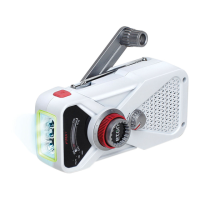
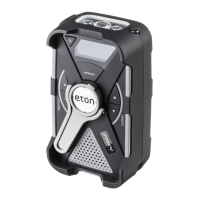
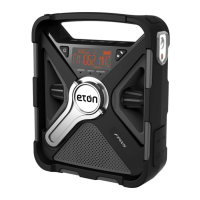
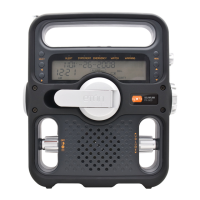
FRX3 OWNER’S MANUAL
9
FLASHLIGHT
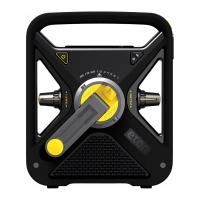
Push the ashlight button to turn it ON/OFF.
VOLUME CONTROL
Turn the Volume Adjusting Knob (located on the front left
knob) to adjust volume level. Always turn down the volume
before using earphones.
TUNNING CONTROL
Turn the tuning knob (located on the front right knob)
to change frequencies.
LCD BACkLIGHT
To light the display for about 5 seconds, press the ANY
button located in front if the unit.
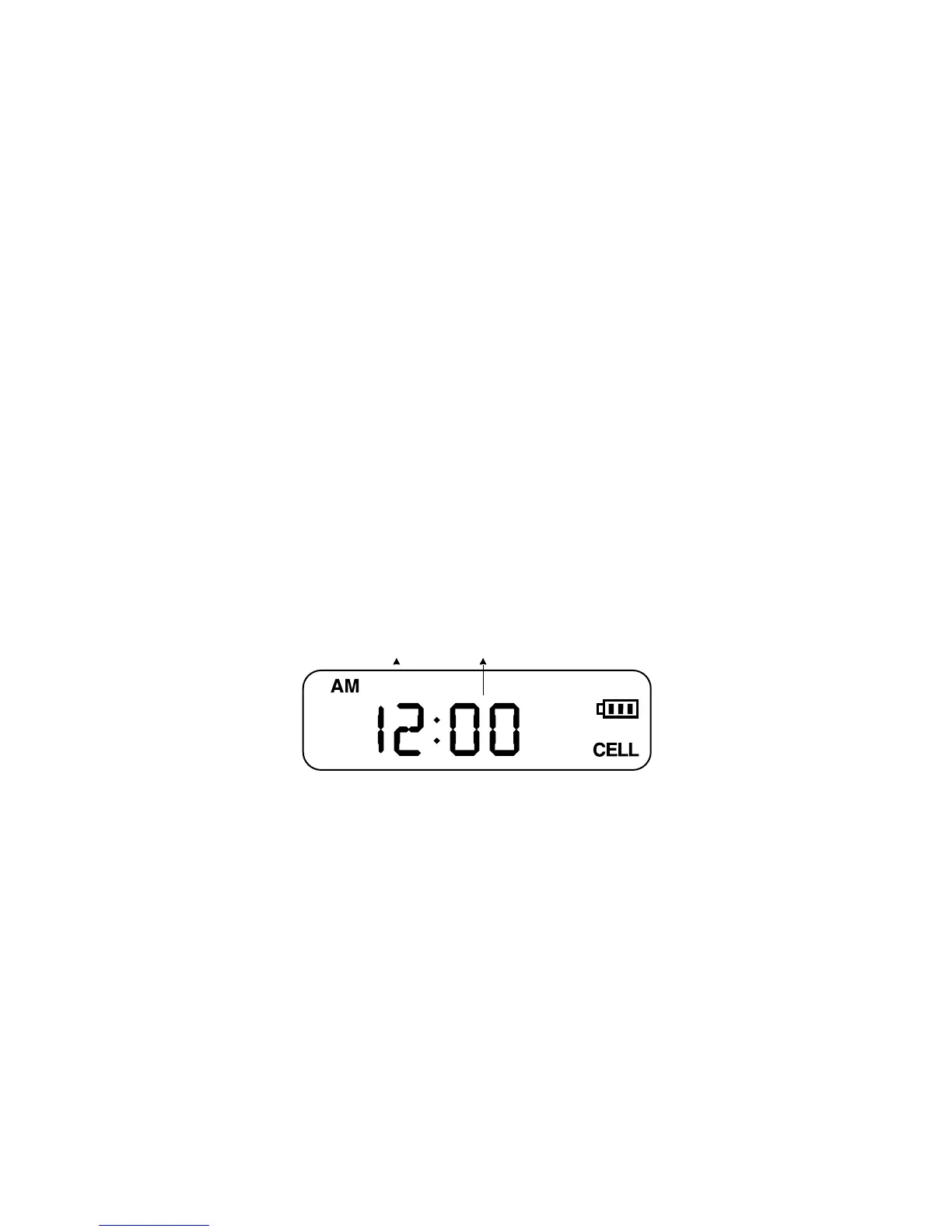
ADjUST CLOCk TIME
1. In the standard mode, press the SET button. The LCD
display type will ash.
2. Adjust the time by pressing the UP or DOWN button,
then press SET to conrm. Repeat for the minute value.
Hour Minute
ALARM ON/OFF
Press the alarm button to turn ON/OFF the alarm.
The word <ALARM> will appear on the display.


 To Next Page