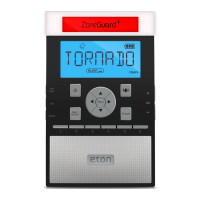
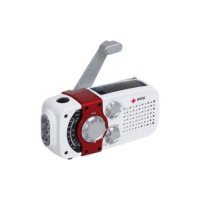
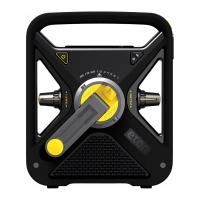
FRX3 OWNER’S MANUAL
7
BATTERy POWER (3 AAA BATTERIES)
Install 3 AAA batteries using the polarity diagram inside
the battery compartment (on the back of the radio). To turn
on the radio using AAA batteries, press the Battery Power
button <
>.
SOLAR POWER
When in Dynamo Power mode and the solar panels are
in direct sunlight (not through a window or in the shade),
the Ni-MH rechargeable battery recharges automatically.
The LCD power status bar (under DYN) will show the
recharging icon <
>.
USB CABLE POWER
To charge the Ni-MH battery via the USB port (DC-in),
make sure the unit is on Dynamo Power option. Plug the
USB cable port into the computer, plug the other port into
the mini USB jack. The recharge icon <
> appears.
ANSWERS TO qUESTIONS
REGARDING CHARGING
How much operating time does 90 seconds of hand •
cranking provide for the radio to play and for ashlight?
About 5 to 7 minutes of radio, at low volume.
About 20 minutes of ashlight.
How long does it take to fully charge the radio’s battery •
with the USB adapter?
About 2 hours.
How long will the radio play when the rechargeable •
battery is fully charged?
About 3 to 4 hours, at low volume.
How long does it take to fully charge the radio’s battery •
with the solar panel?
About 10 hrs in direct sunlight (not through
a window or in the shade).


 To Next Page