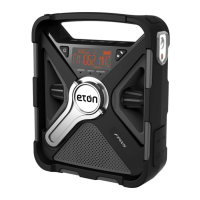
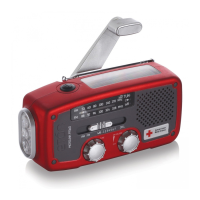
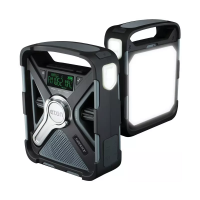
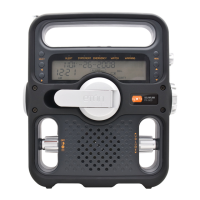
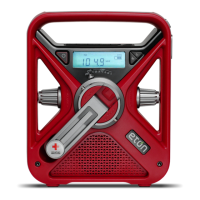
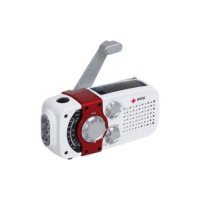
FRX3 OWNER’S MANUAL
6
TURNING ON THE FRX3
The FRX3 is powered with either the internal rechargeable
Ni-MH battery (600mAh, 3.6V), 3 AAA batteries, the hand
turbine and solar cell, or USB DC-in (included). Select the
power source and press the Power Button <
> to turn
radio on.
DyNAMO POWER
(RECHARGEABLE Ni-MH BATTERIES)
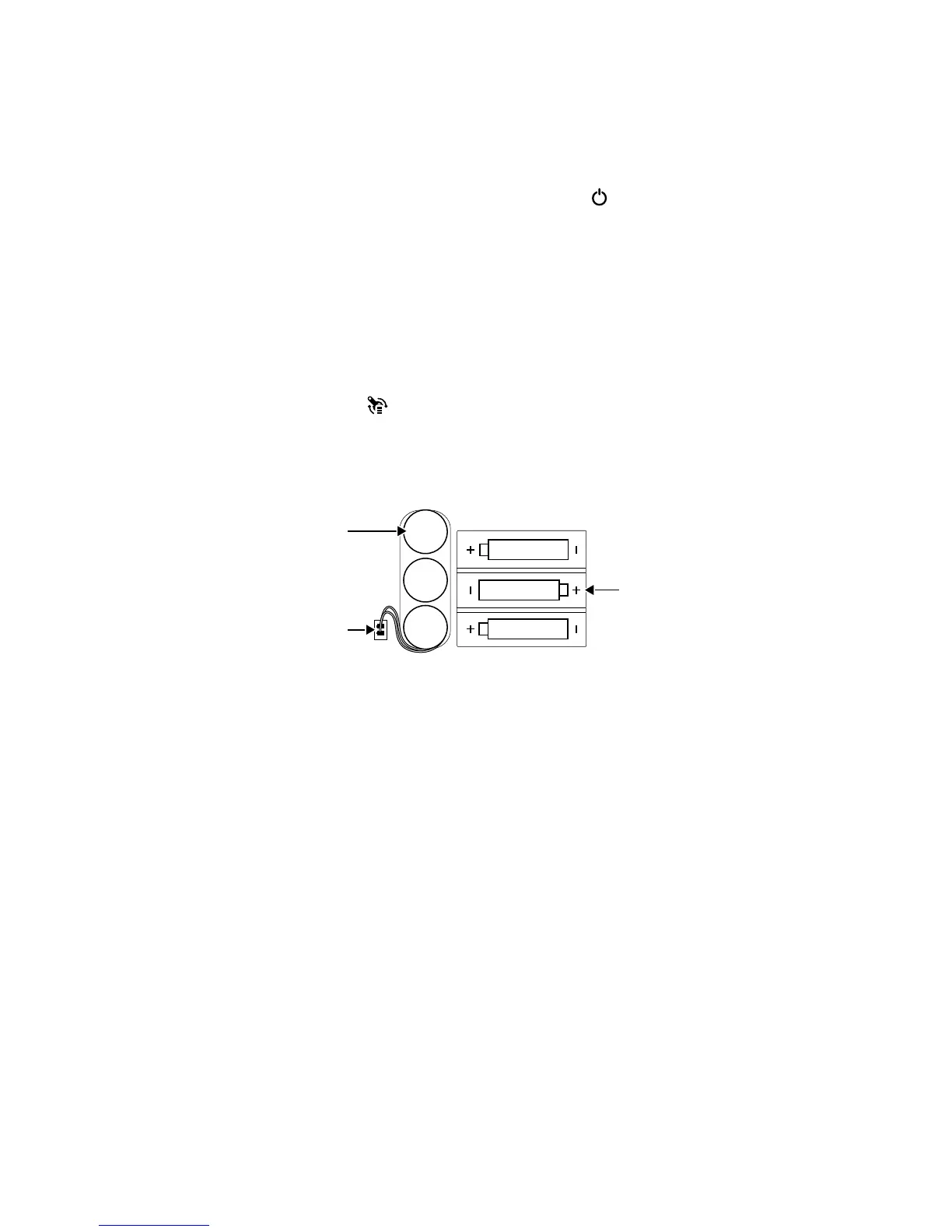
The rechargeable Ni-MH (nickel-metal-hydride) battery
is in the battery compartment. To use it, plug the battery
into the socket adjacent to it, then press the Dynamo
Power button <
>. Turn the dynamo to recharge the
internal Ni-MH battery. The rechargeable battery will
eventually lose its ability to hold a charge over time.
Call Etón Corporation to order another one.
NOTE: Before initial use, make sure the rechargeable
Ni-MH battery pack (included) is connected to the
unit’s electric socket. The Ni-MH battery is rated
at 3.6V/600mAh.


 To Next Page