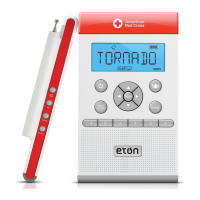
ZONEGUARD+ OWNER’S MANUAL
8
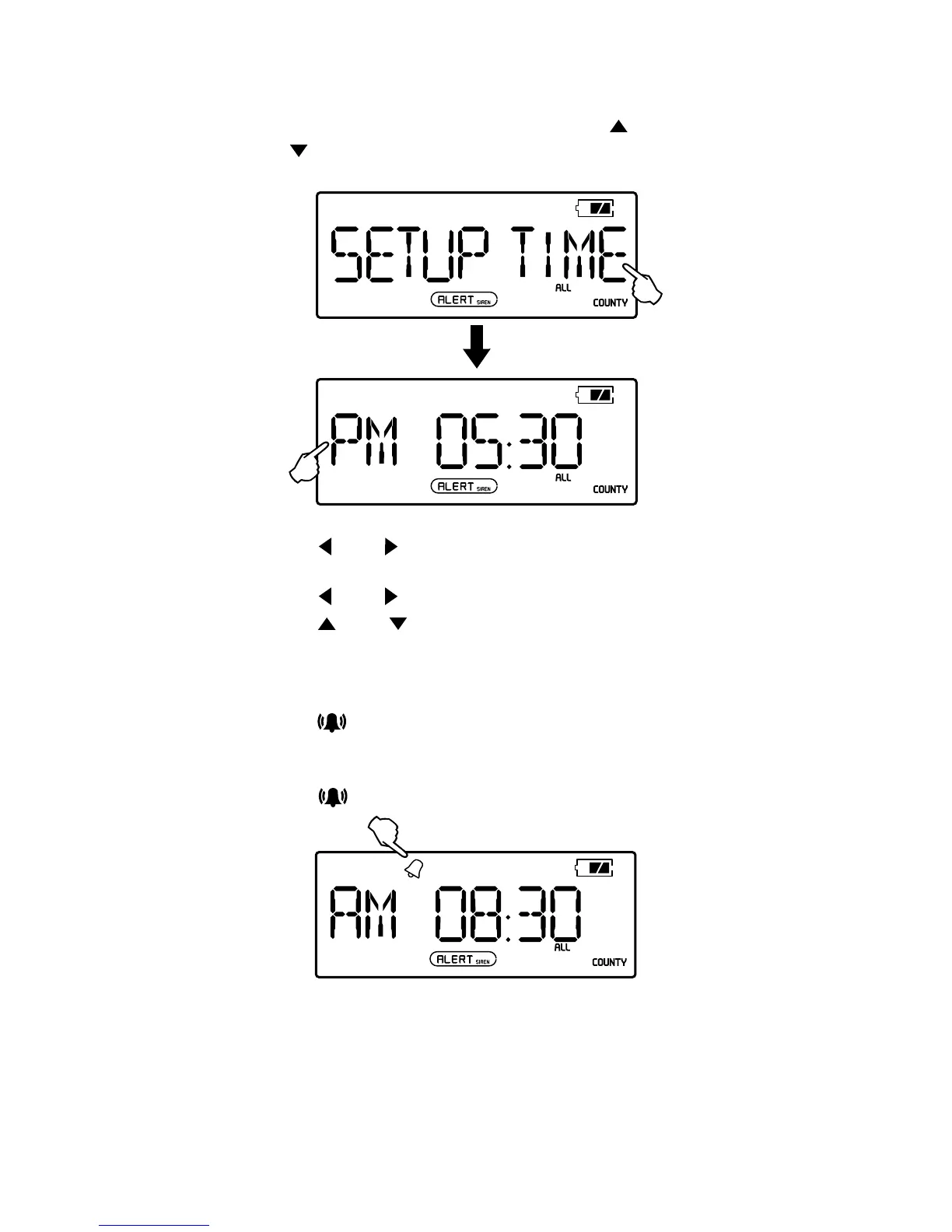
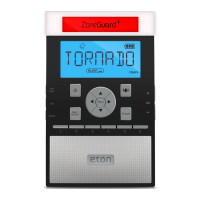
SET THE ALARM
1. With radio OFF, press <MENU>, then press < >
or <
> to select <SETUP ALARM> mode.
2. Press < > or < >. When the hour ashes, press <UP>
or <DOWN>to adjust. (Watch for the AM/PM indicator).
3. Press <
> or < >. When the minute ashes,
press <
> or < > to adjust.
4. Press <MENU> twice to conrm and exit.
TURN THE ALARM ON/OFF
1. Press < > to turn the alarm on or off.
2. When the bell appears in the upper left of the display,
it will beep at the designated time.
3. Press <
> to turn the alarm off.


 To Next Page