ZONEGUARD+ OWNER’S MANUAL
9
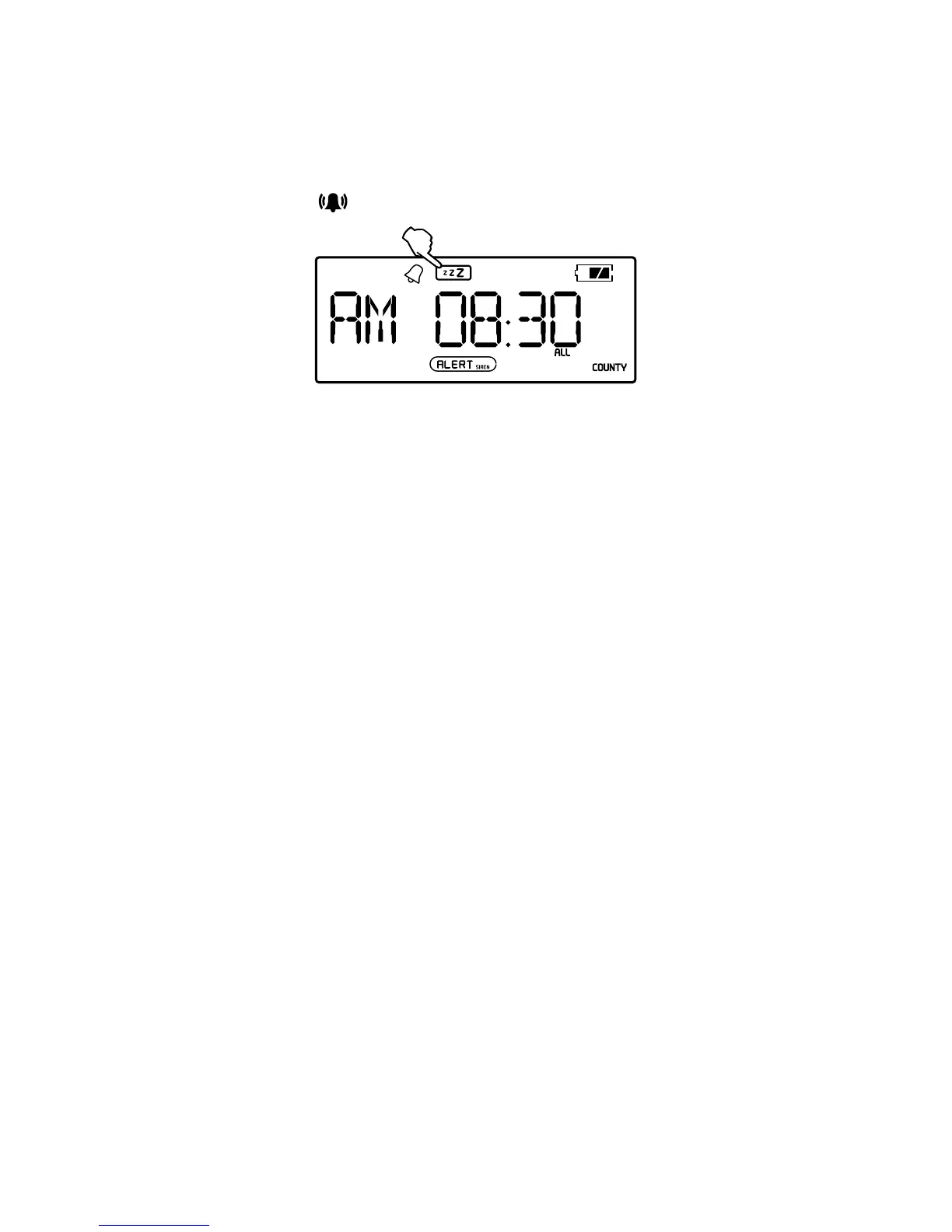
HIT SNOOZE
1. When the alarm beeps, press <SNOOZE> to sleep
for 5 more minutes.
2. Alarm automatically resumes after 5 minutes.
3. Press <
> to turn the alarm off.
STAY ALERT
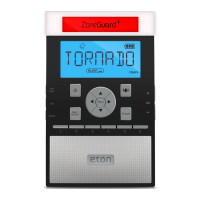
The ZoneGuard+ sends you S.A.M.E. (Specic Area Message
Encoding) notications for your area. When alerts occur,
lights ash, sirens beep and messages are displayed on
the ZoneGuard+ to make sure everyone’s in the know and
prepared. Follow all the steps below to stay alert.
For a full explanation of S.A.M.E. go to:
http://www.nws.noaa.gov/nwr/nwrsame.htm
FIND YOUR S.A.M.E. CODE
To receive S.A.M.E. notications for your area, you’ll rst
need to get your six digit code(s).
In the US:
• Visit the National Weather Service Website at
www.nws.noaa.gov/nwr/indexnw.htm
• Call the National Weather Service Toll-Free Number at
1-888-NWS-SAME (1-888-697-7263)
In Canada:
• Visit Environment Canada’s Meteorological Service
Website at http://ec.gc.ca/meteo-weather/default.
asp?lang=En&n=1CD5BDF2-1
• Call Environment Canada’s Meteorological Service
Toll-Free Number at 1-877-789-7733 (Canada Only)


 To Next Page