str. 3
Step2: AUTHORISATION
Depending on the charging station authentication mode chosen different screens
will be shown that will need different actions from user in order to continue with the
charging session.
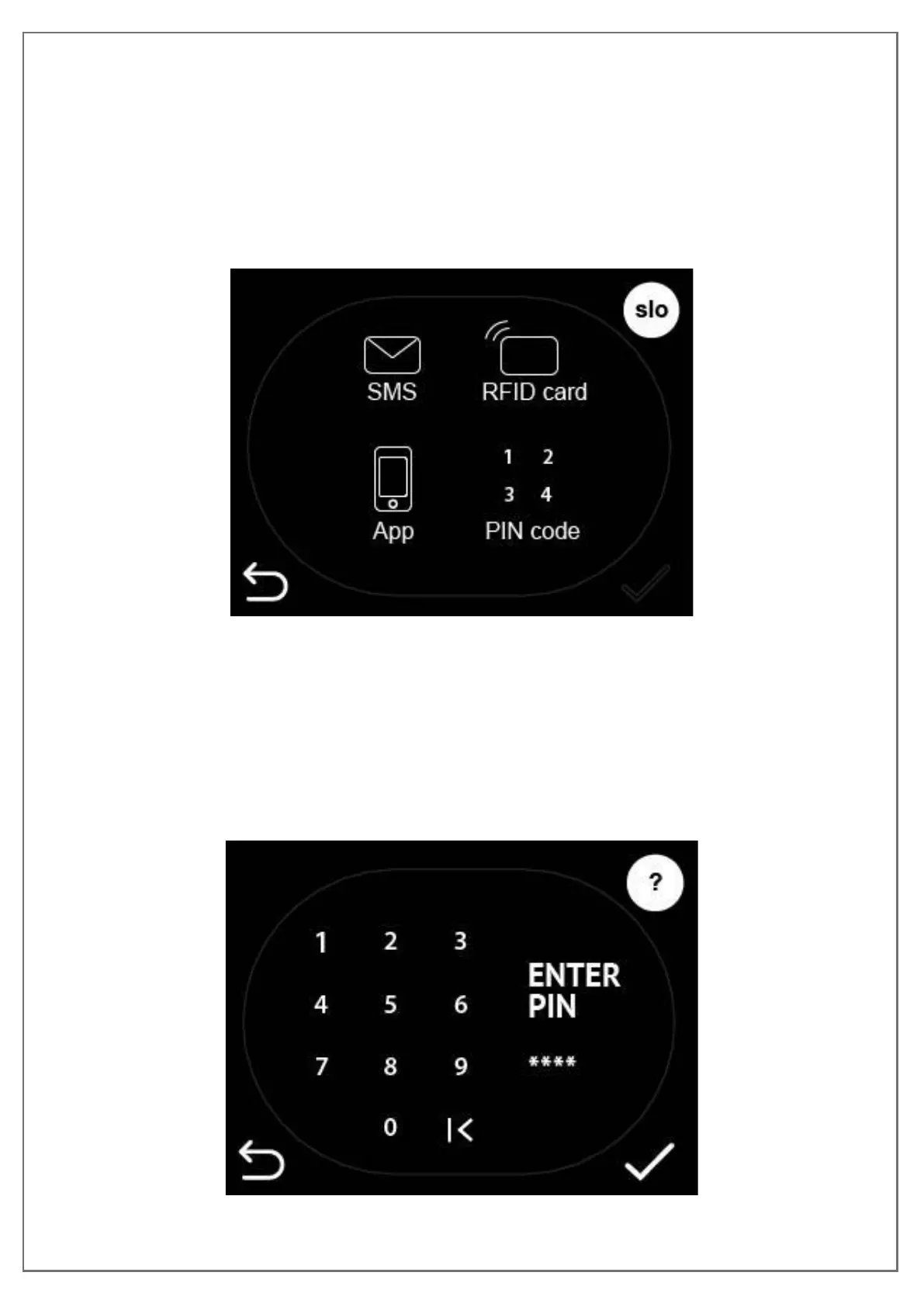
If authentication is needed you can simply press the authentication you will use to
authorize and continue with the charging session.
Figure 8: Chose authorisation method
a. Swipe RFID card
By simply swiping the RFID card below the LCD touch screen where the RFID
module is installed you can authorize on the charging station and begin the charging
session
b. Insert pin
Figure 9: Insert PIN code


 To Next Page