str. 4
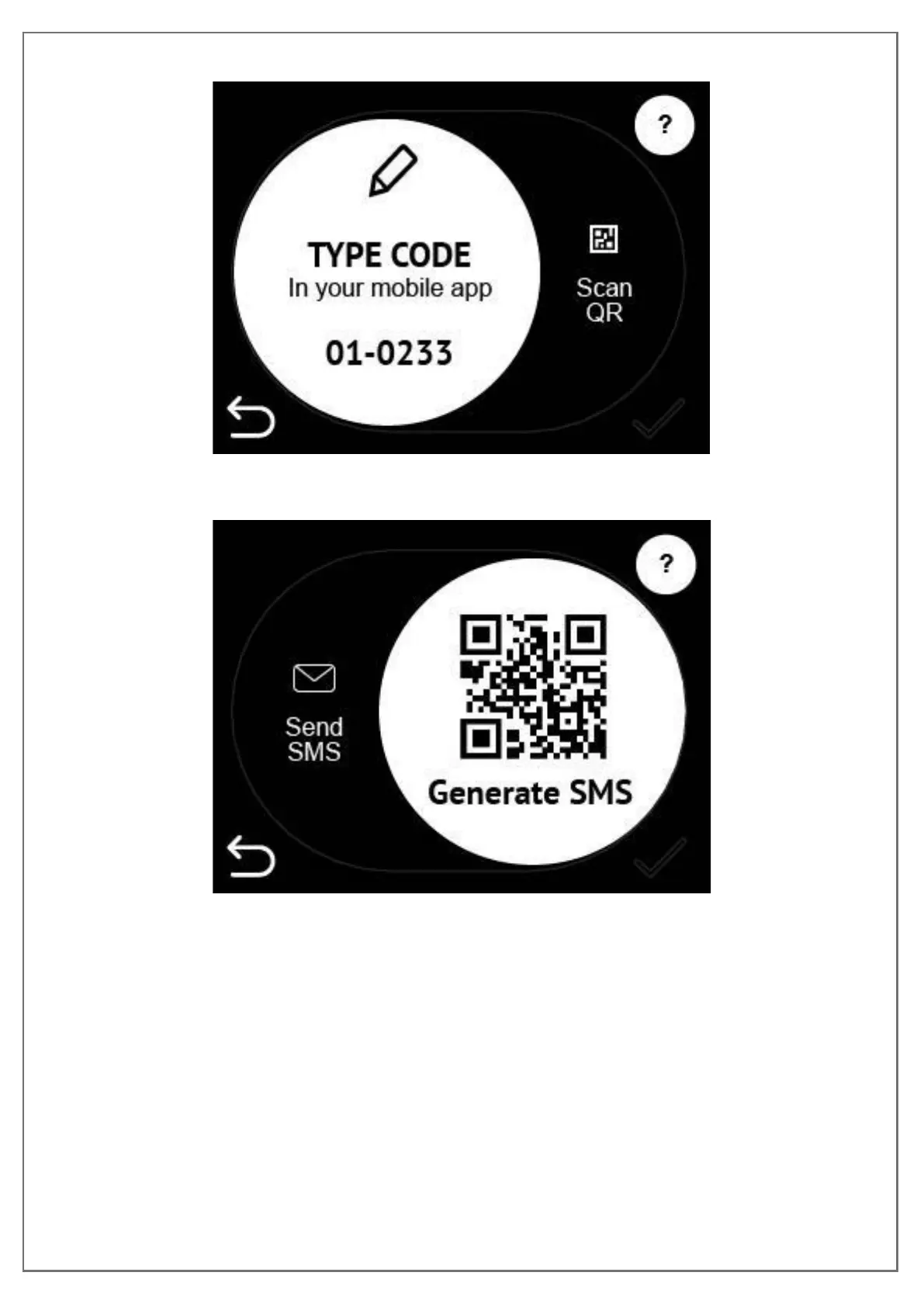
c. Use mobile app to authenticate
Figure 10: Insert charging station's EVSE code
Figure 11: Scan QR code
You can either type the code of the station to your mobile app or scan QR code with
mobile.
Step3: CONNECTING THE CABLE
After the successful authorization you are going to see the screen with the
description to connect the cable.


 To Next Page