str. 5
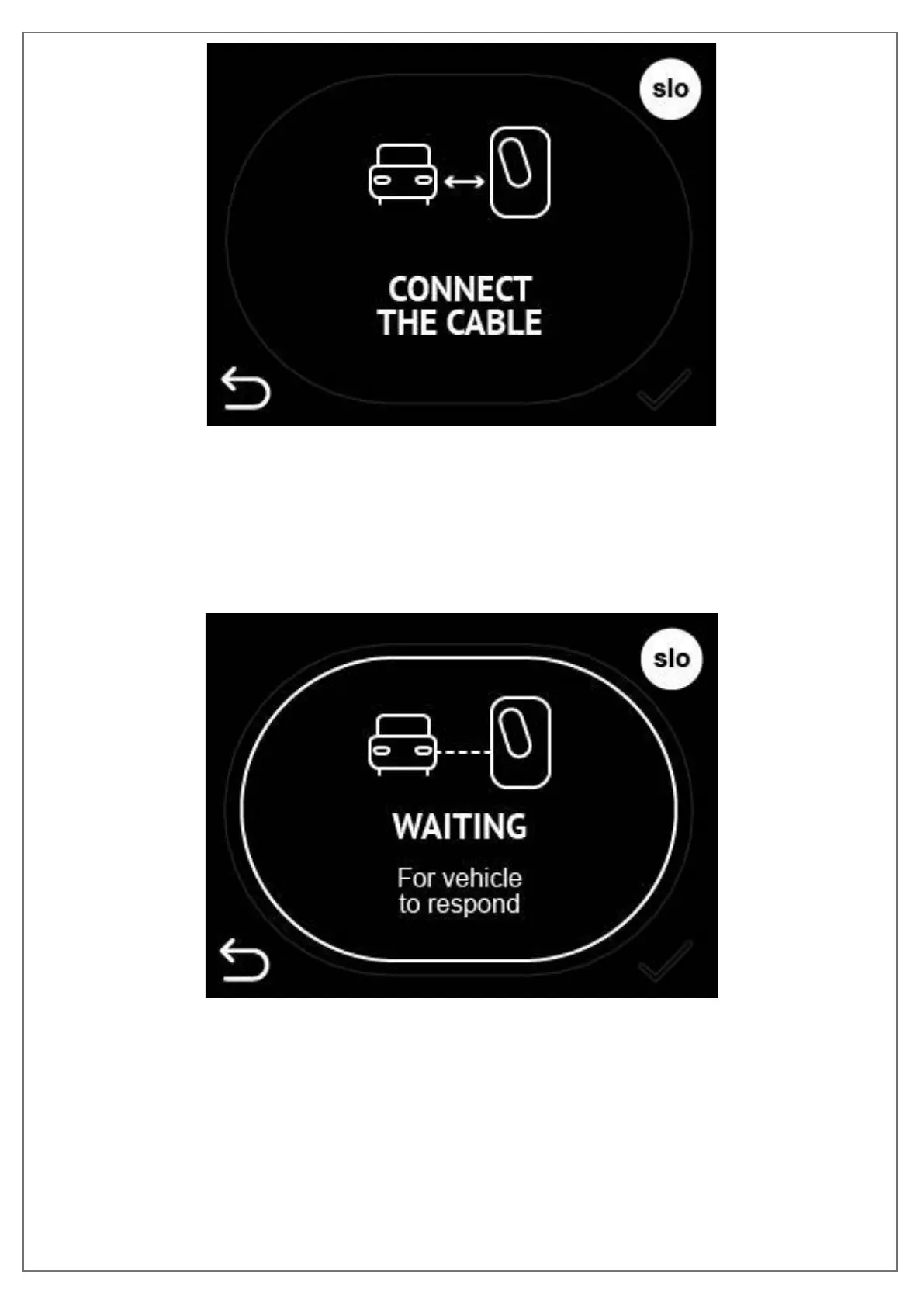
Figure 12: Connect the cable to charging station and EV
If the cable is connected before the authorisation this screen will be left out and
after the authorisation next screen “Waiting for vehicle to respond” will be shown.
When the cable is connected charging station will start charging as soon as EV
responds.
Figure 13: Charging station is waiting for EV to responds and starts charging
Step4: DEPARTURE TIME INPUT
As soon as the charging session begins you will be presented with the screen to
input your departure time. Departure time presented is the one calculated by the


 To Next Page