5 CONFIGURATION
SOFTWARE FOR CONFIGURATION
Configuration software Load Guard Configurator 1.4.zip can be
downloaded from the following address:
https://etrelchargingsolutions.atlassian.net/wiki/download/attachments
/258867203/Load Guard Configurator 1.4.zip?api=v2
Expand the compressed file in new folder Load Guard Configurator 1.4.
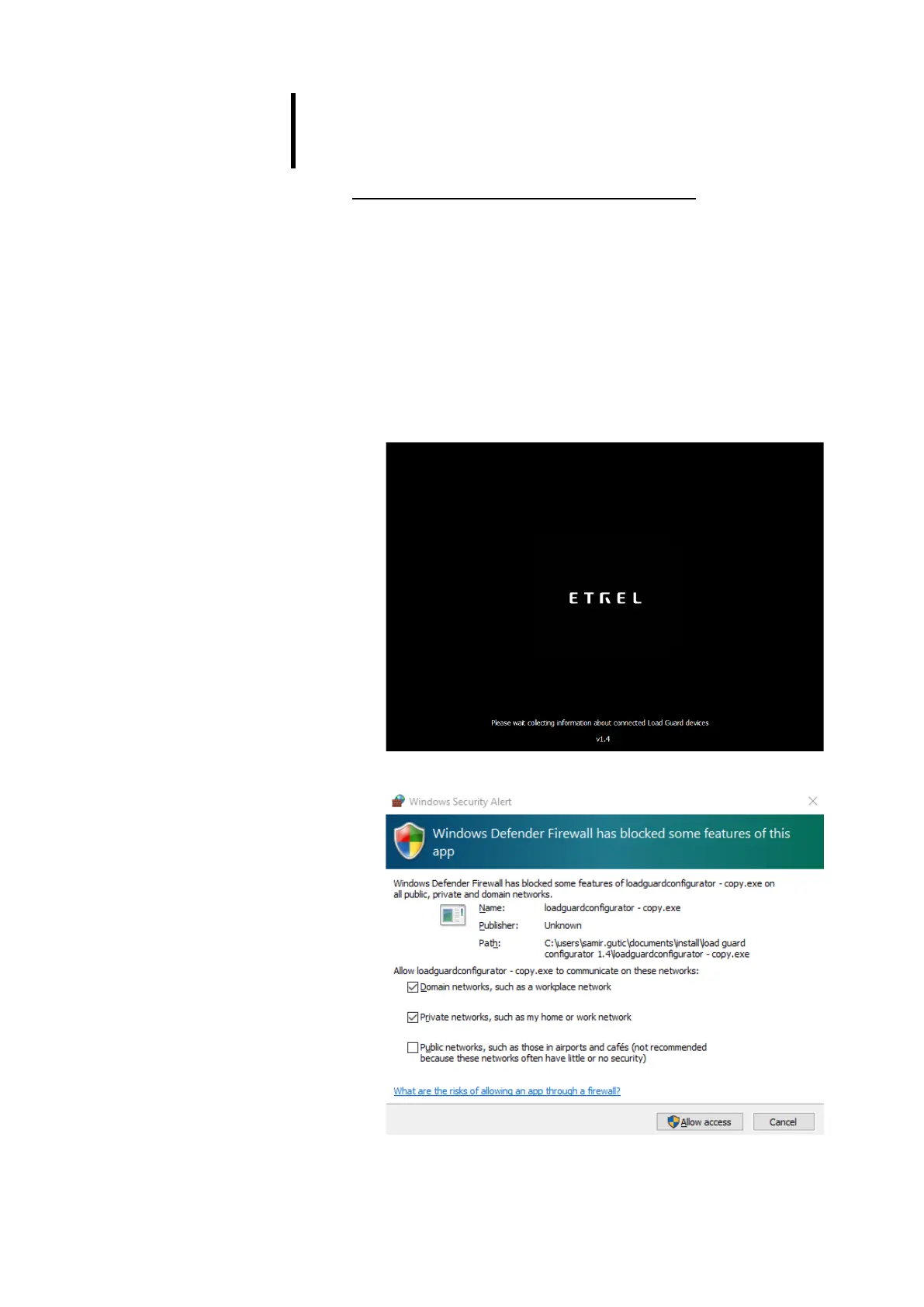
Click on LoadGuardConfigurator.exe inside the folder opens software for
configuration of Load Guard. The message of Windows Firewall will be
presented.
Figure 23: Starting configuration software
Figure 24: Message of Windows Firewall


 To Next Page