03
English
PRODUCT OVERVIEW
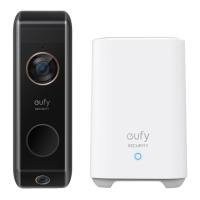
Video Doorbell (Battery Powered)
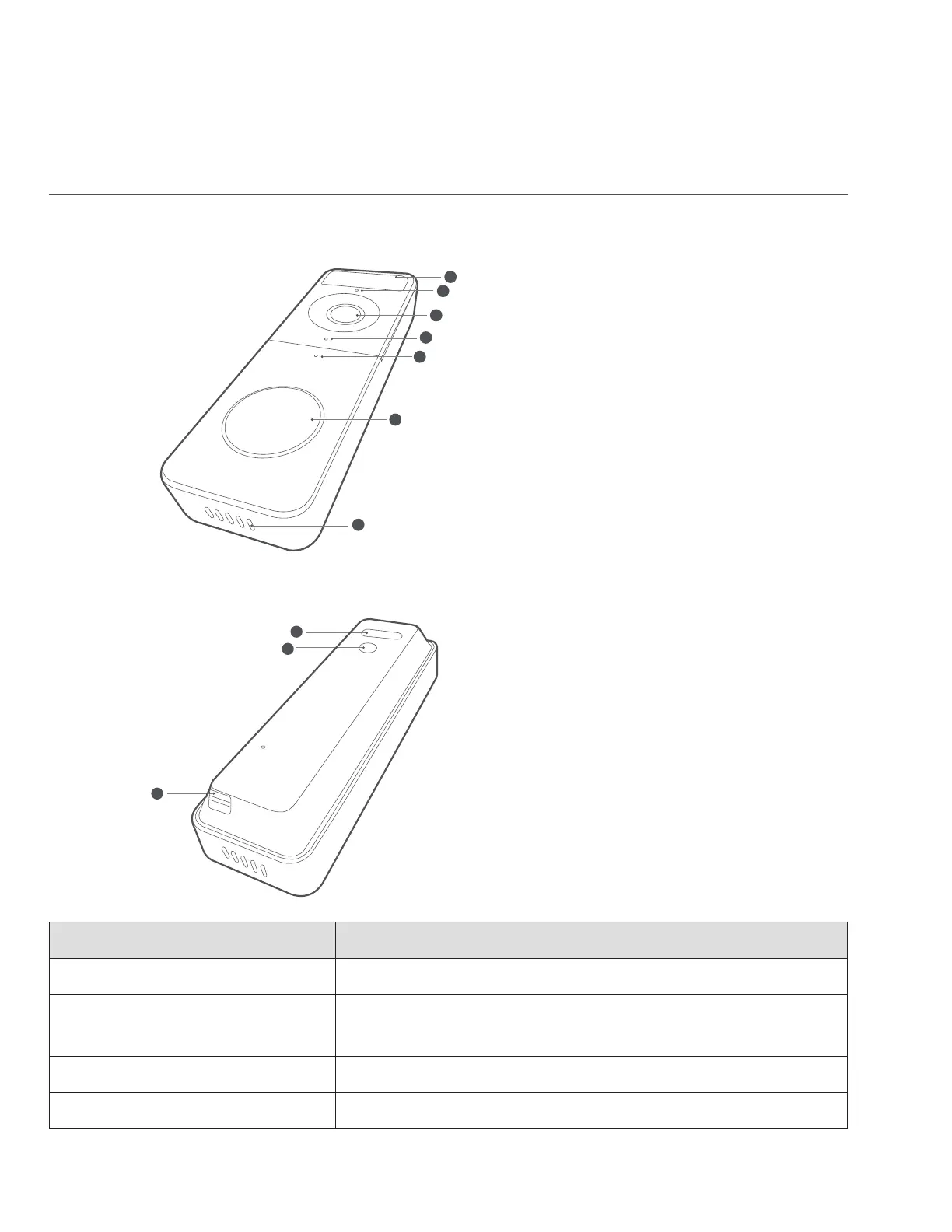
Front view:
1
3
5
7
2
4
6
1. Motion Sensor
2. Microphone
3. Camera Lens
4. Ambient Light Sensor
5. Status LED
6. Doorbell Button
7. Speaker
Rear View:
1
3
2
1. Micro USB Charging Port
2. SYNC/RESET button
3. Detaching Mechanism
Operation How-to
Power on Press and release the SYNC button.
Add doorbell to Wi-Fi
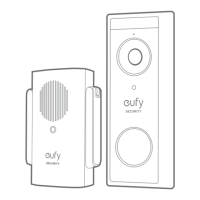
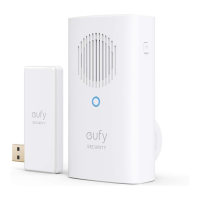
Doorbell Chime
Press and hold the SYNC button until you hear a beep.
Power off the doorbell Quick-press the SYNC 5 times in 3 seconds.
Reset the doorbell Press and hold the SYNC button for 10 seconds.


 To Next Page