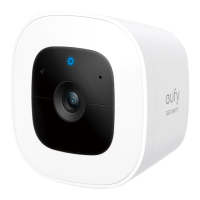
EN 0302 EN
INSTALLING YOUR
STORAGE DRIVE (Optional)
⚠
• The S380 HomeBase must be powered off when you install or
remove a storage drive.
• To avoid data loss, transfer any existing data on your storage drive
to another location before adding your storage drive to The S380
HomeBase.
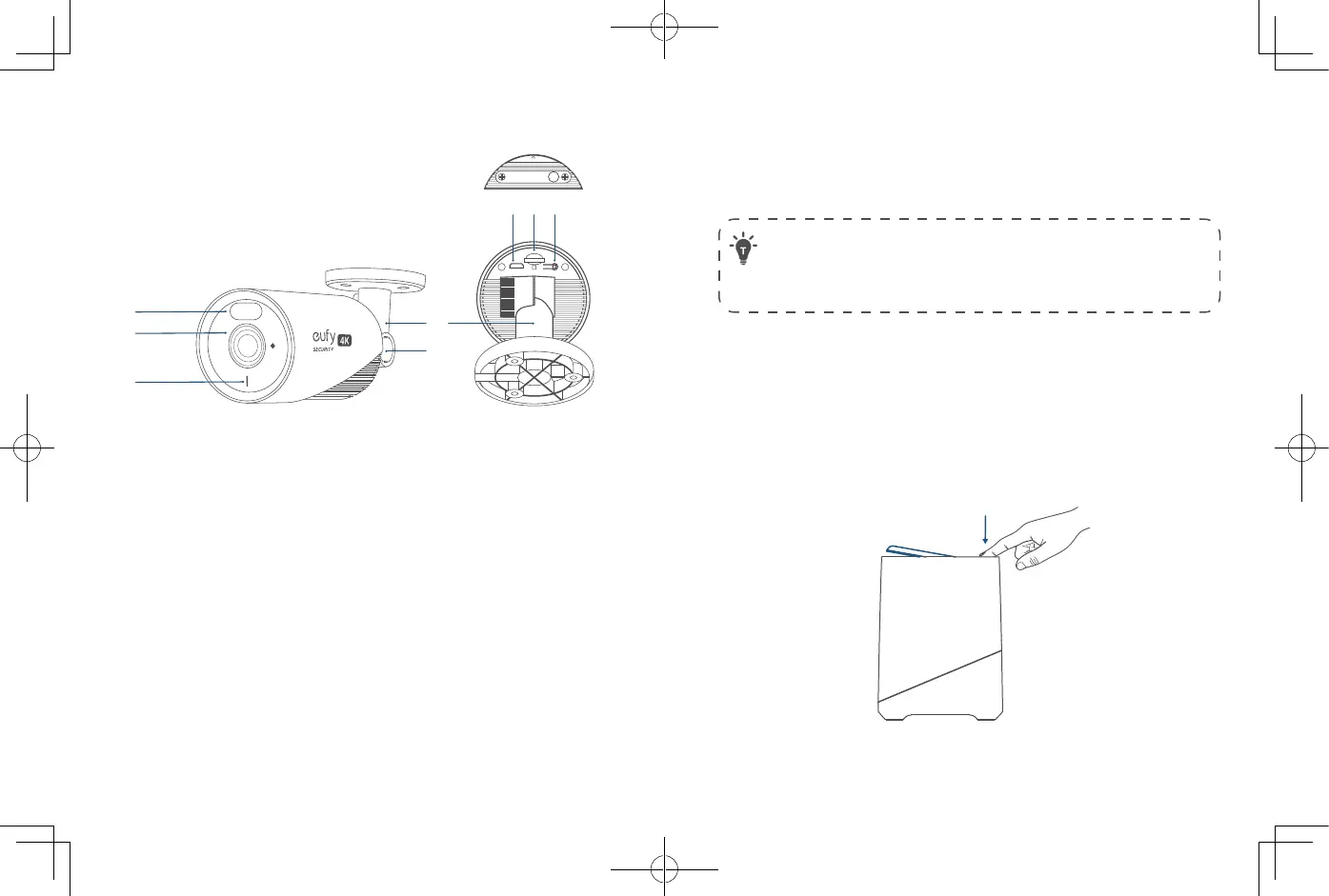
1. Push down the top lid to remove it.
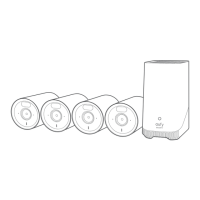
(For 4-Cam Kit) The S380 HomeBase comes with a pre-
installed 1TB storage drive for storing video recordings.
(For 2-Cam Kit) You need to install a storage drive (not
included) to store video recordings.
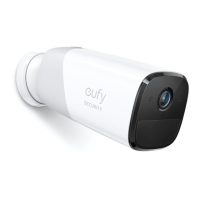
E330 eufyCam (Professional)
①
②
③
④ ⑤ ⑥
⑦
⑧
SYNC
Ensure Tight Seal
SD Card
SYNC
①
Camera Lens
②
Spotlight
③
LED Indicator
④
Micro USB Port (for maintenance only)
⑤
microSD Card Slot
⑥
SYNC Button
⑦
Mounting Bracket
⑧
Angle Adjustment Knob
Model: T8600


 To Next Page