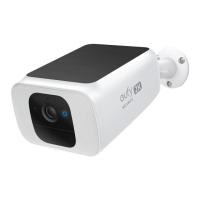
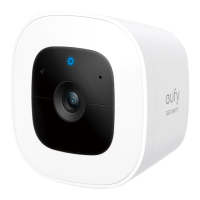
EN 0706 EN
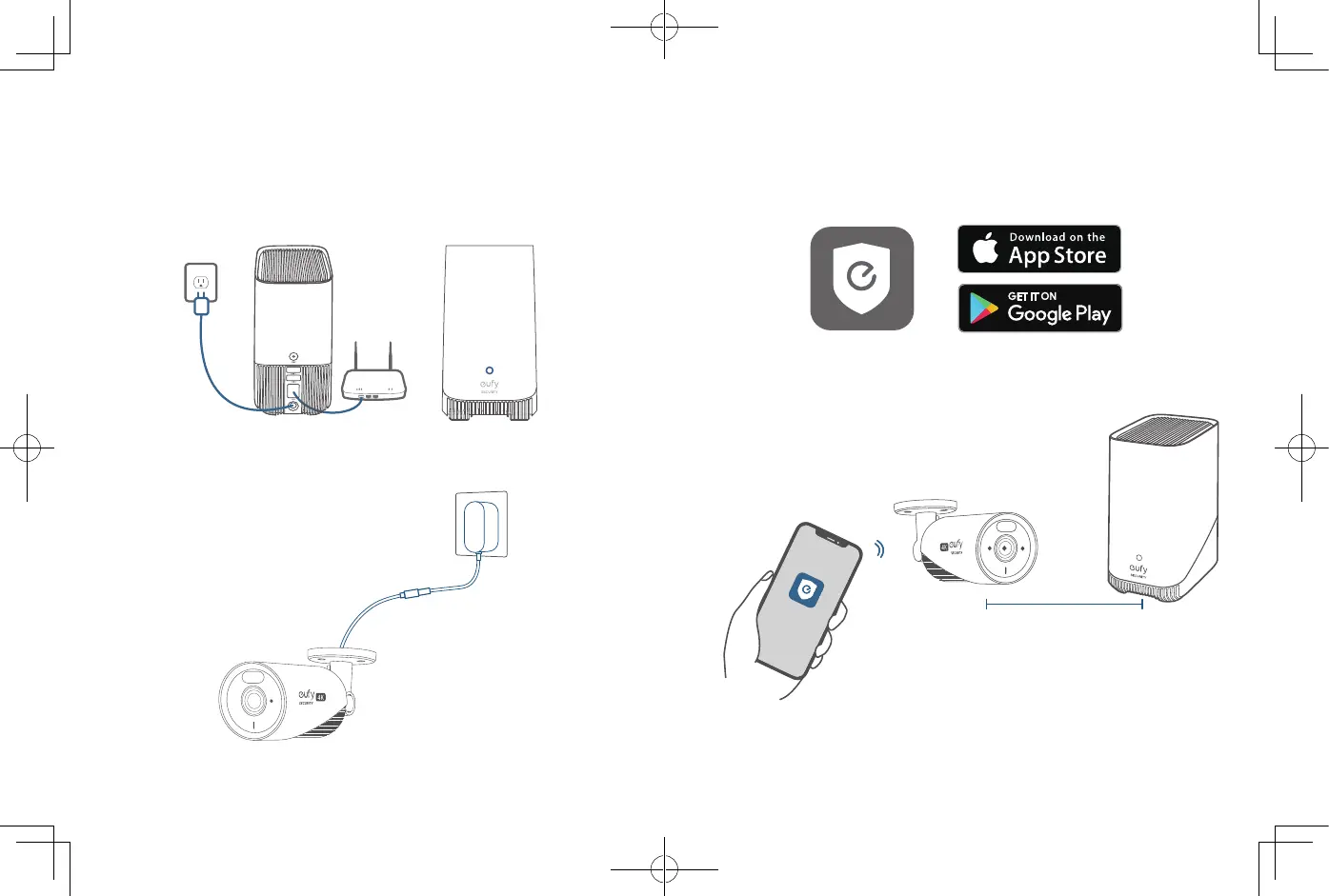
3. Download and install the eufy Security app, then sign in or create an
account.
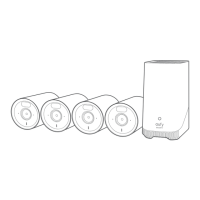
4. Follow the in-app instructions to add the S380 HomeBase and
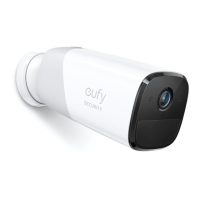
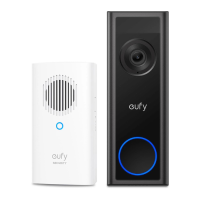
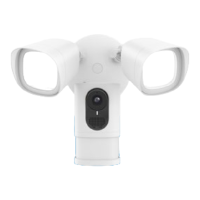
cameras to the device list.
≤3.3 ft (1 m)
SETTING UP THE SYSTEM
1. Power on the S380 HomeBase and connect to your router using an
Ethernet cable. Wait for up to 1 minute and the S380 HomeBase is now
ready to be set up.
2. Connect your cameras to power using their power adapters.


 To Next Page