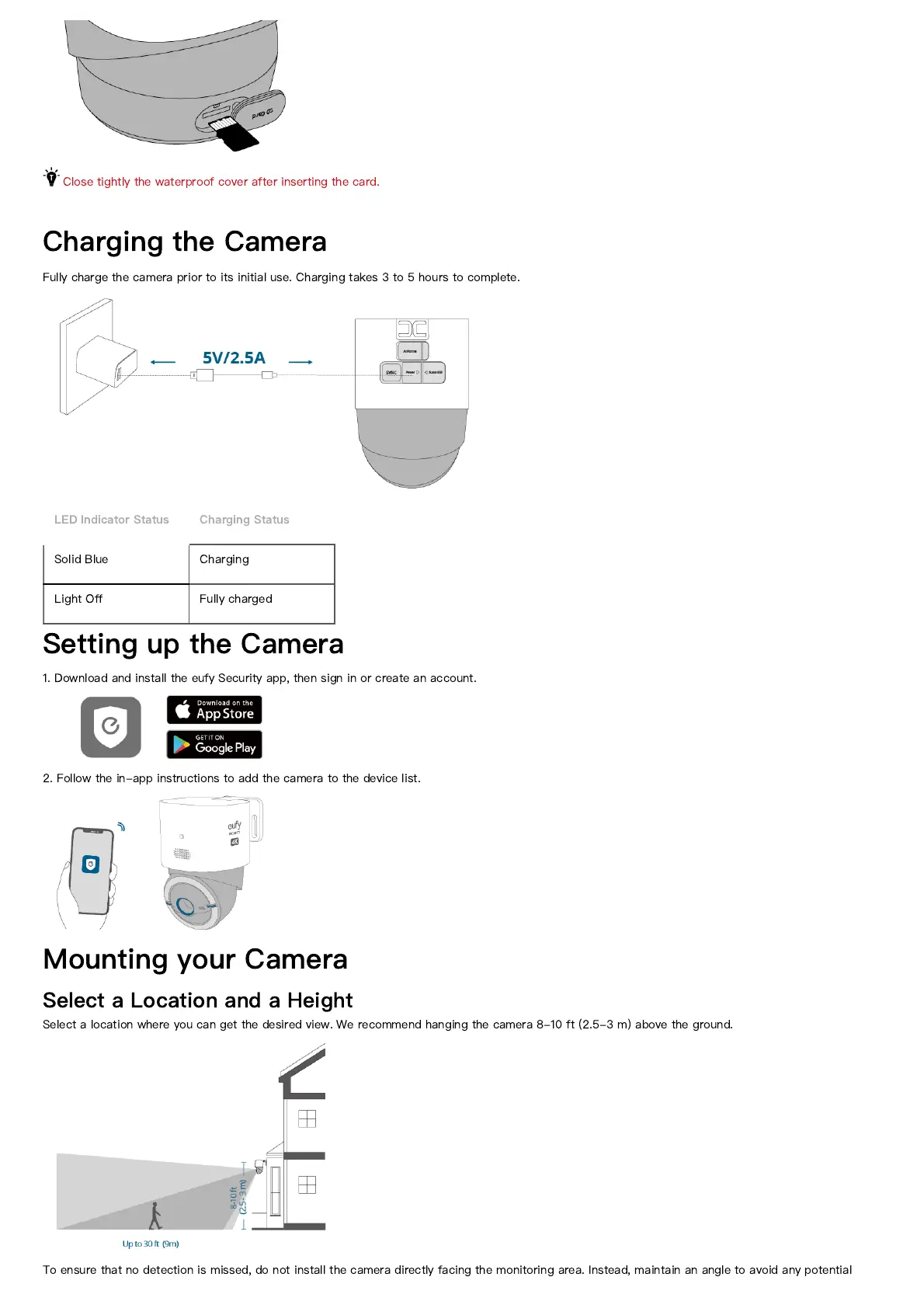
Close tightly the waterproof cover after inserting the card.
Charging the Camera
Fully charge the camera prior to its initial use. Charging takes 3 to 5 hours to complete.
LED Indicator Status Charging Status
Solid Blue Charging
Light O
ff
Fully charged
Setting up the Camera
1. Download and install the eufy Security app, then sign in or create an account.
2. Follow the in-app instructions to add the camera to the device list.
Mounting your Camera
Select a Location and a Height
Select a location where you can get the desired view. We recommend hanging the camera 8-10 ft (2.5-3 m) above the ground.
To ensure that no detection is missed, do not install the camera directly facing the monitoring area. Instead, maintain an angle to avoid any potential



 To Next Page