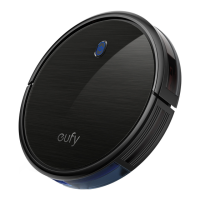
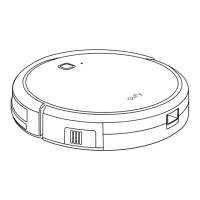
14 EN EN 15
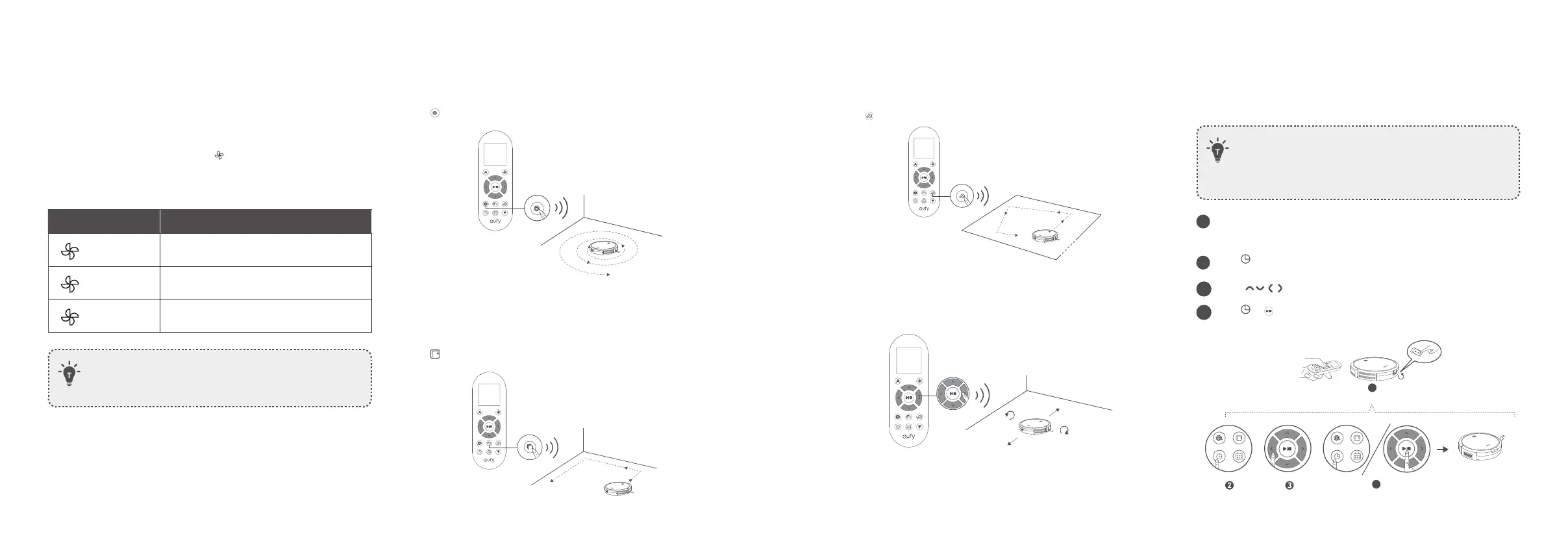
D. Quick cleaning
RoboVac will automatically stop cleaning after 30 minutes and return
to the Charging Base in this mode. If any small room or area needs to be
cleaned, it is recommended to select this mode to save time and power.
Press
on the remote control to start quick cleaning mode.
E. Manual cleaning
You can direct RoboVac to clean a particular area by using the directional
buttons on the remote control.
Move backward
Turn left
Turn right
Move forward
Set Time and Scheduled Cleaning
Set Time
• Make sure the time is set correctly to your local time before
setting a scheduled cleaning.
• For 15C Max (T2128) without the remote controller, you can
directly set time and scheduled cleaning via eufy Clean app.
1
Make sure the main power switch on the bottom of RoboVac is
turned on.
2
Pres
s on the remote control. The time will blink on the display.
3
Press
to set the “hour” and “minute”.
4
Pres
s or to save the setting. RoboVac will BEEP ONCE to indicate
the time has been set.
1
ON
4
BoostIQ™ Feature
When the BoostIQ™ feature is enabled, RoboVac will automatically
increase the suction power if it detects stronger power is needed to ensure
the best clean. BoostIQ™ is ideal for cleaning thicker carpets and hard-to-
sweep messes, which will reduce the total cleaning time, but increase the
noise level. If the vacuuming noise caused by BoostIQ™ disturbs you, you
can disable this feature. This feature only works in Auto and Quick cleaning
modes.
In Auto or Quick cleaning mode, press
on the remote control
repeatedly to adjust the suction power level.
• The corresponding icon is displayed on the remote control.
Icon Suction Power Level
Standard
Standard power
BoostlQ
Automatically switches between Standard
and Enhanced power (default)
Max
Maximum power
• When RoboVac starts cleaning in Auto or Quick cleaning
mode the next time, it will clean according to the suction
power level you previously selected.
B. Spot cleaning
RoboVac intensively cleans a specific area in a spiral pattern, useful if there
is a concentrated area of dust or debris. In Spot mode, RoboVac will stop
cleaning after 2 minutes.
Press
on the remote control to start cleaning in Spot mode.
C. Edge cleaning
RoboVac reduces its speed when it detects a wall and then follows the wall
to ensure the edge is cleaned thoroughly. In Edge mode, RoboVac will clean
for 20 minutes and return to the Charging Base.
Press
on the remote control to start cleaning in Edge mode.



 To Next Page