GETTING STARTED
Download eufy Security App
Download the eufy Security App from the App Store (iOS devices running version I 0.2 and later
versions) or Google Play (Android devices running version 5.0 and later versions
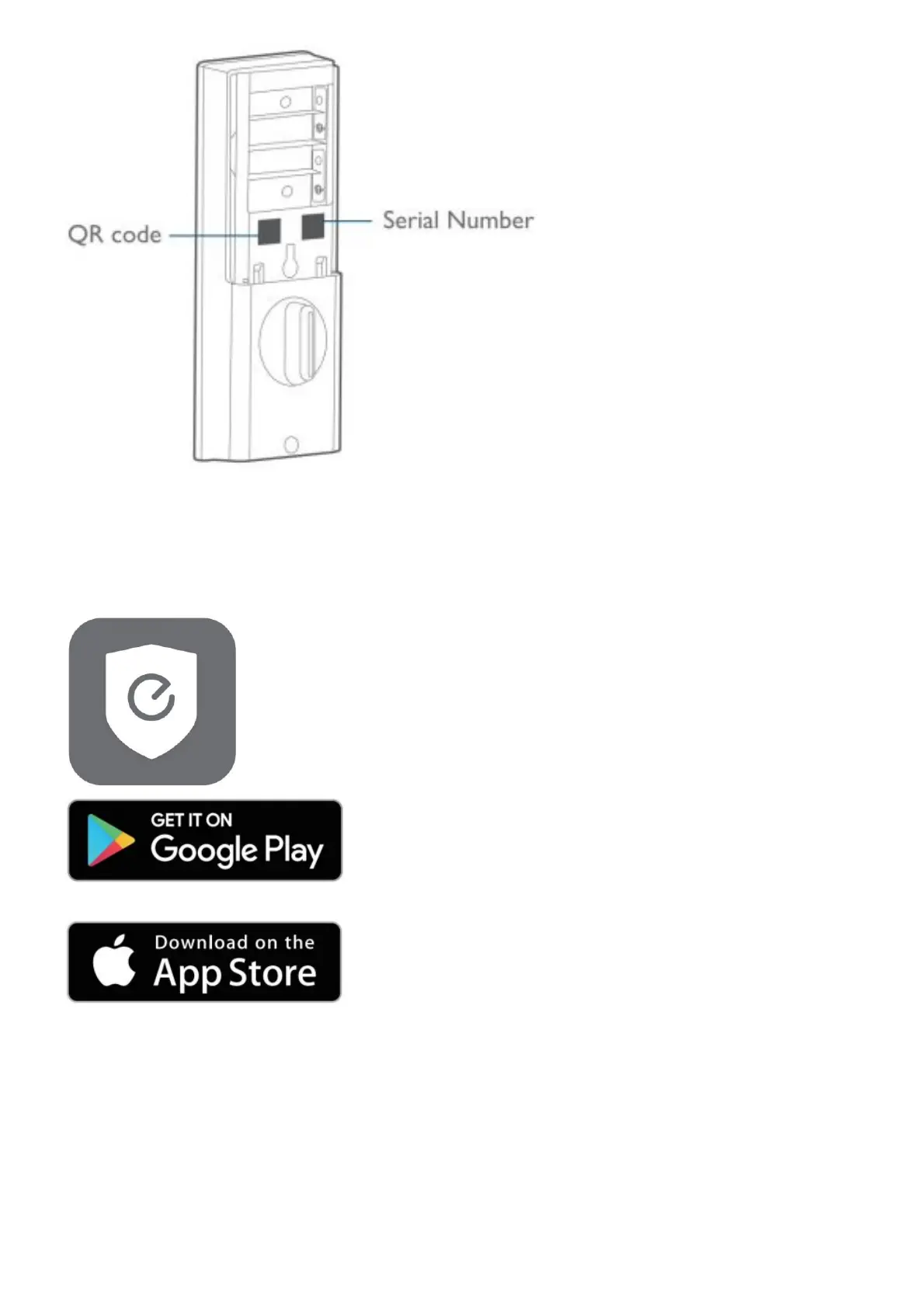
Sign up for a euf}’ Security account, and add the Smart Lock to the device list. Remove the battery cover and
scan the QR code on the back of the device to view the Smart Lock installation video.
Note: The T8SI0 Smart Lock is embedded with an encryption chip. Bluetooth data and fingerprint information
are all encrypted, so user information is secure , and cannot be accessed by others.
Prepare Door for Installation
Make sure that the following criteria are met so that the Smart Lock can be installed properly:



 To Next Page